
With a high turnover of jobs and a busy mobile team, it's hard to tell where time goes for any given staff member, on any given day. The new Team Timesheet report shows weekly Job Time and Shift Time for every staff member, helping you spot missed billable hours and boost productivity. Hover for a daily breakdown, and click to drill into the all-new Shift GPS Report.
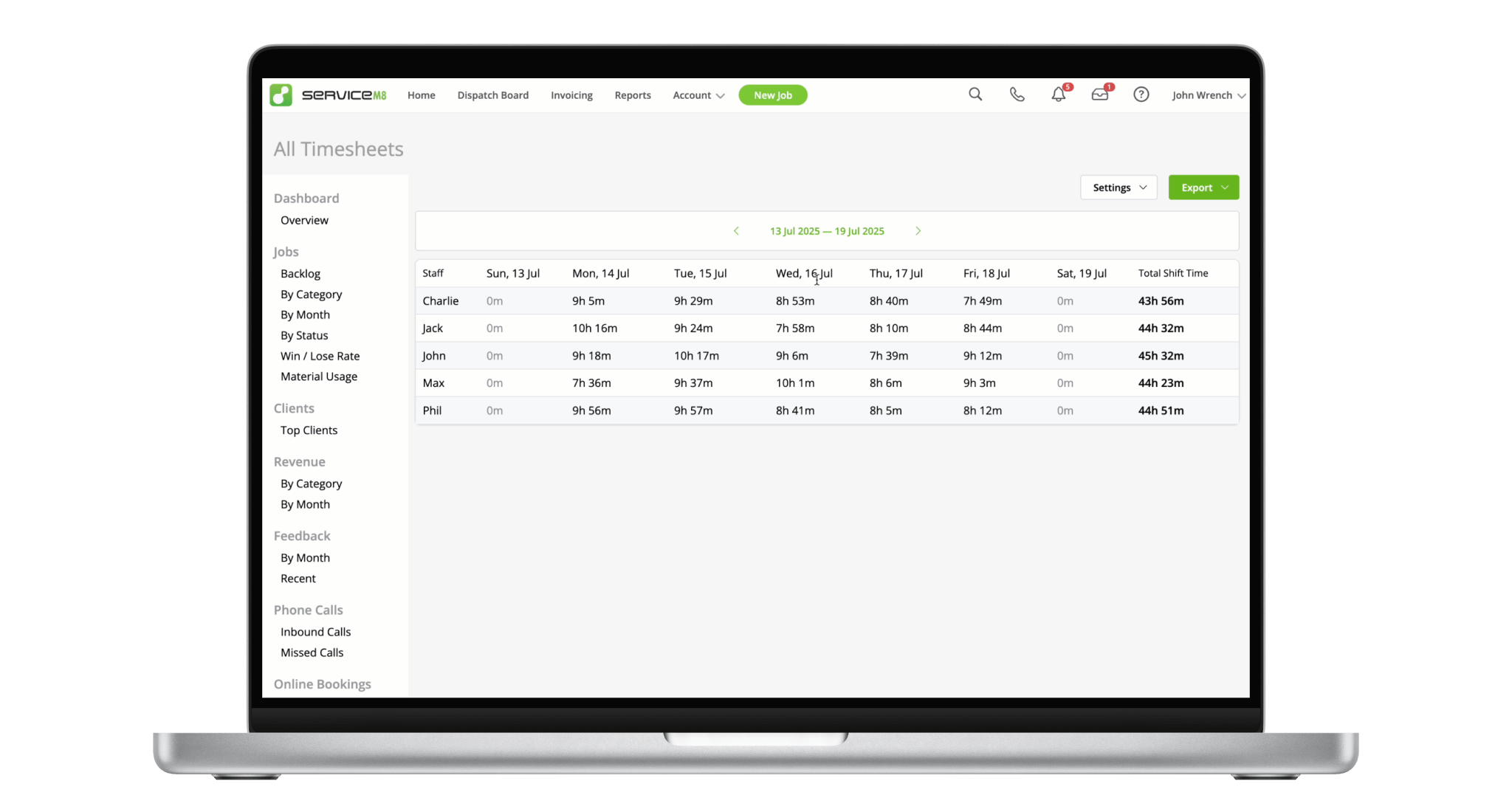
See recorded time for all staff members for the week, in a single view.
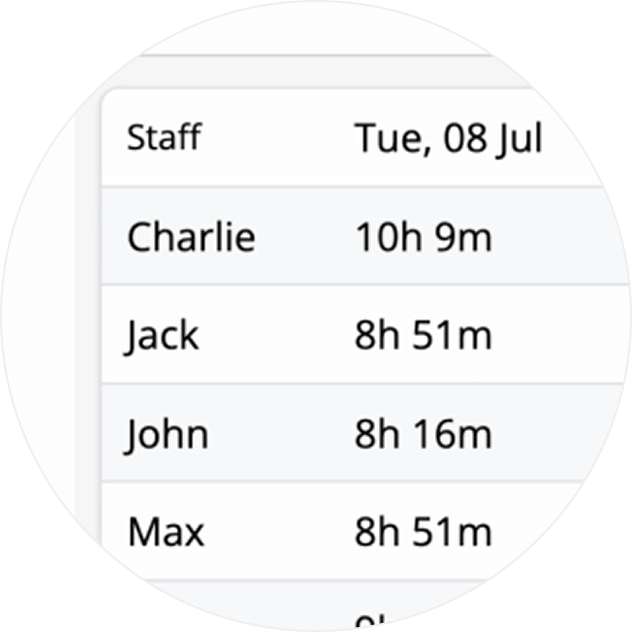
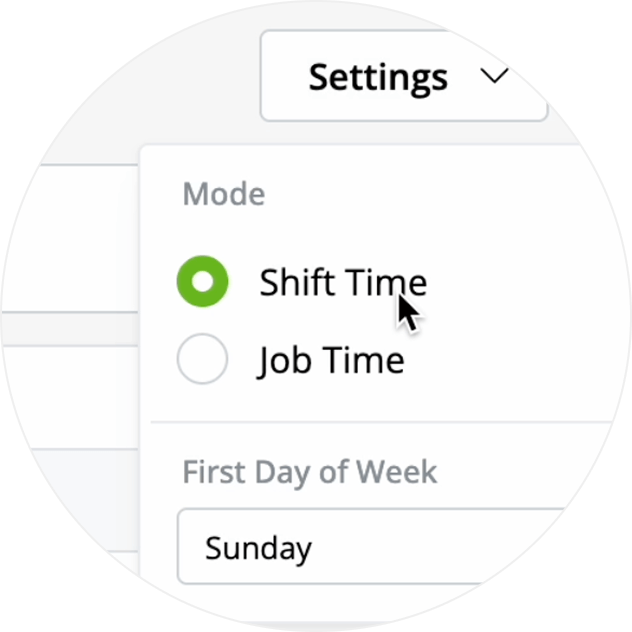
Toggle the data between Job Time and Shift Time, depending on the insight or details you're after.
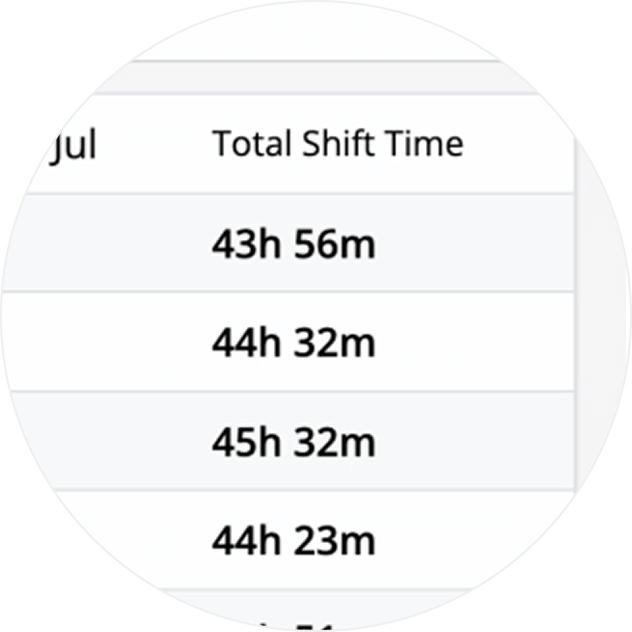
See and compare the total hours per staff member for the week.
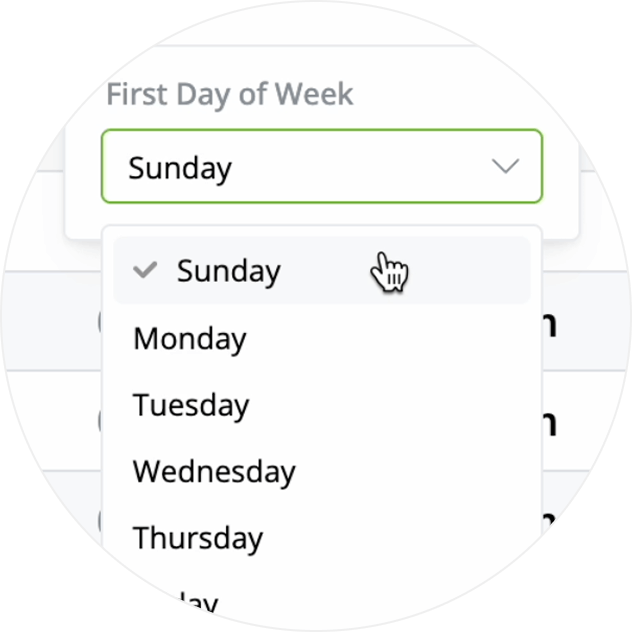
Start the data from any day of the week to suit your preference, or match your pay runs.
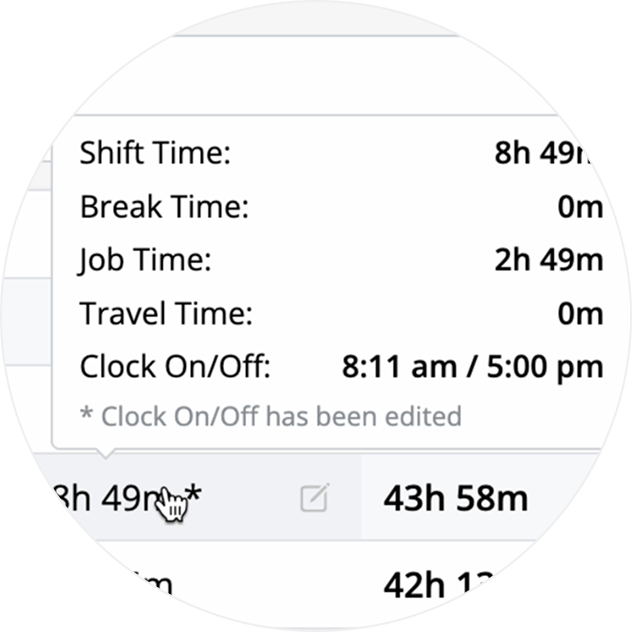
Hover over any cell for a detailed breakdown of the staff member's recorded time for that day.
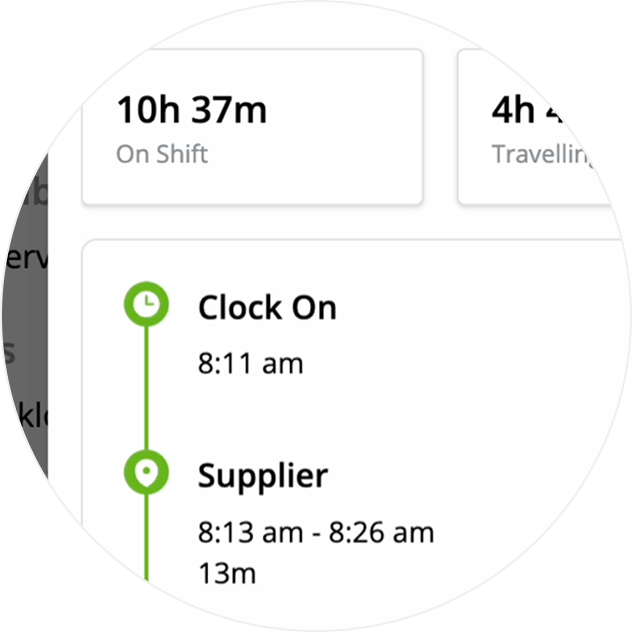
Need more insight on what happened for a particular staff member? Click to jump to the new Shift GPS Report for that day.
• How to use the Team Timesheet & Shift GPS reports
• Desktop: To activate ServiceM8 14 features & improvements in the Online Dashboard, go to Account > Settings to find the ServiceM8 Launch 2025 notice, and click 'Activate'.
• iOS & Android: The ServiceM8 14 iOS & Android apps are now available in the App Store & Google Play.


