
Suppliers are a part of many jobs, every day — whether you're ordering products, handling warranties, or ducking to the nearest branch for a part you need to finish a job. Now, you can save supplier contact details and locations in ServiceM8, making it faster to call, email, or navigate to a supplier when you need to.
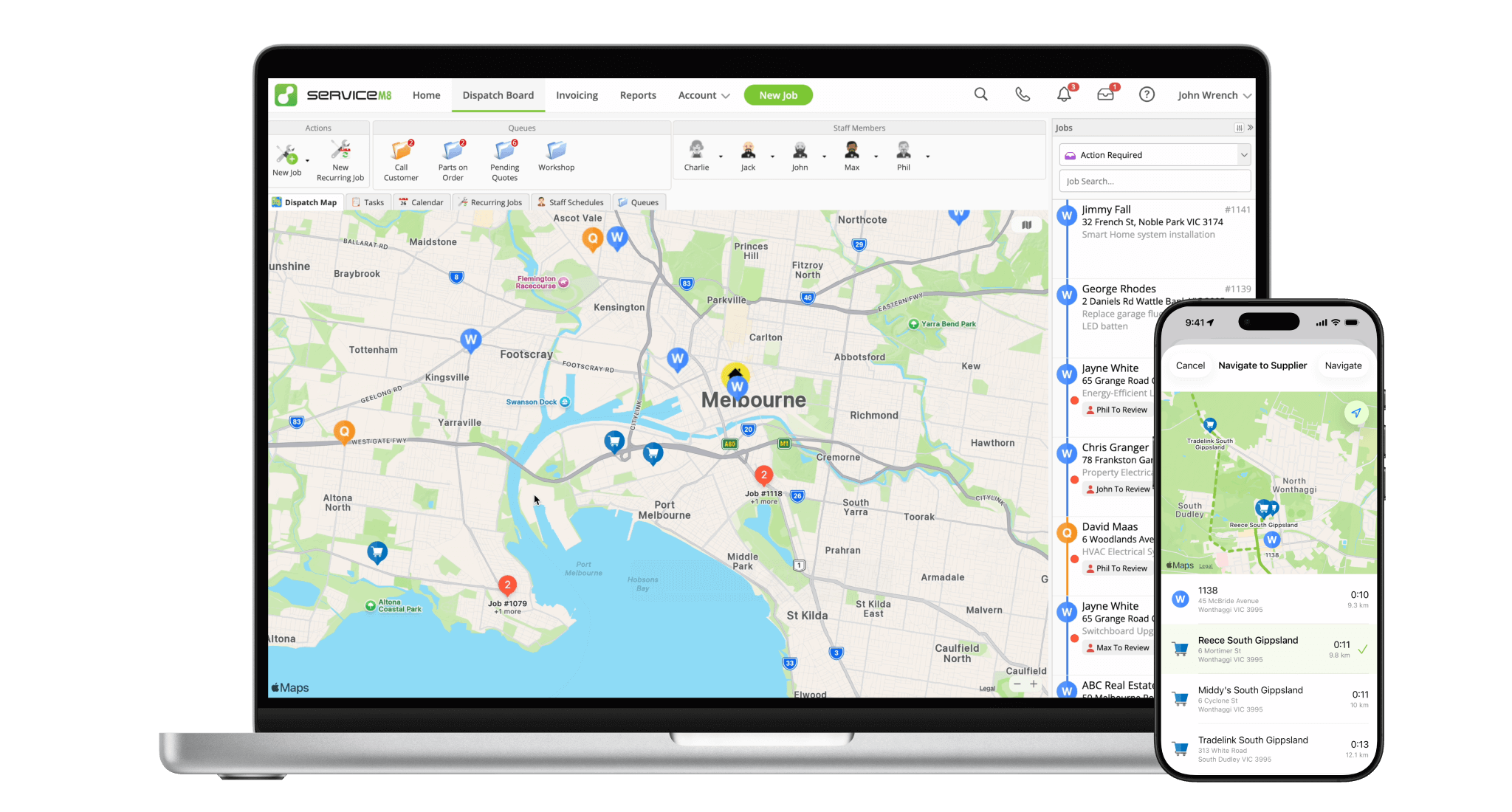
Save the name, address and contact details for each Supplier branch you work with.
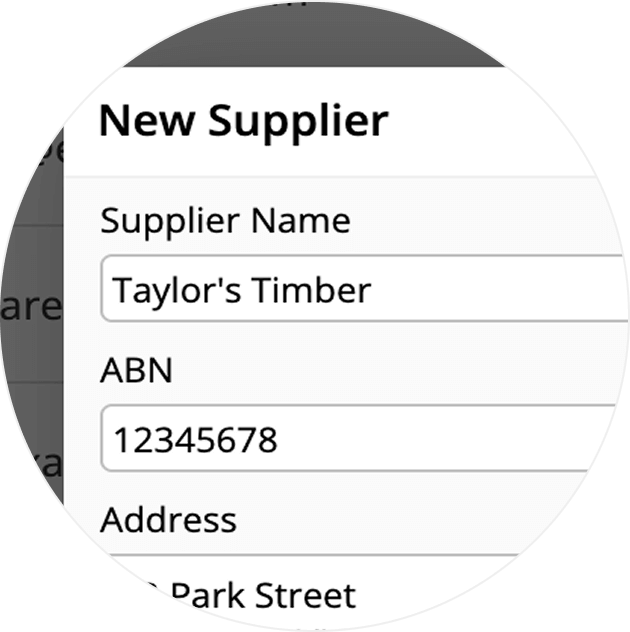
Saved Suppliers will appear on the Dispatch Map for context and to help decision-making.
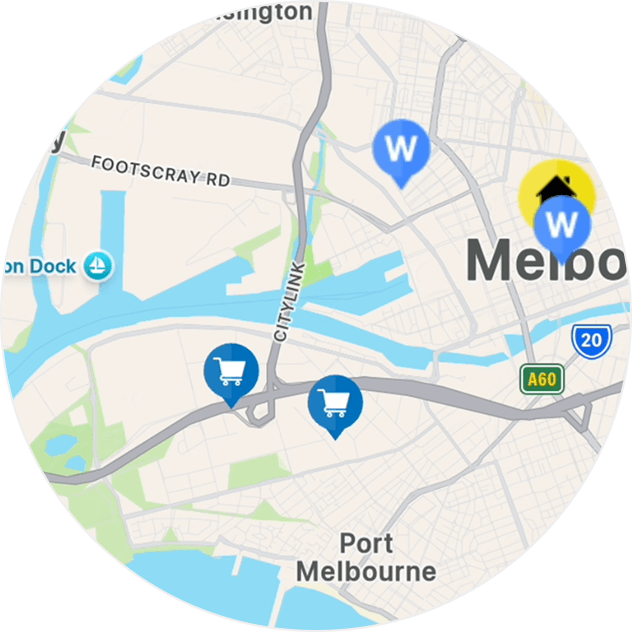
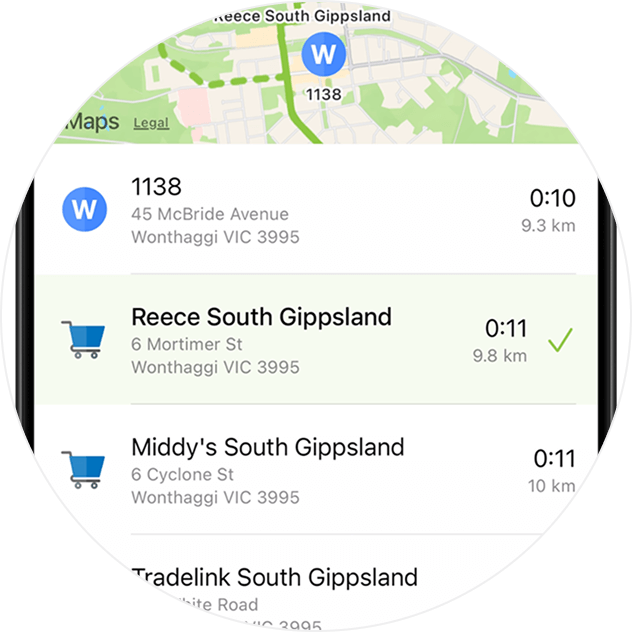
With the iOS app, you can browse nearby Suppliers from the Job Actions menu, then navigate to the closest location.
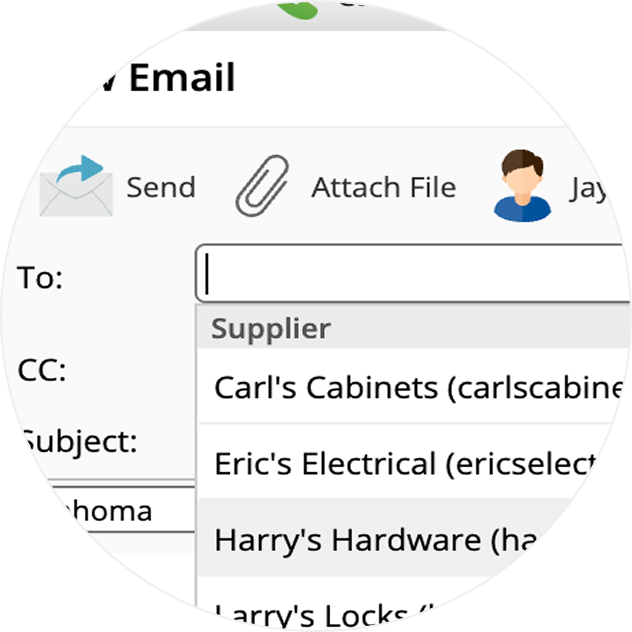
When you're drafting an email, your saved Suppliers will be available to choose from — no typing or pasting required!
You can speed-dial your Suppliers from the Job Actions menu in the iOS app.

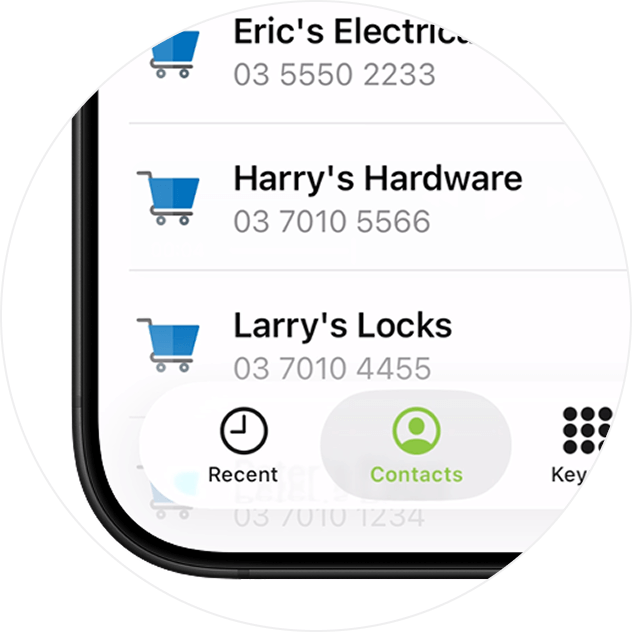
Browse and click to call your Suppliers from a job card Online, or your Contacts in the ServiceM8 Phone app.
• How to call, email or navigate to your Suppliers
• Desktop: To activate ServiceM8 14 features & improvements in the Online Dashboard, go to Account > Settings to find the ServiceM8 Launch 2025 notice, and click 'Activate'.
• iOS & Android: The ServiceM8 14 iOS & Android apps are now available in the App Store & Google Play.


