
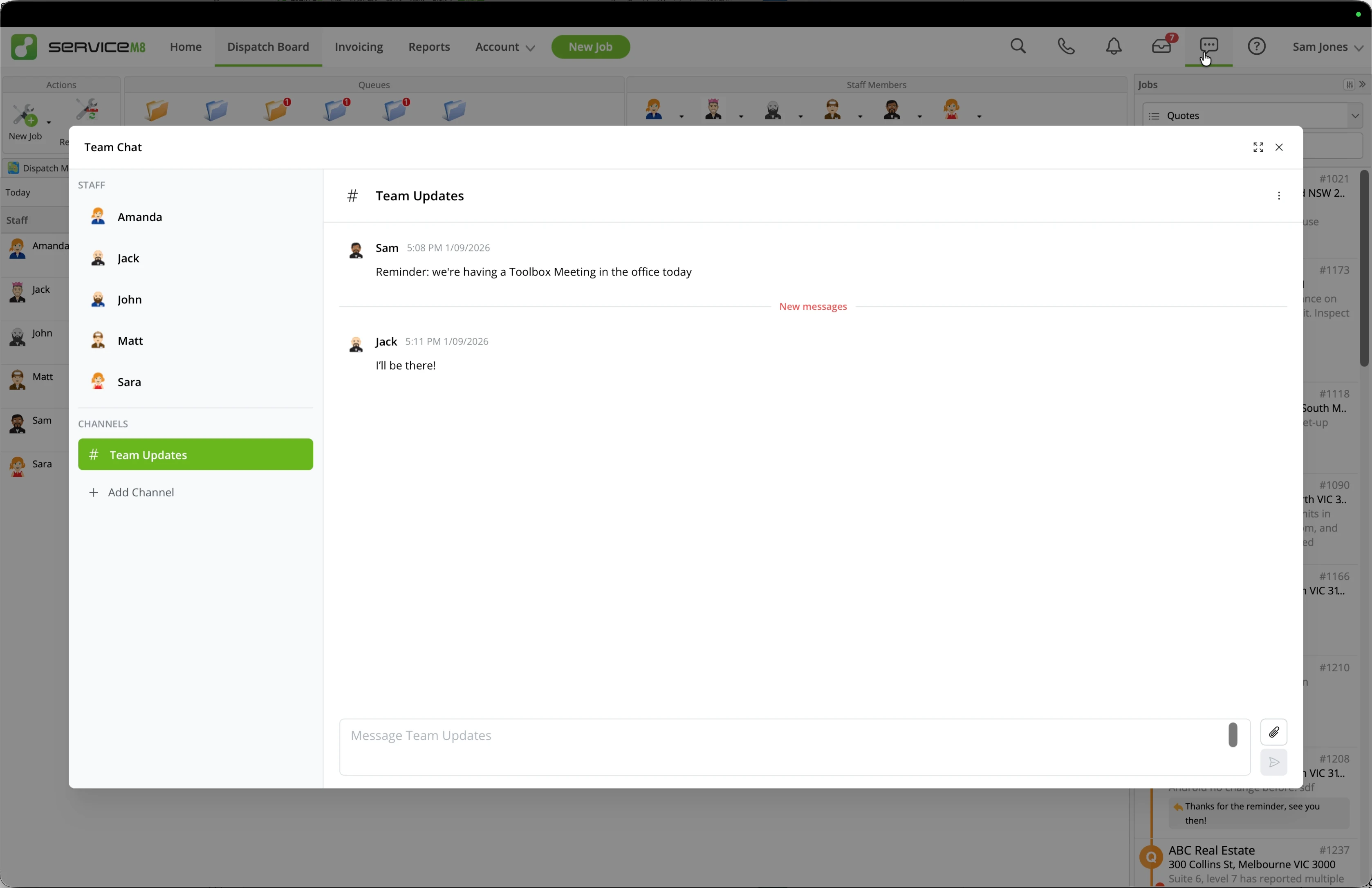
Keep your team talking, in the office and on site. Send direct messages, photos and files, or create channels for a team, topic or project, in the app and Online.
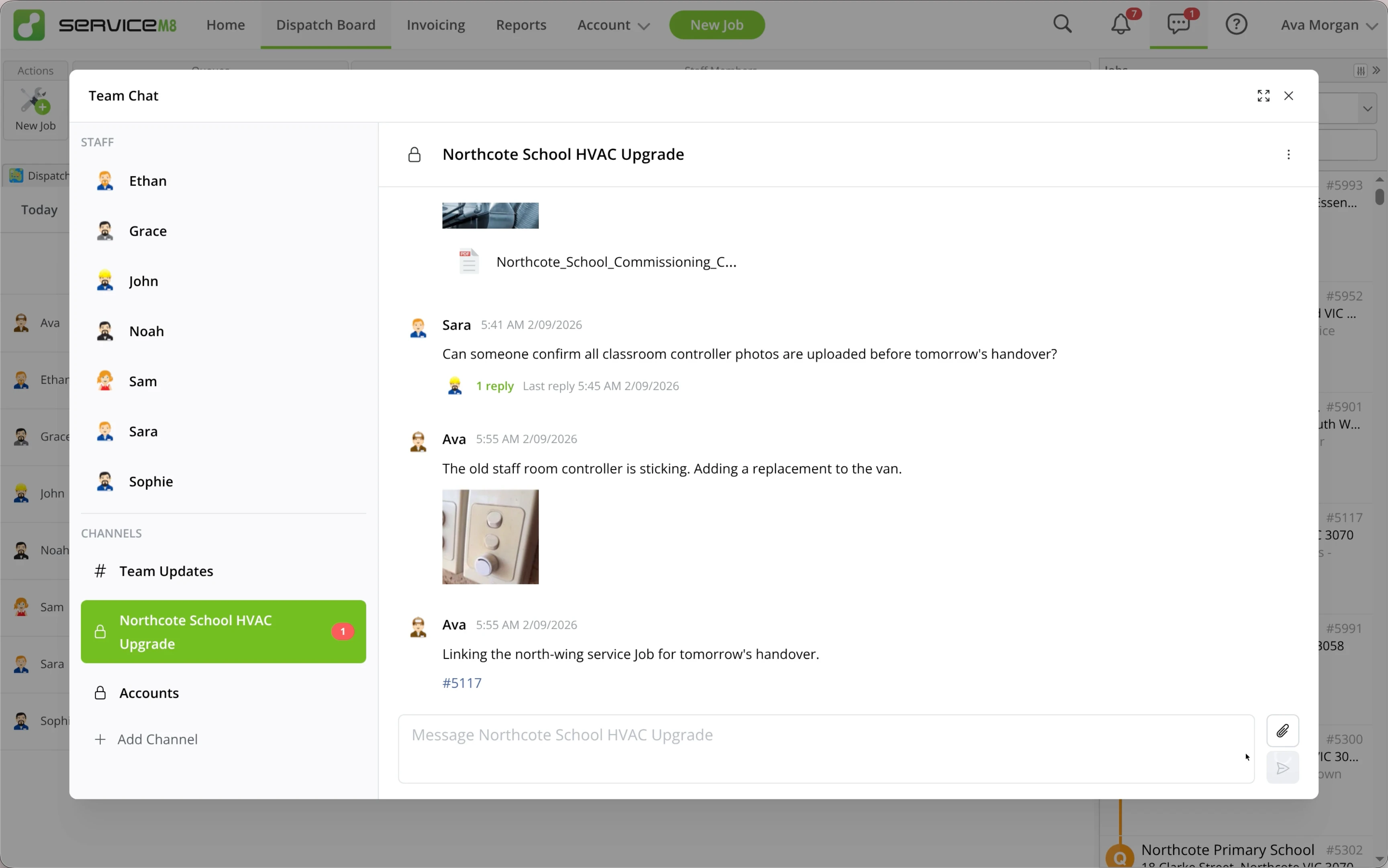
Keep one-to-one conversations with your team inside ServiceM8.
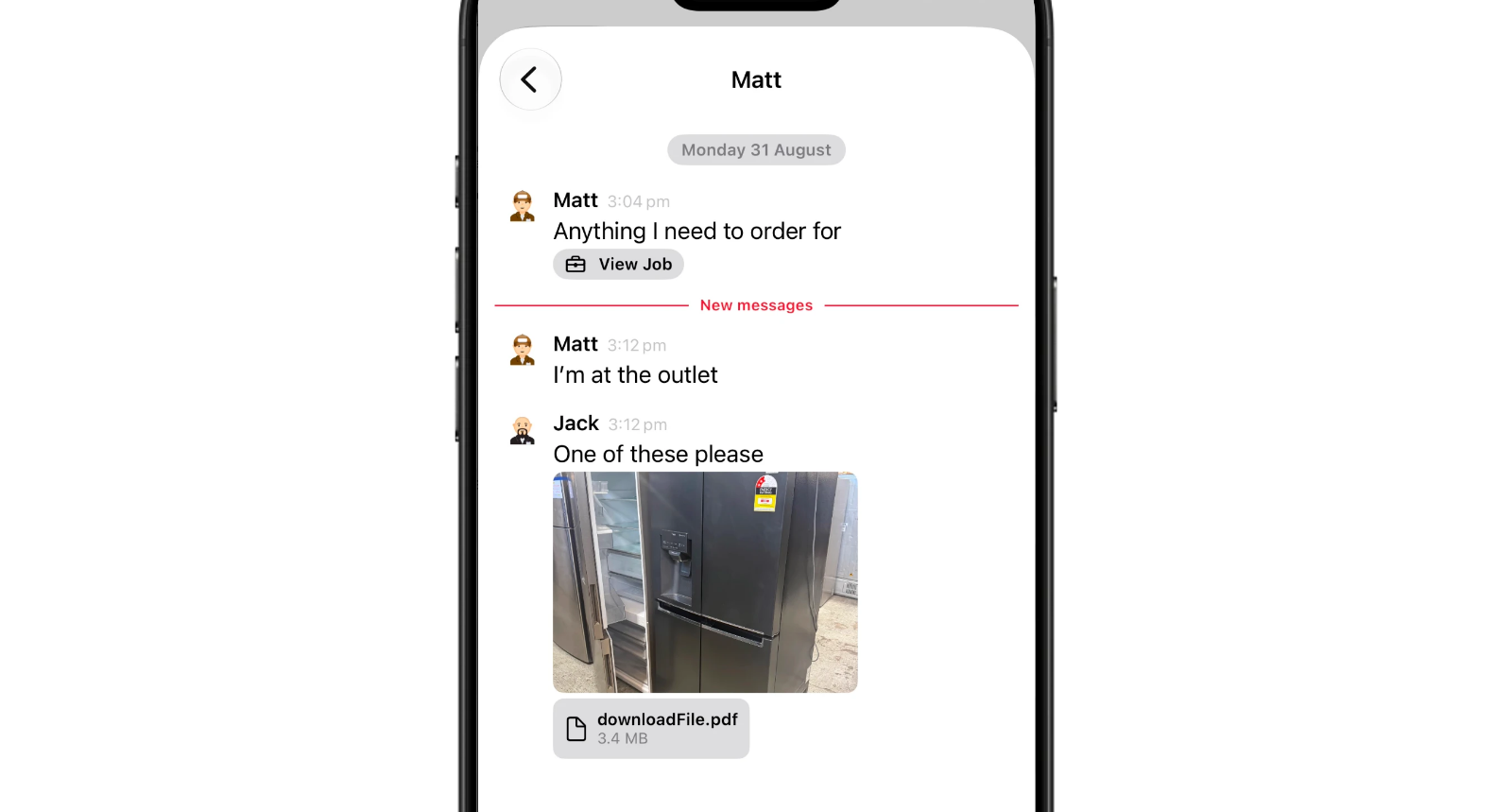
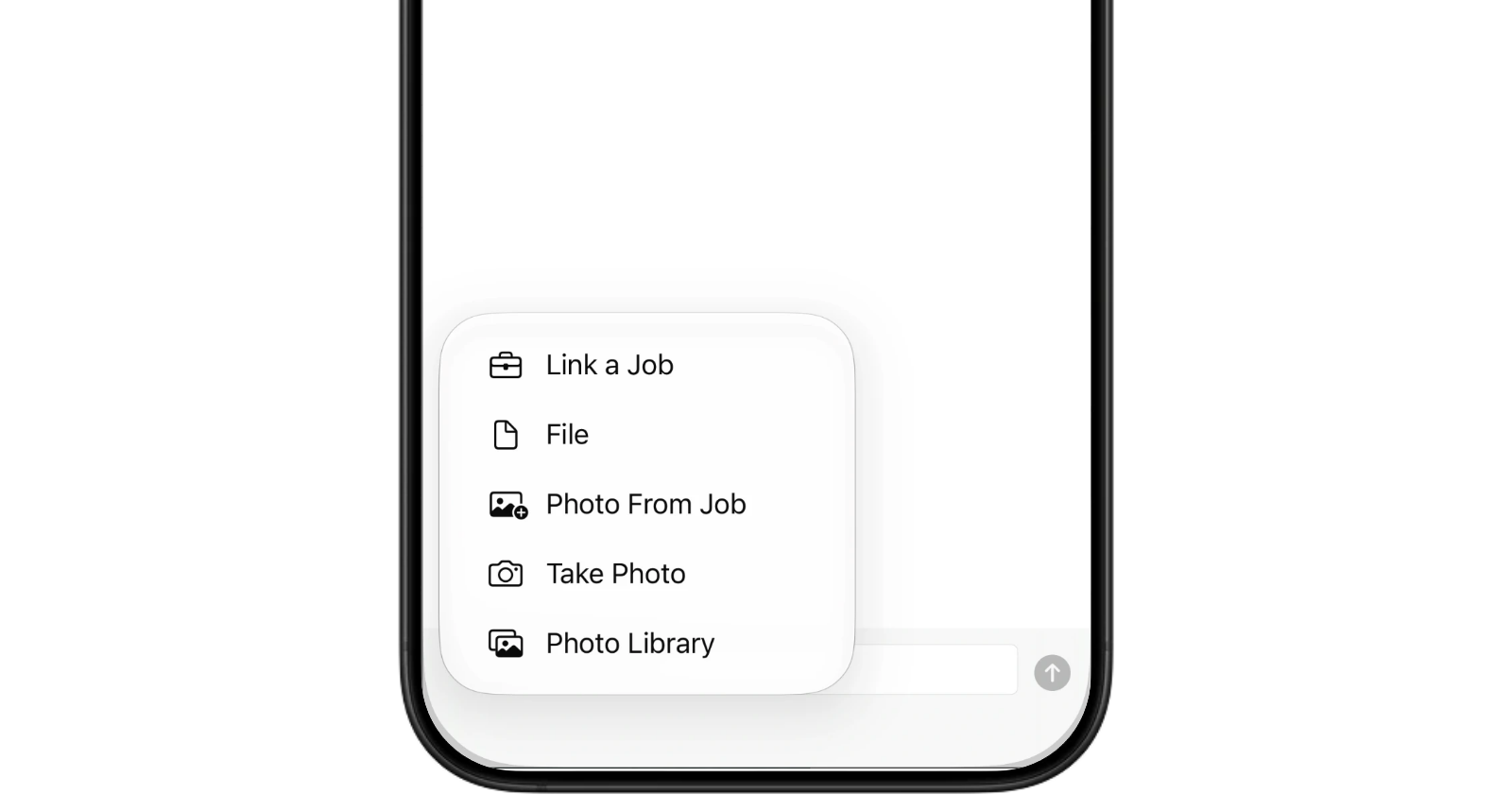
Share photos and files alongside the conversation.
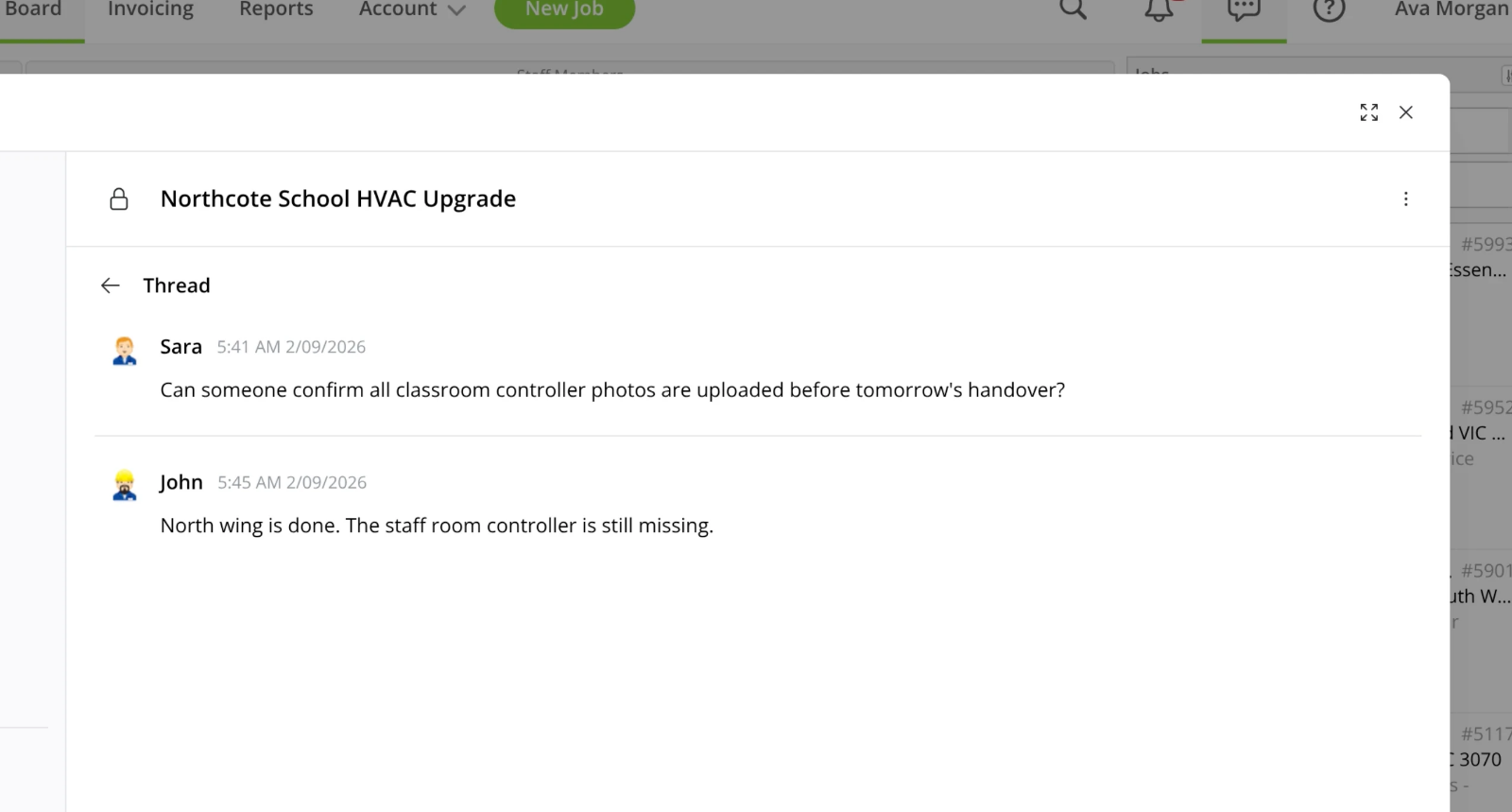
Keep replies connected to the message they relate to.
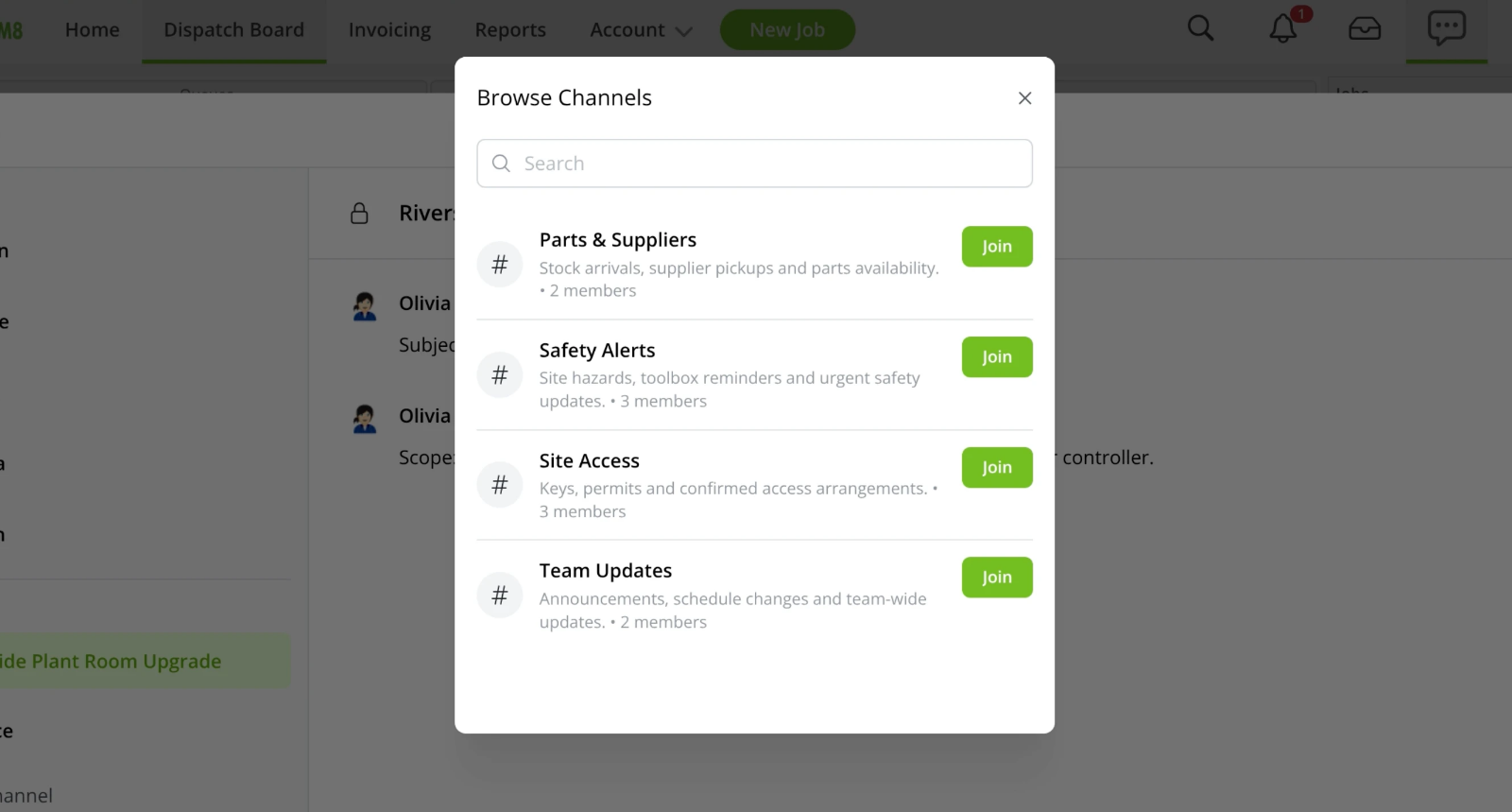
Find and join the channels relevant to your work.
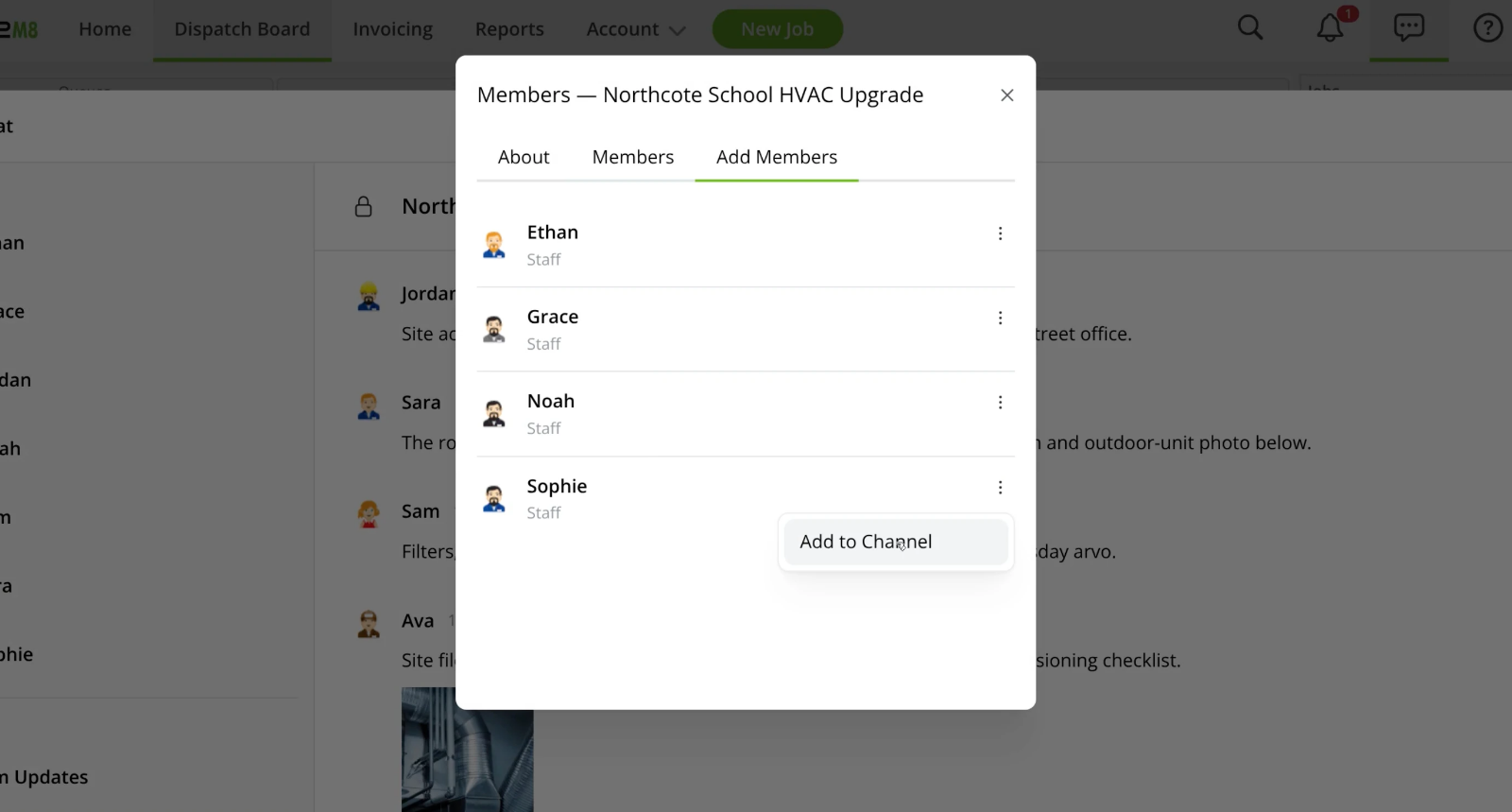
Manage who is part of each channel.
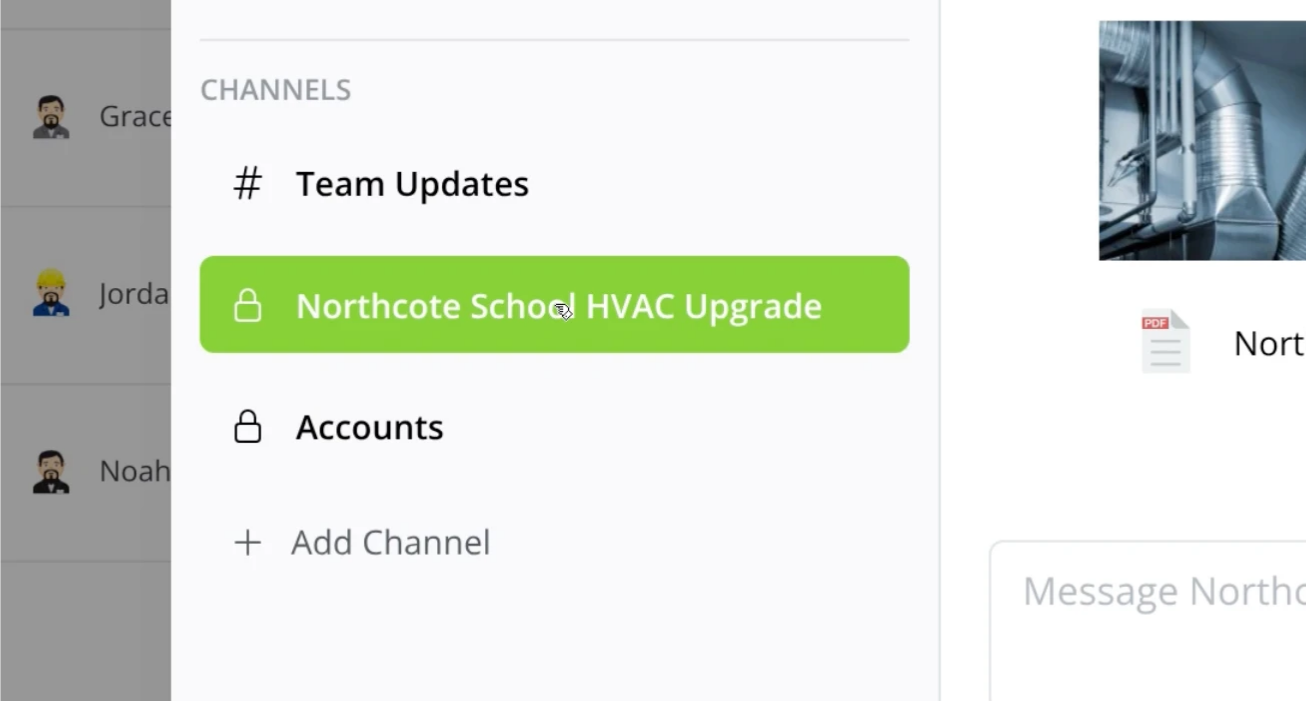
Keep selected conversations within a private channel.
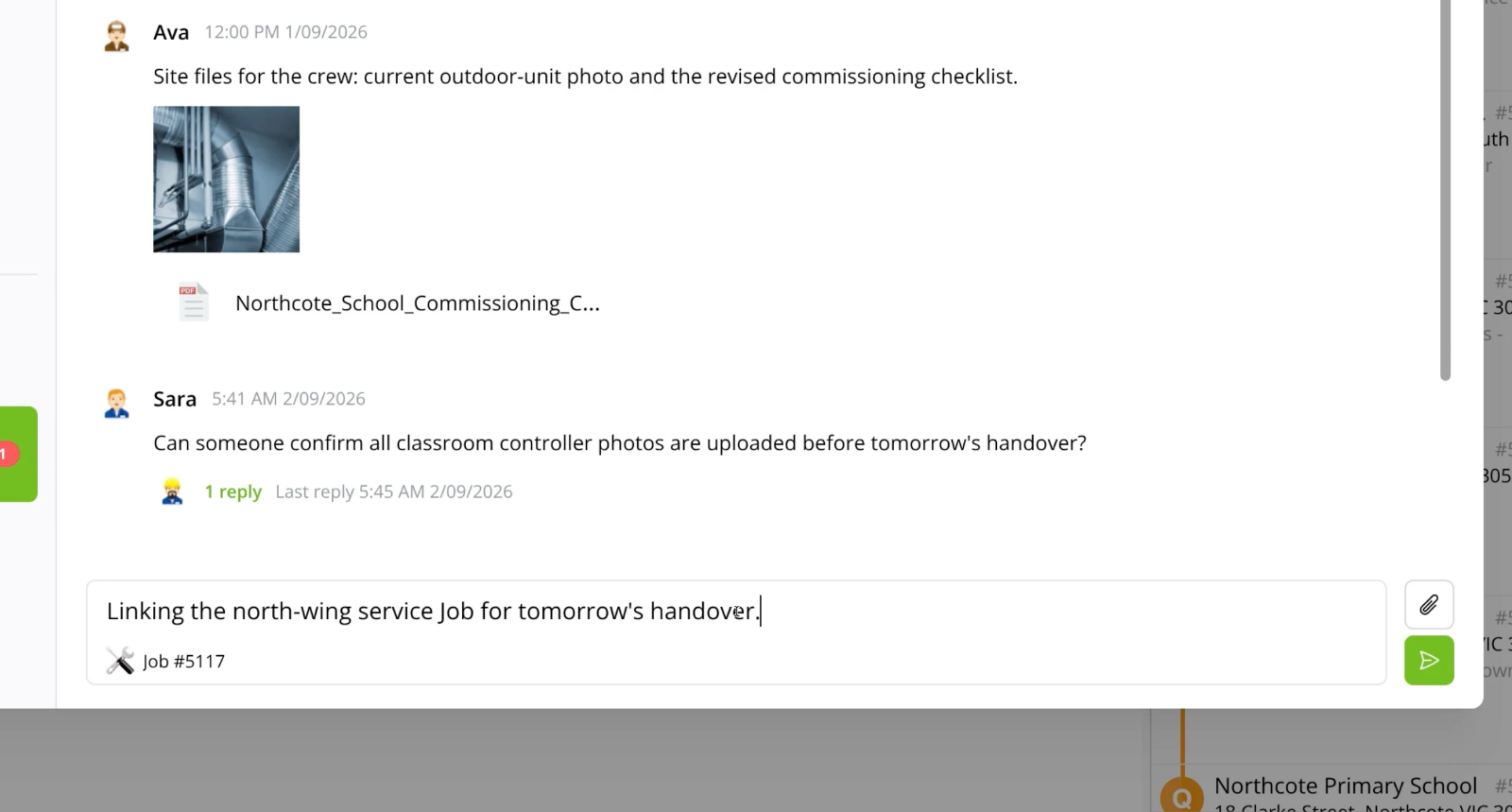
Link the relevant job so your team has the context.
Keep in touch with your team, whether you're in the office or on the go.
• Desktop: To activate ServiceM8 15 features & improvements in the Online Dashboard, go to Account > Settings to find the ServiceM8 Launch 2026 notice, and click 'Activate'.
• iOS & Android: The ServiceM8 15 iOS & Android apps are now available in the App Store & Google Play.


