
The all-new Shift GPS Report provides unprecedented visibility into which jobs and locations staff members visited on any given day, and how long they were there. View an interactive map and timeline of a staff member's workday, showing all jobs, visits and travel — giving you the tools to verify Job & Shift Time, ensure you capture billable time, and uncover productivity insights.
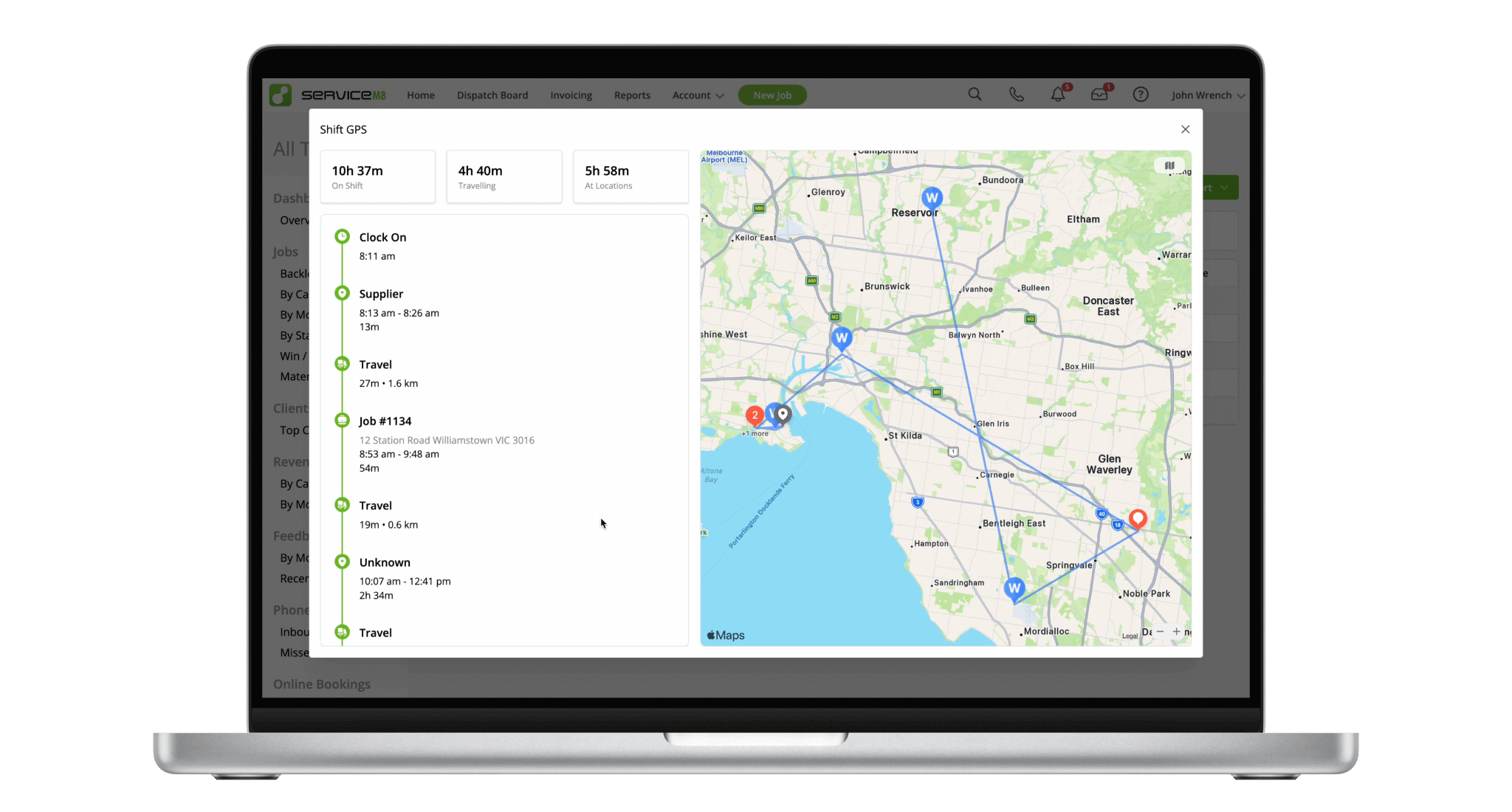
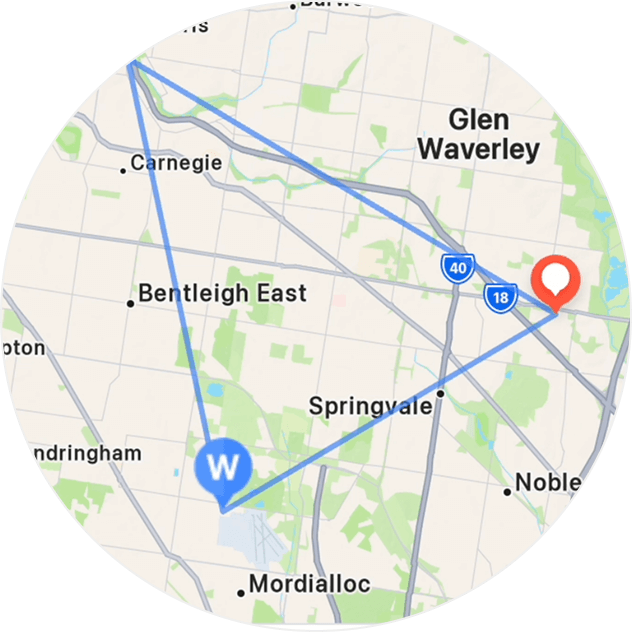
See GPS visits to each location, which you can cross-reference with the staff member's schedule and recorded time.
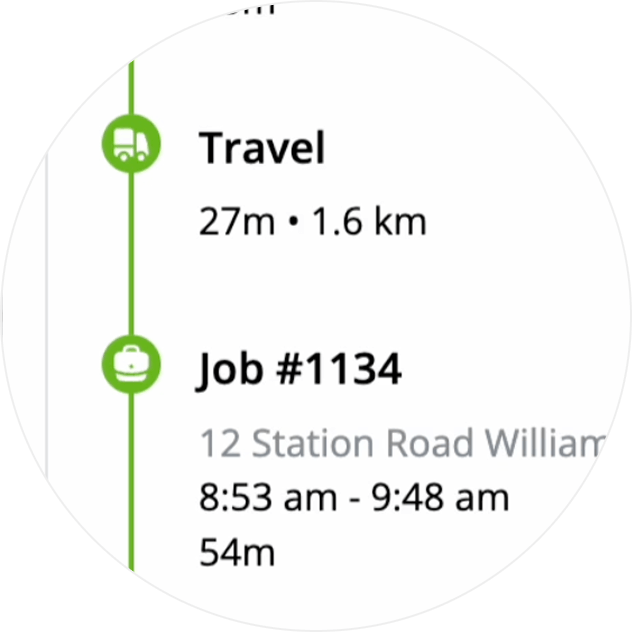
Take out the guesswork with a chronological timeline of events, such as Clock On, Travel and Check In/Out.
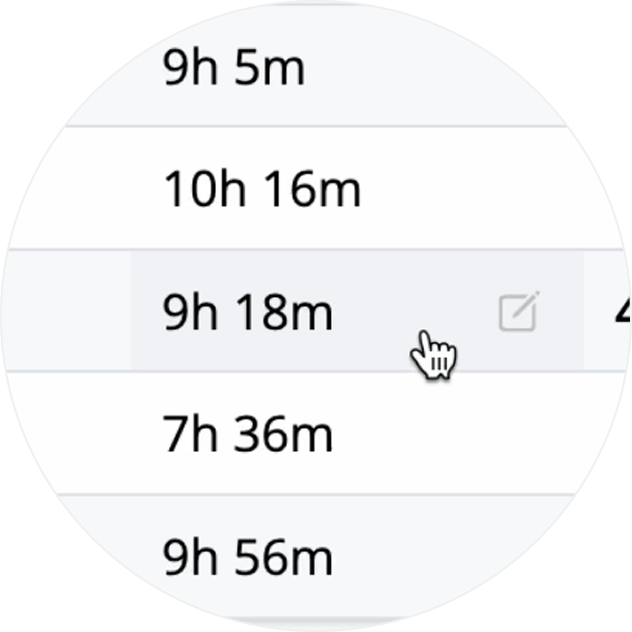
With a single click, jump from the Team Teamsheet to the new Shift GPS Report for more insight.
• How to use the Team Timesheet & Shift GPS reports
• Desktop: To activate ServiceM8 14 features & improvements in the Online Dashboard, go to Account > Settings to find the ServiceM8 Launch 2025 notice, and click 'Activate'.
• iOS & Android: The ServiceM8 14 iOS & Android apps are now available in the App Store & Google Play.


