
The ServiceM8 Lite app has leveled up, from capabilities appropriate for a sub-contractor, to the key requirements of a typical field staff member. Now, Android users can create and schedule jobs, message clients, produce invoices & more.
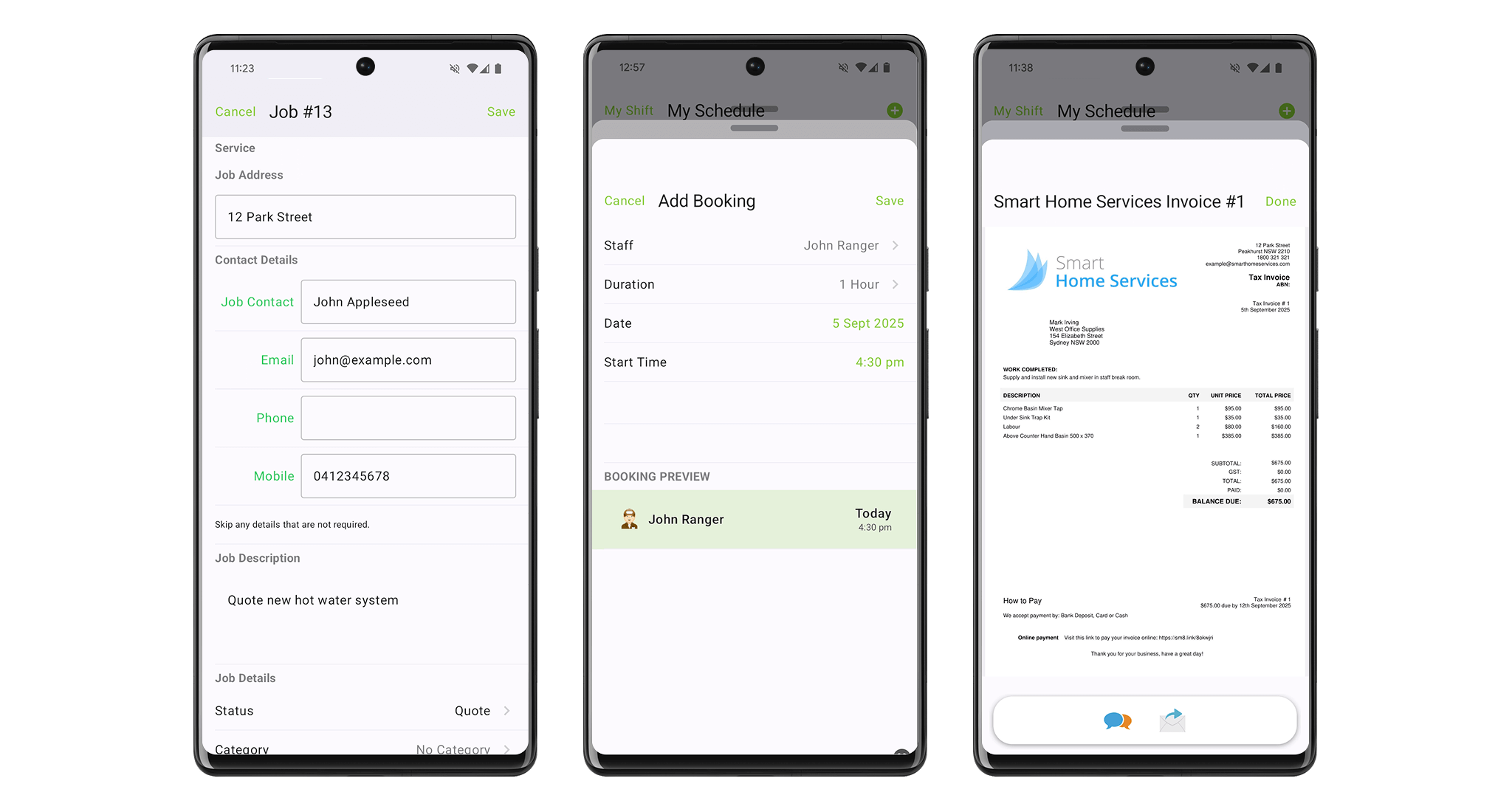
Techs can now create jobs and manage clients directly from the app, on the go.
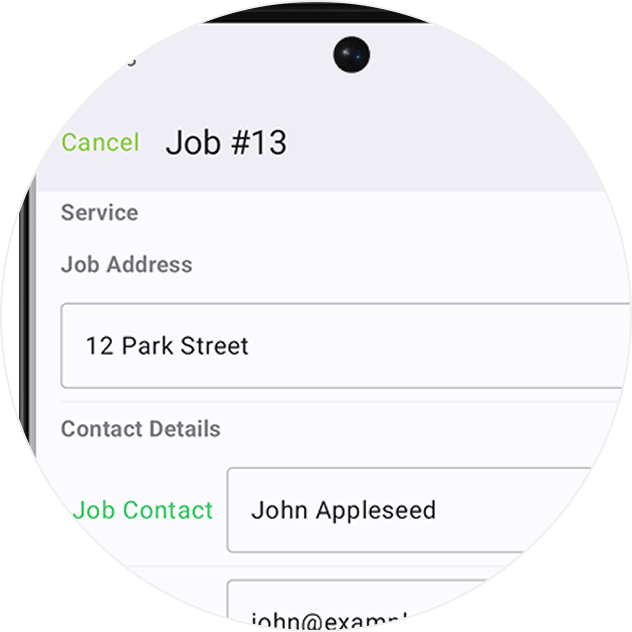
Search and find jobs by number, name, address or keyword.
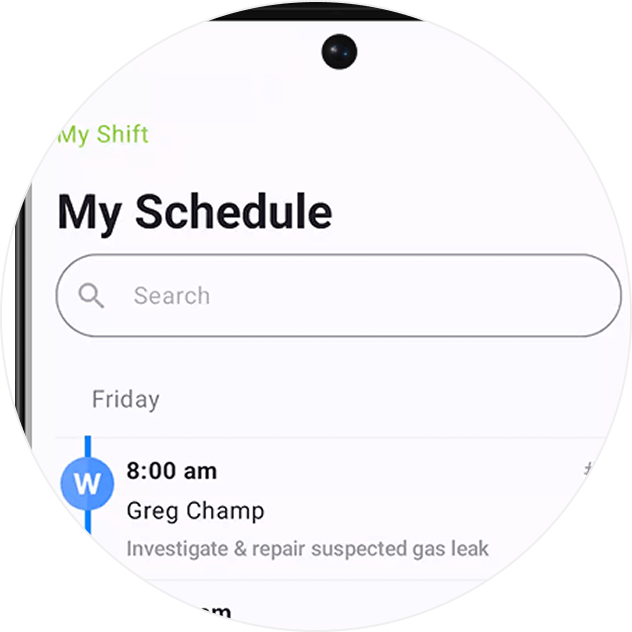
Techs can now Clock On & Off their shifts, and take breaks, just like the iOS app.
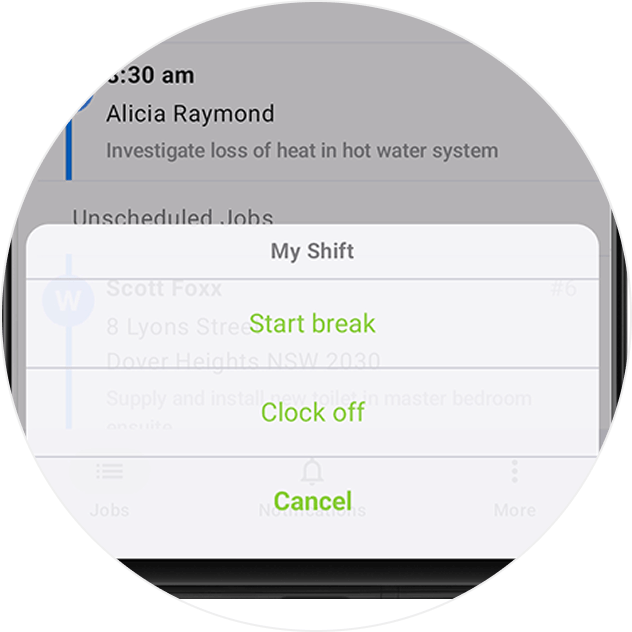
The ability to send jobs to a Queue, when they require certain action, or are waiting for something to happen.
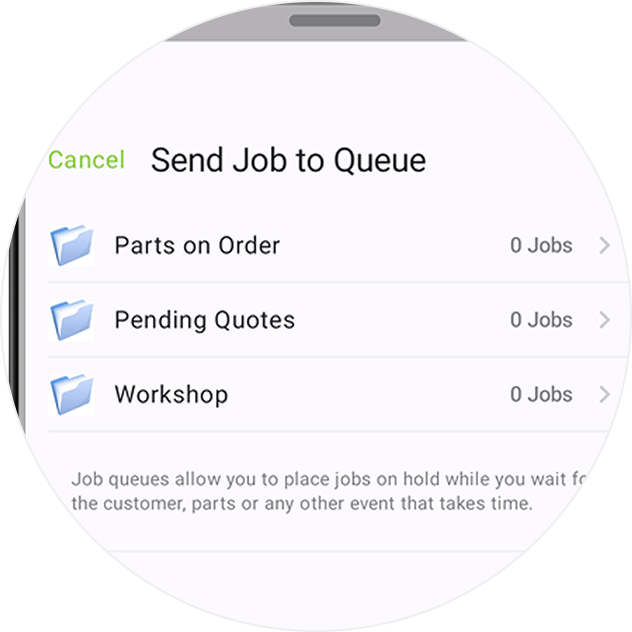
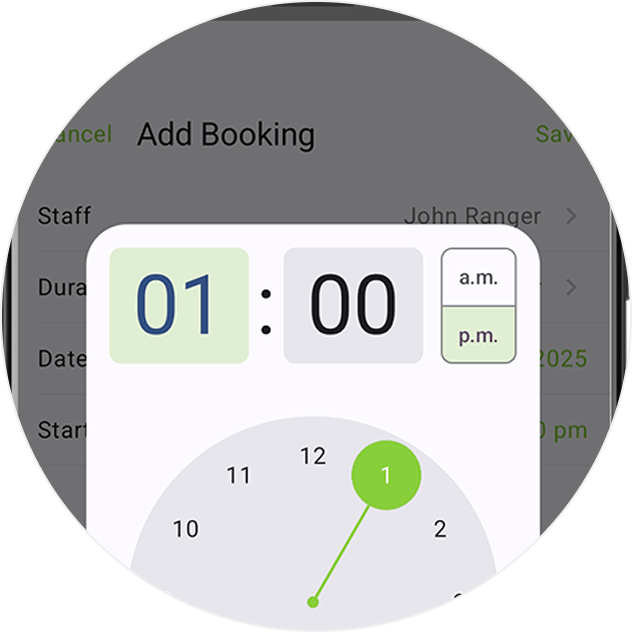
Schedule jobs to keep them moving forward.
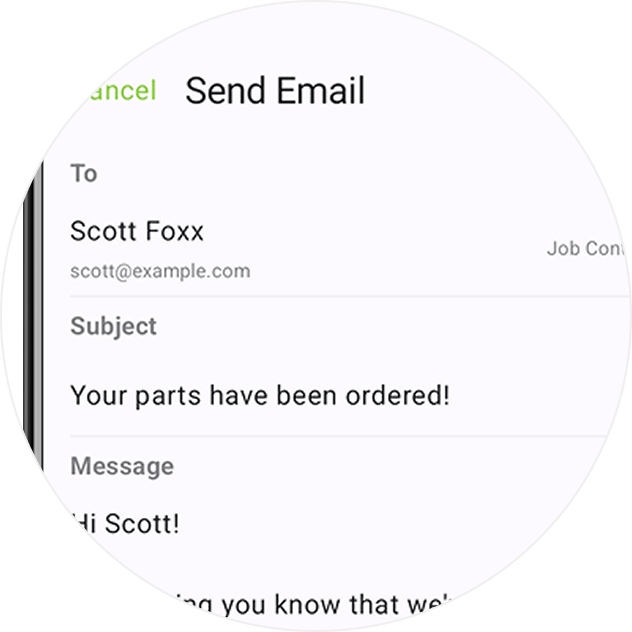
Message clients directly from their job card, keeping correspondence & job history in one place.
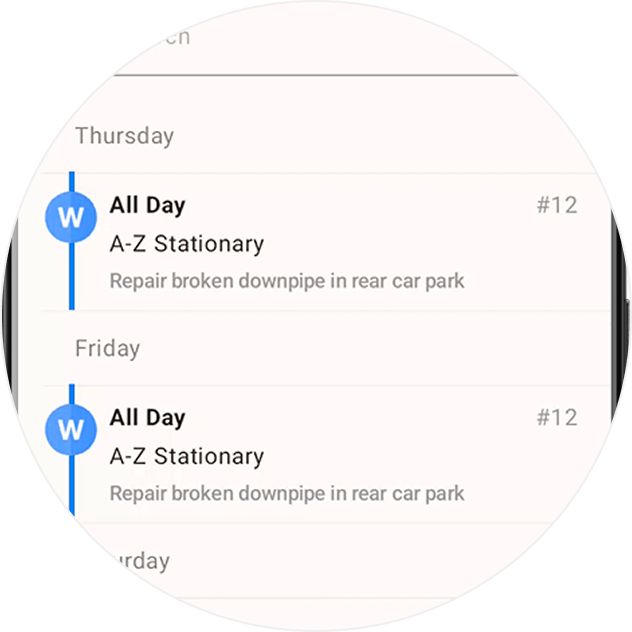
Support for viewing jobs booked over multiple days in the Jobs tab.
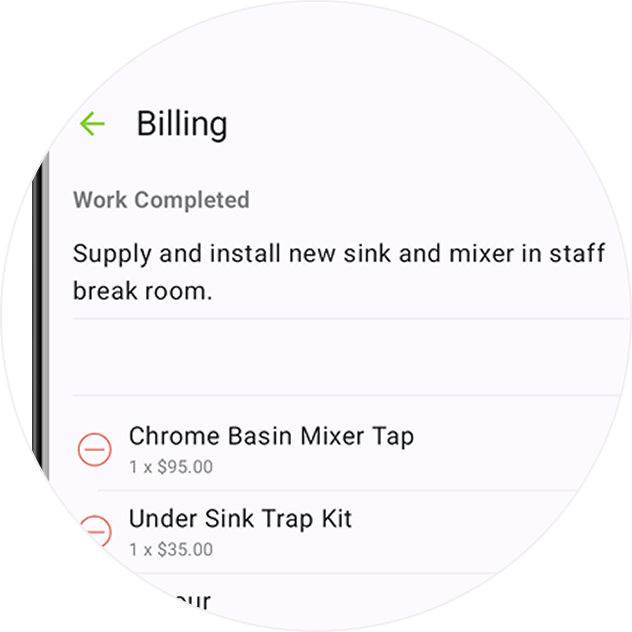
Techs can now access Billing, add Items/Services, generate PDF Quotes & Invoices, then send them to clients.
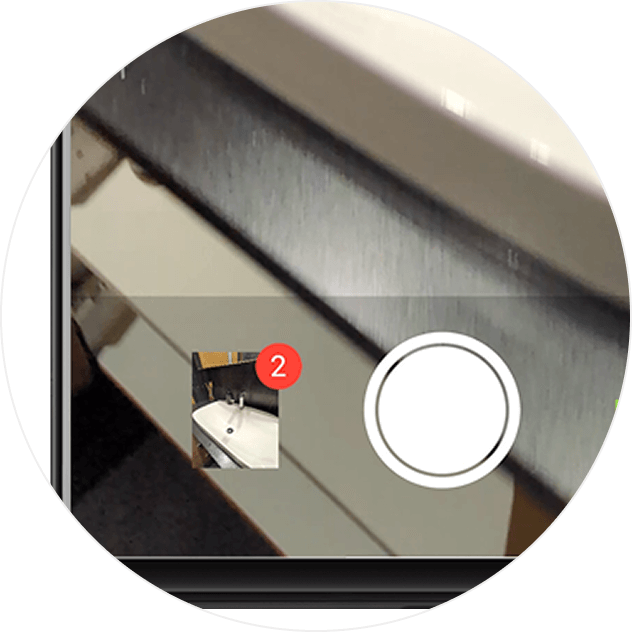
An improved photo capture experience for Android, with the ability to take multiple photos at once.
• Desktop: To activate ServiceM8 14 features & improvements in the Online Dashboard, go to Account > Settings to find the ServiceM8 Launch 2025 notice, and click 'Activate'.
• iOS & Android: The ServiceM8 14 iOS & Android apps are now available in the App Store & Google Play.


