
Updating item costs and prices in job cards has always been a one-off, for that job only. If you want to make it a permanent change, you have to update the item again in your materials database. With ServiceM8 14, you can control when and how these changes apply, keeping your pricing accurate in the way that works best for you.
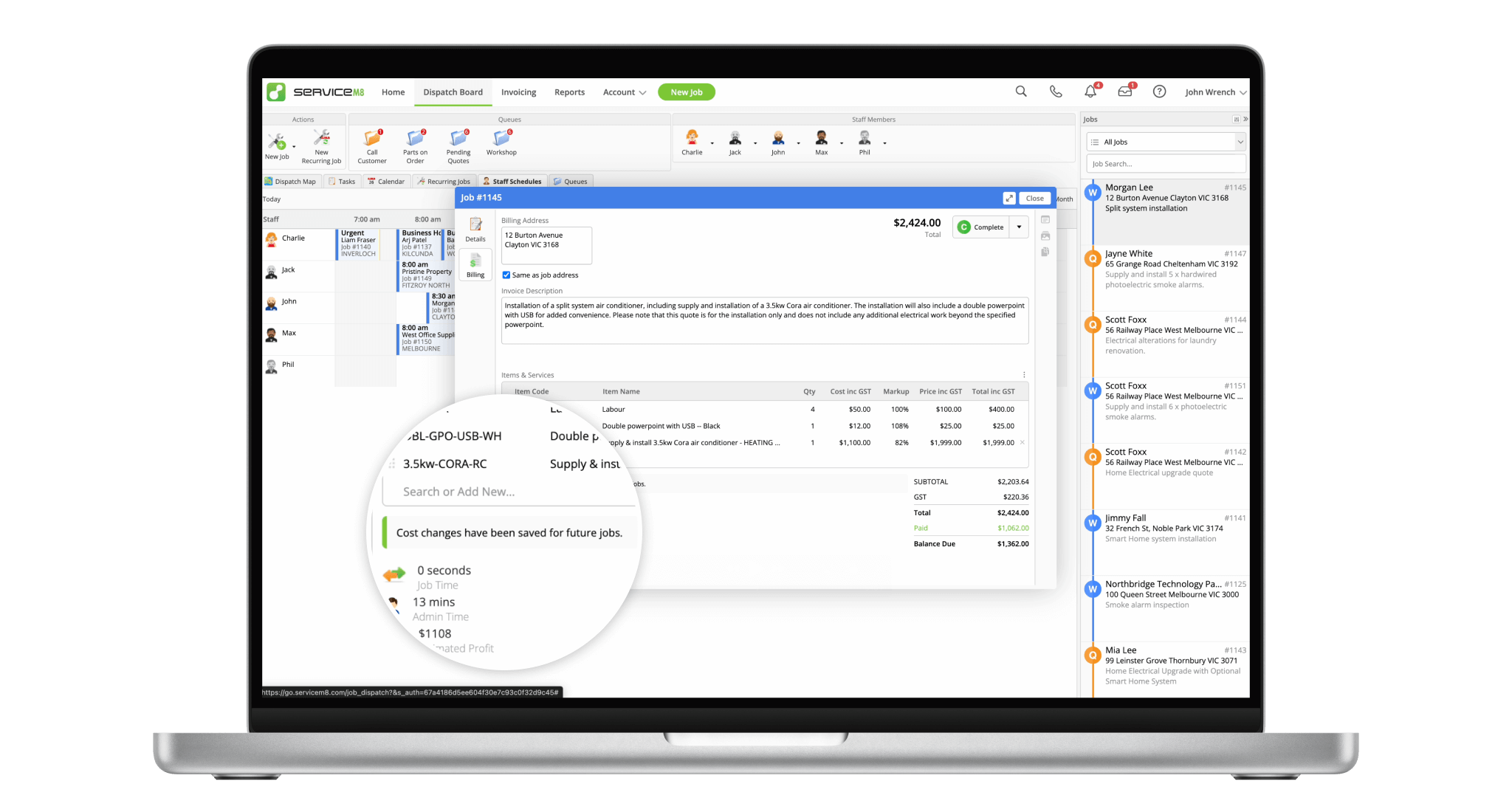
Update the price of an item in one job, and the next time you use that item, it'll have the updated price.
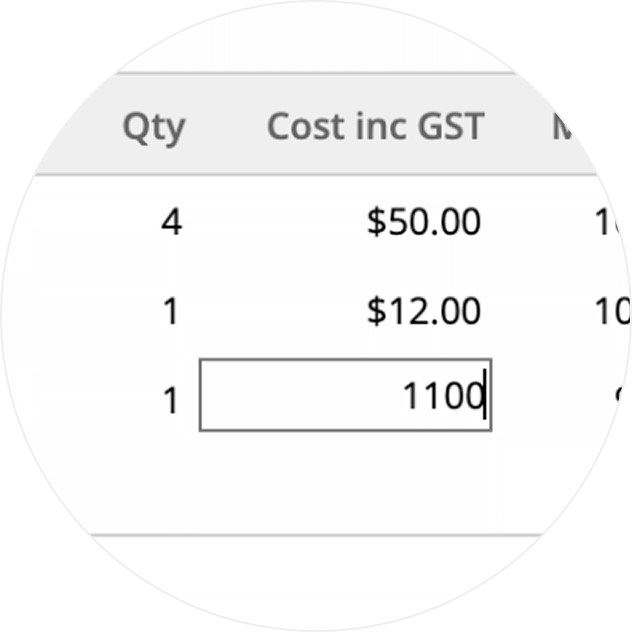
Get a reminder when changes you make to an item's cost or price will apply to future jobs.
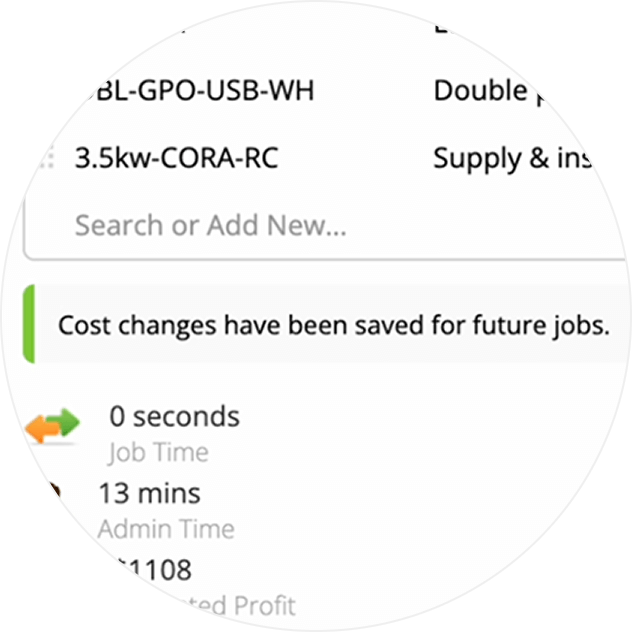
Choose whether pricing edits on a job update your database, stay isolated, or only update when costs/prices go up.
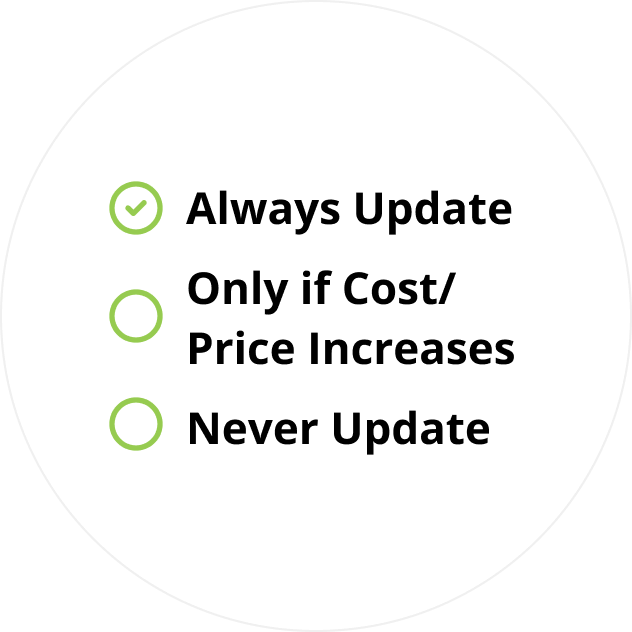
• How to set up Save As You Go item pricing
• Desktop: To activate ServiceM8 14 features & improvements in the Online Dashboard, go to Account > Settings to find the ServiceM8 Launch 2025 notice, and click 'Activate'.
• iOS & Android: The ServiceM8 14 iOS & Android apps are now available in the App Store & Google Play.


