
Make job instructions easier to follow. Add arrows, shapes, text and drawings to photos in the Online Dashboard, then save the marked-up version to the Job Diary while keeping the original.
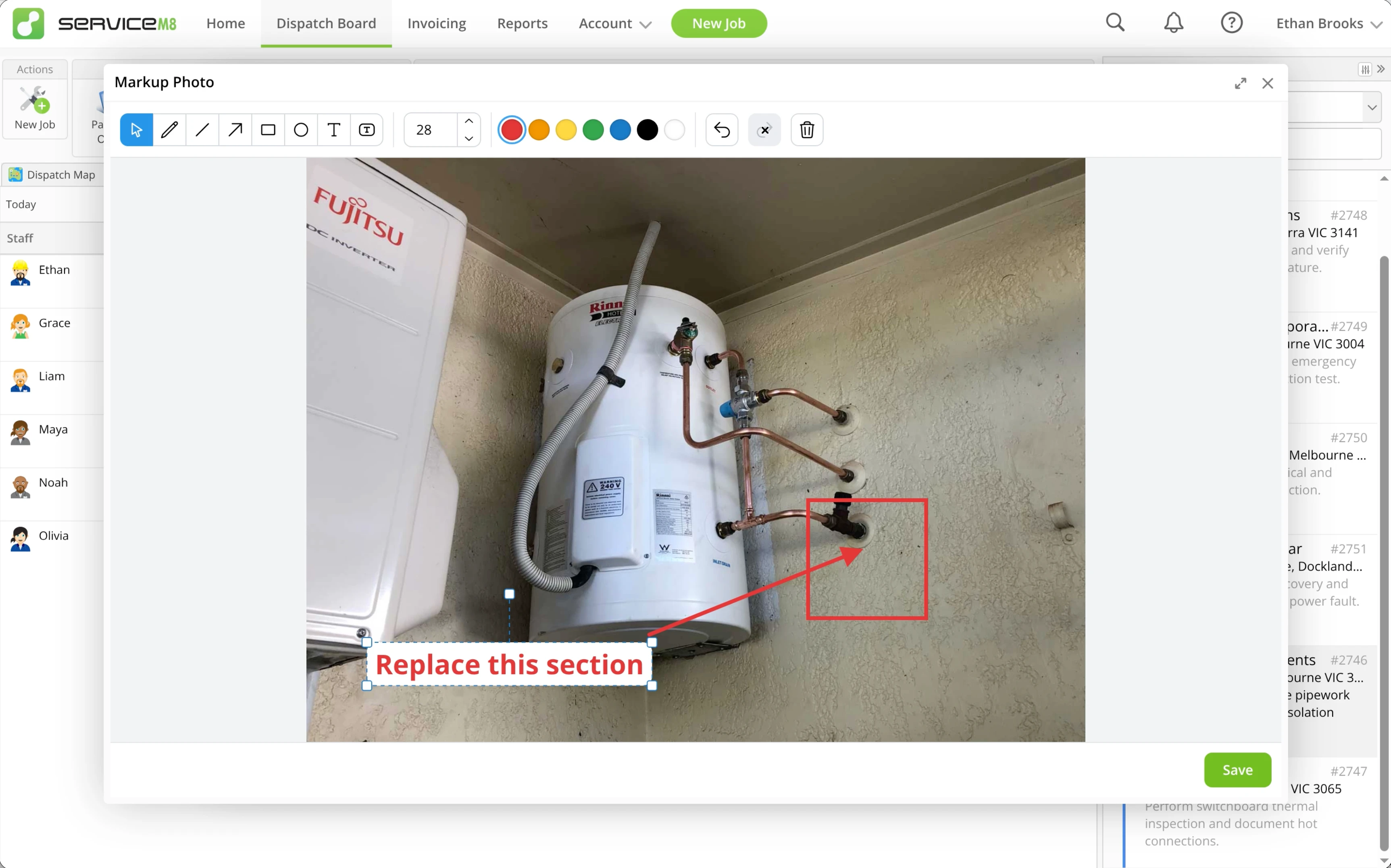
• How to mark up job photos in the Online Dashboard
• Desktop: To activate ServiceM8 15 features & improvements in the Online Dashboard, go to Account > Settings to find the ServiceM8 Launch 2026 notice, and click 'Activate'.
• iOS & Android: The ServiceM8 15 iOS & Android apps are now available in the App Store & Google Play.


