
An all-new scheduling experience, with more flexibility than ever. Choose from views like Day, Week by Day, 2 Weeks and Month, and see daily booking totals at a glance.
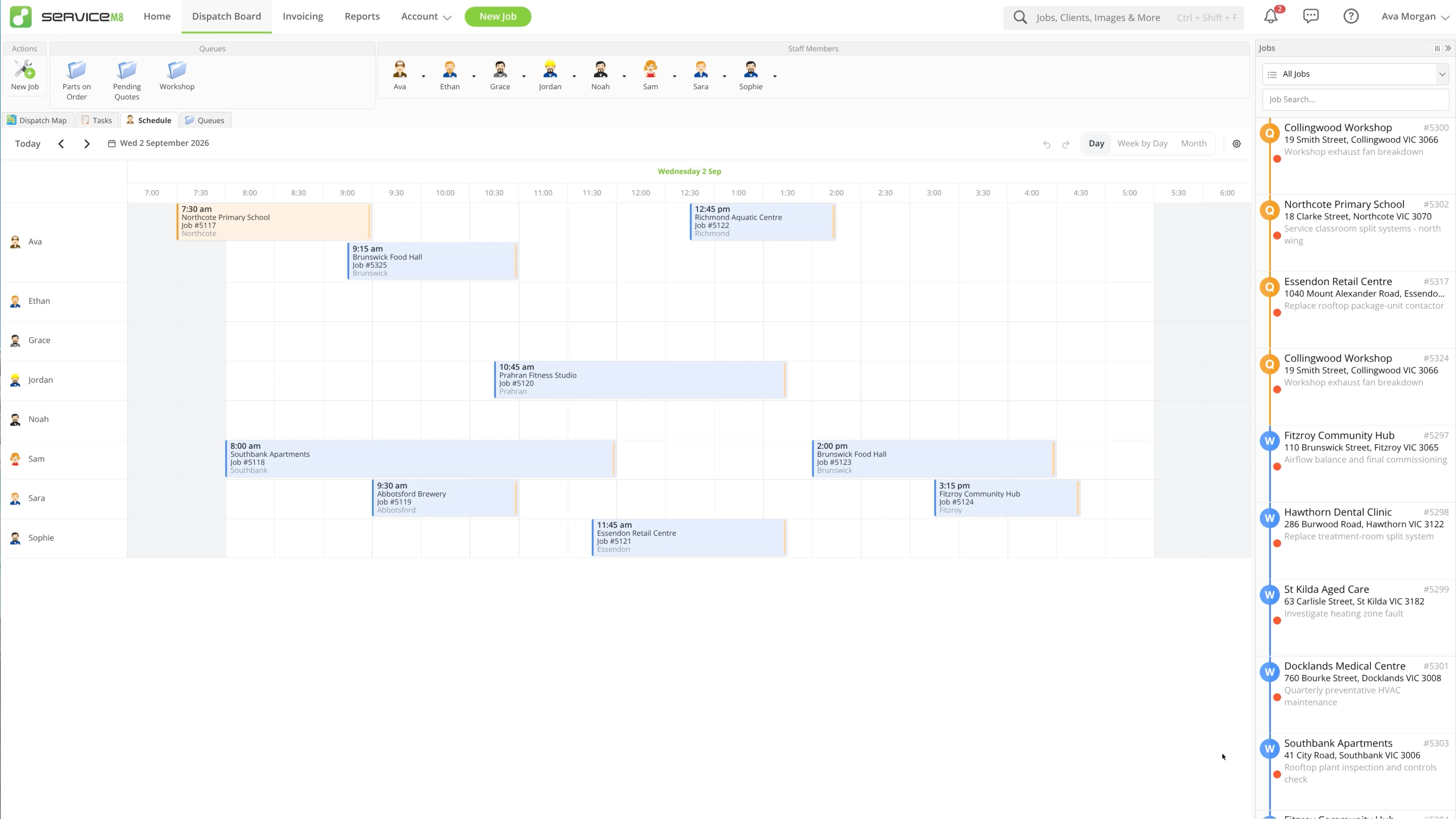
Choose the job details shown on each booking card, and whether to show weekends and weather forecasts.

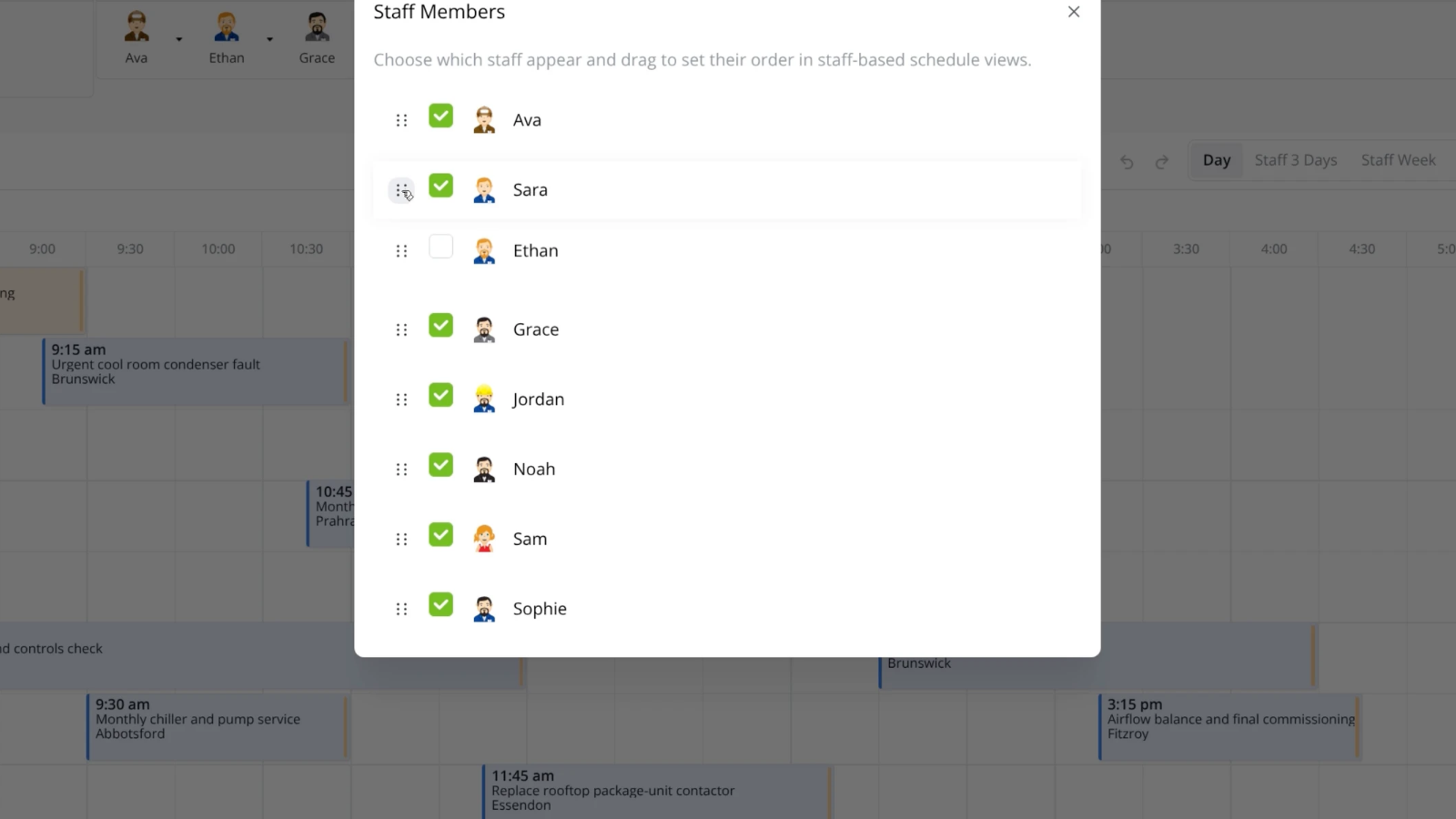
Choose who appears and drag staff into your preferred order.
Choose whether jobs dropped onto the schedule are booked at a fixed time or allocated within Business Hours, by default.

Right-click a booking to move it to tomorrow or the same day next week, change its allocation, or cancel it.

Undo a schedule change or redo it from the schedule toolbar.

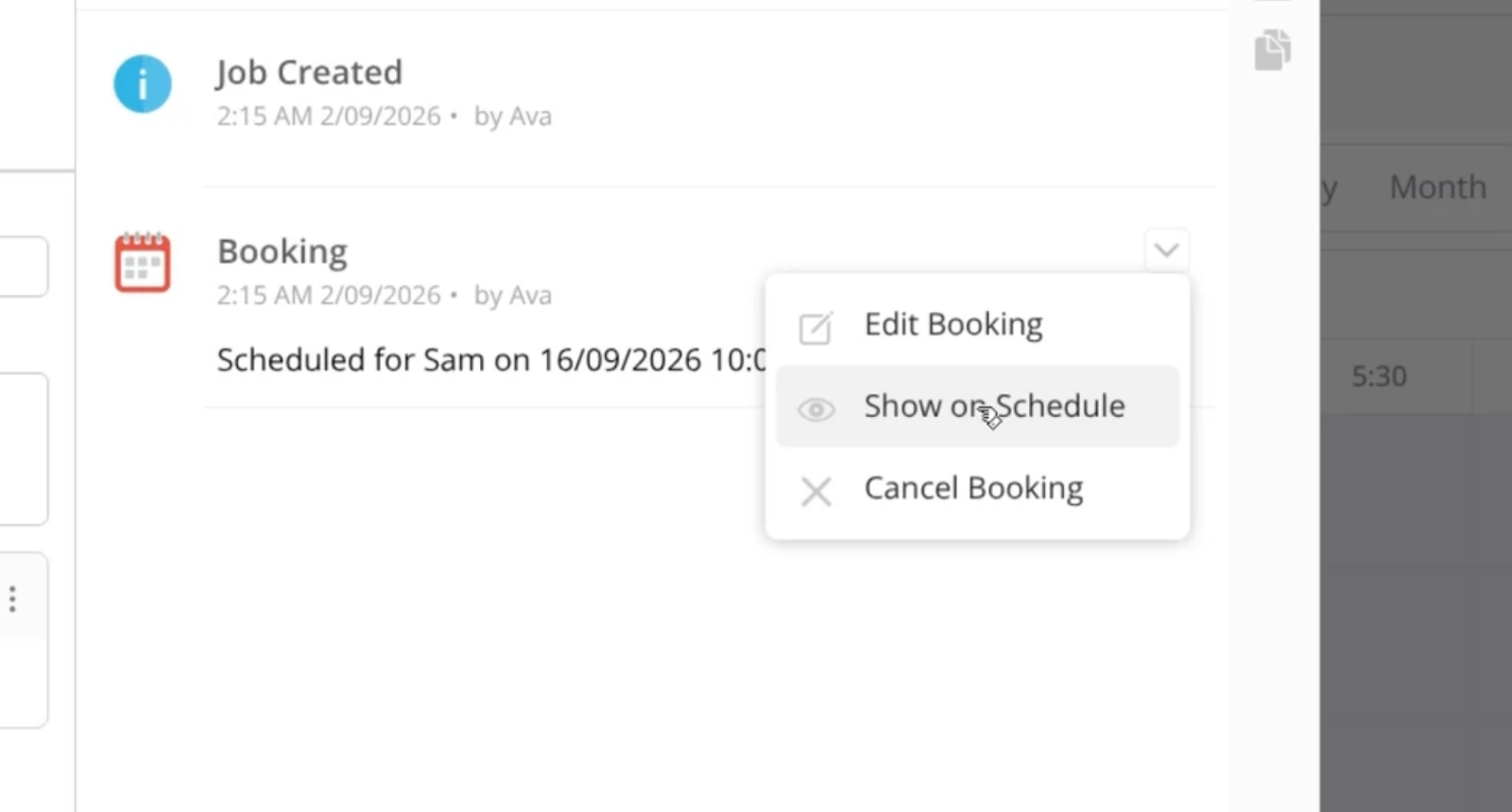
Jump from a booking in the Job Diary to its place on the schedule.
• Using the Staff Schedule in the Online Dashboard
• Use the Schedule on a tablet
• Desktop: To activate ServiceM8 15 features & improvements in the Online Dashboard, go to Account > Settings to find the ServiceM8 Launch 2026 notice, and click 'Activate'.
• iOS & Android: The ServiceM8 15 iOS & Android apps are now available in the App Store & Google Play.


