
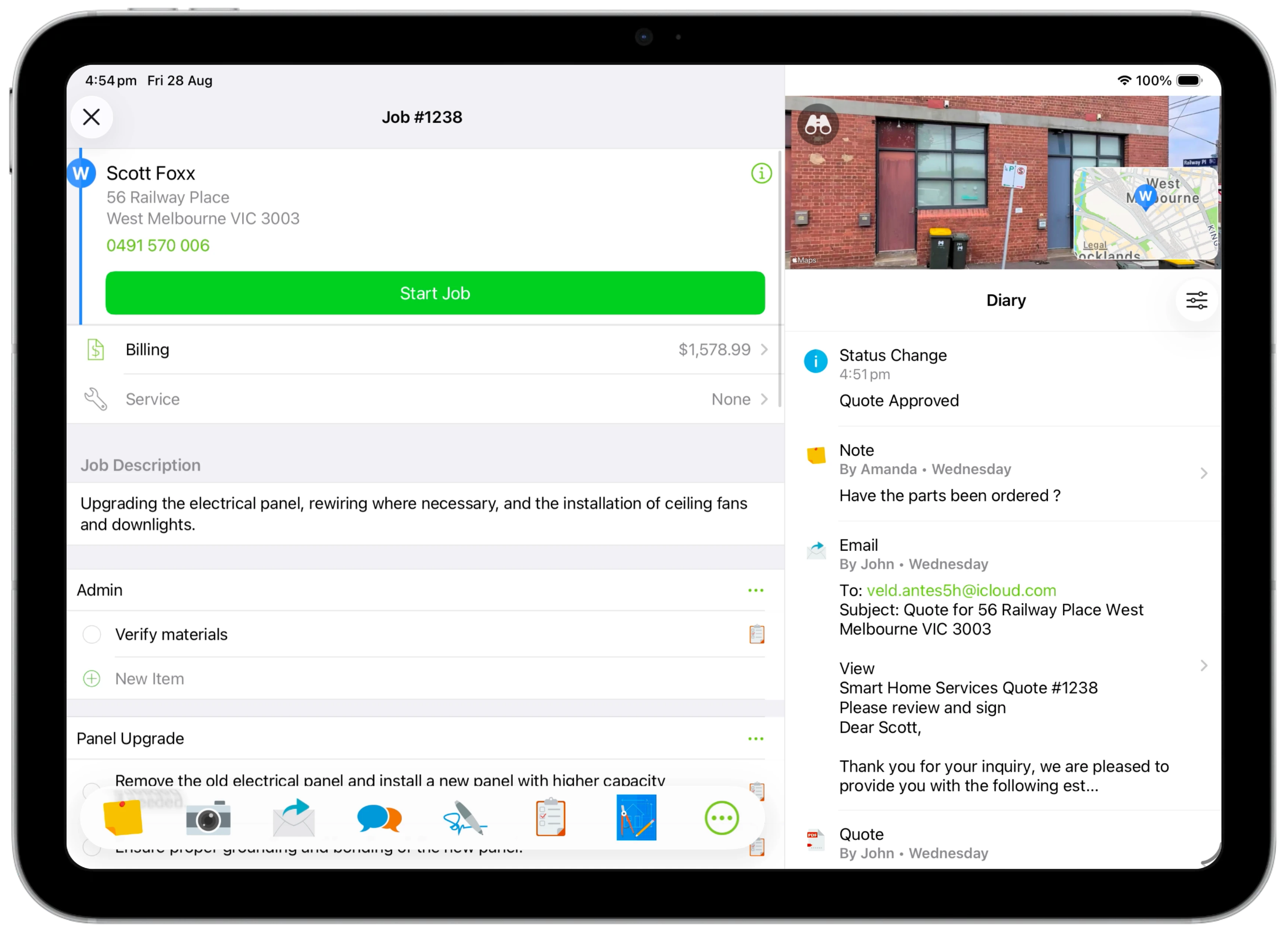
Get more done on the bigger screen. Customise your iPad navigation and plan work with the new Schedule. When there's room, the job card and Diary sit side-by-side, with Street View imagery for instant insight into the property you'll be working at.
Quickly reach other main areas of the app with the new sidebar.
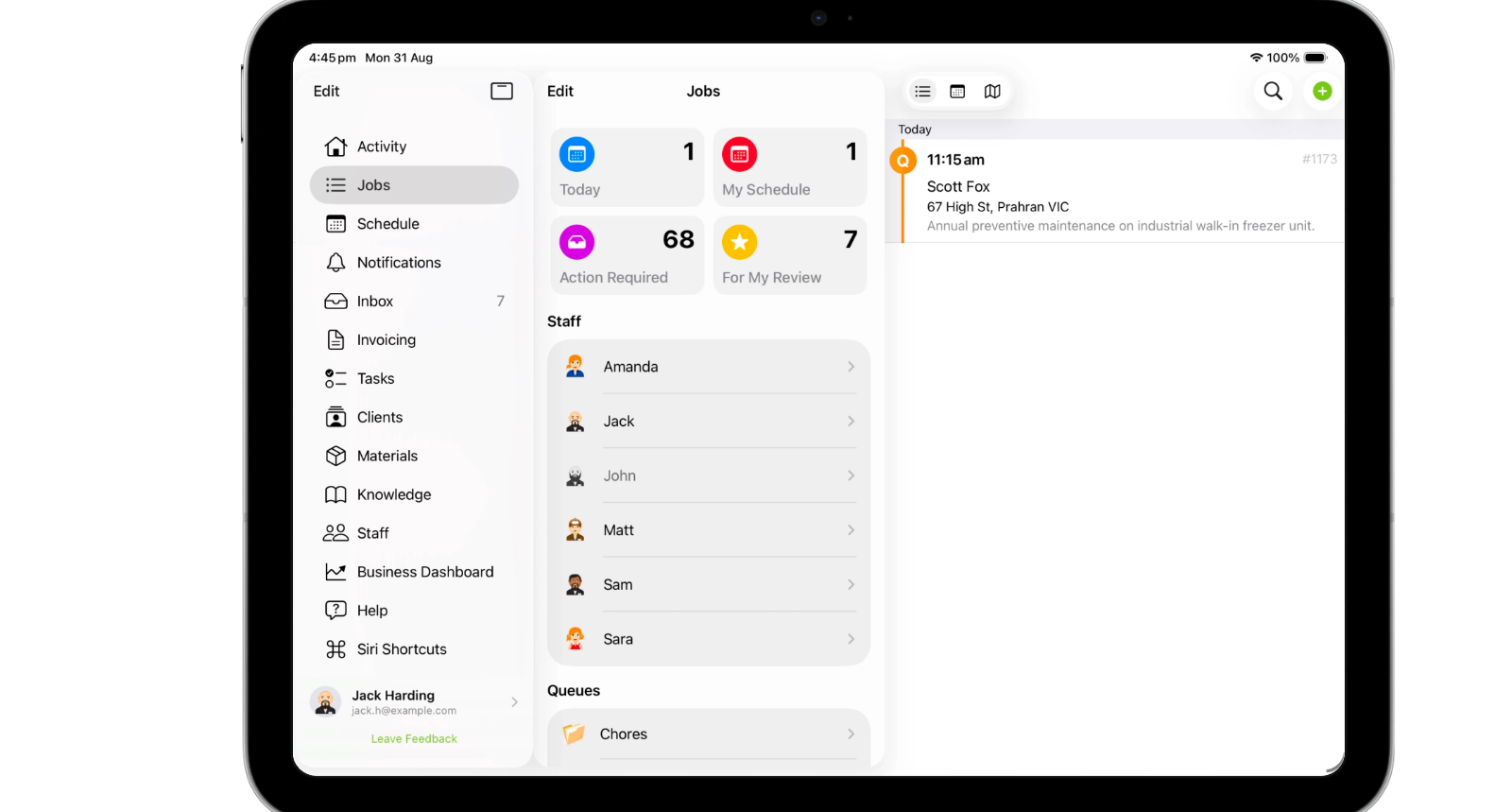
Arrange your tab bar around the workspaces you use most.

Switch schedule views, from Day to Month, and see your team’s bookings at a glance.

Create a job or book an existing job directly into a selected schedule slot.

Add and edit bookings with tap, press and swipe gestures, with Undo & Redo.

• Use the Schedule on a tablet
• Desktop: To activate ServiceM8 15 features & improvements in the Online Dashboard, go to Account > Settings to find the ServiceM8 Launch 2026 notice, and click 'Activate'.
• iOS & Android: The ServiceM8 15 iOS & Android apps are now available in the App Store & Google Play.


