
The Enhanced Job Card is powerful, flexible and intuitive. With ServiceM8 14, it’s easier to systemise with templates, and faster to complete core actions.

You can now apply a Job Template to an existing job, after it's been created.

If you’re using a non-default Quote or Invoice template, you can now send it via SMS too.

Save Quote & Invoices to the job’s Diary, without needing to draft or send an email.

The Job Actions bar now shows more of your core actions and add-ons, for fast access.

Copy the job number from the top-left corner of a job card, with a single click.

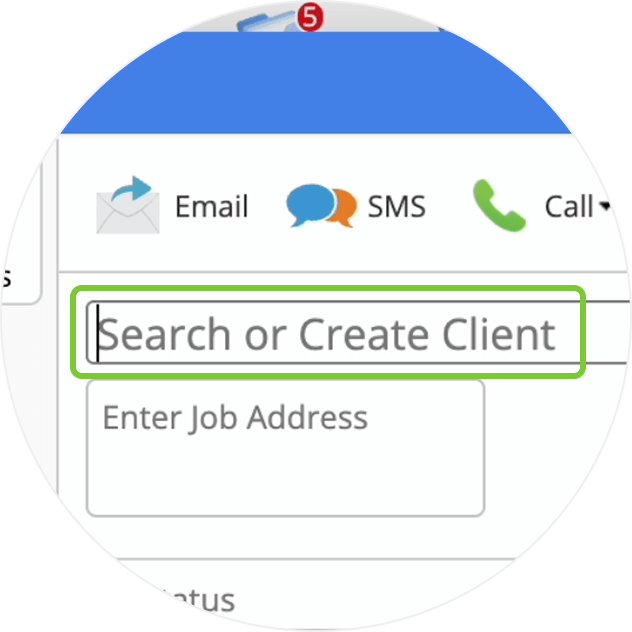
Click ‘New Job’ & your cursor jumps into the Client search field, ready for you to start typing, so you can create jobs faster.
• How to apply a Job Template to an existing job
• How to save a quote or invoice to the Diary
• Desktop: To activate ServiceM8 14 features & improvements in the Online Dashboard, go to Account > Settings to find the ServiceM8 Launch 2025 notice, and click 'Activate'.
• iOS & Android: The ServiceM8 14 iOS & Android apps are now available in the App Store & Google Play.


