
When field staff forget to Check Out, recorded time is wrong, creating admin headaches. This makes some technicians avoid Checking In & Out altogether. Now, they can fix it themselves. Simply Check Out, tap the recorded time, and compare with GPS. Accurate records, less hassle.
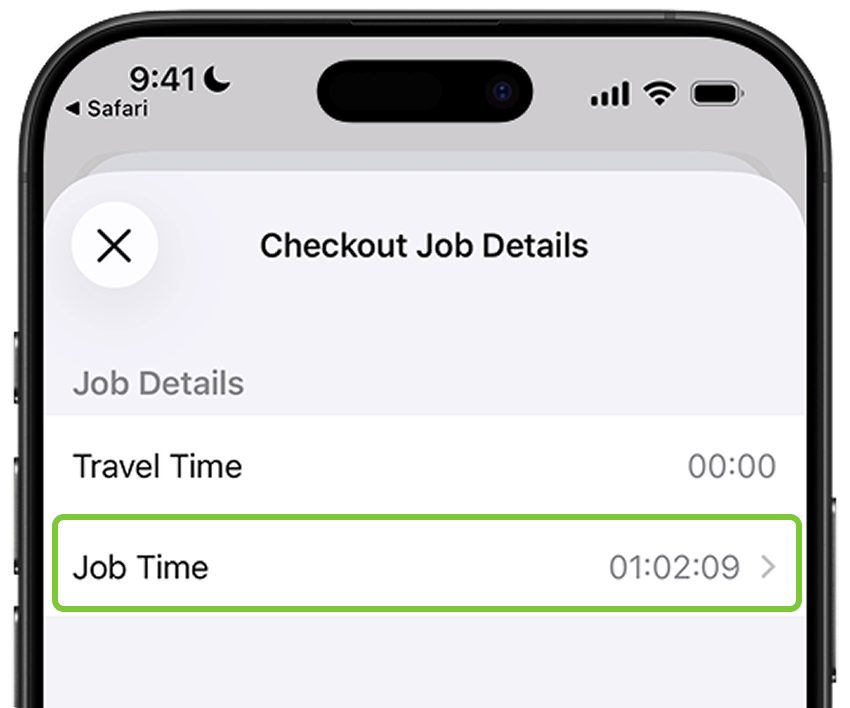
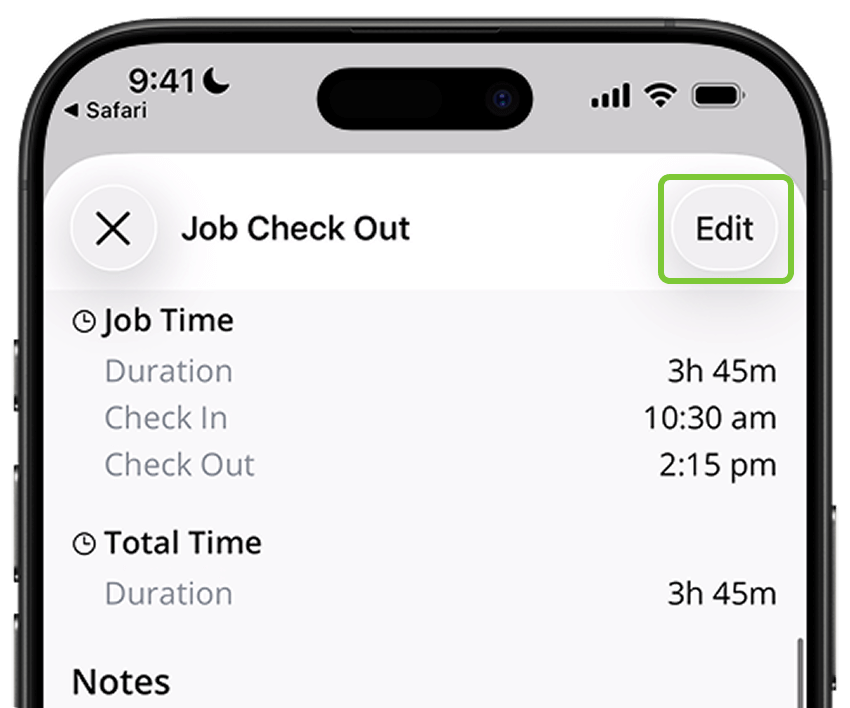
Need to fix recorded time on site, hours or days after Check Out? You can now edit Job Time in the iOS app — for yourself or staff. Just open the Job Checkout Report, tap Edit, compare with GPS records, and update.
• Desktop: To activate ServiceM8 14 features & improvements in the Online Dashboard, go to Account > Settings to find the ServiceM8 Launch 2025 notice, and click 'Activate'.
• iOS & Android: The ServiceM8 14 iOS & Android apps are now available in the App Store & Google Play.


