
Checklists & Tasks are more powerful and familiar, with refinements inspired by the original job card. It’s faster than ever to create checklists, set reminders, and stay updated on progress.
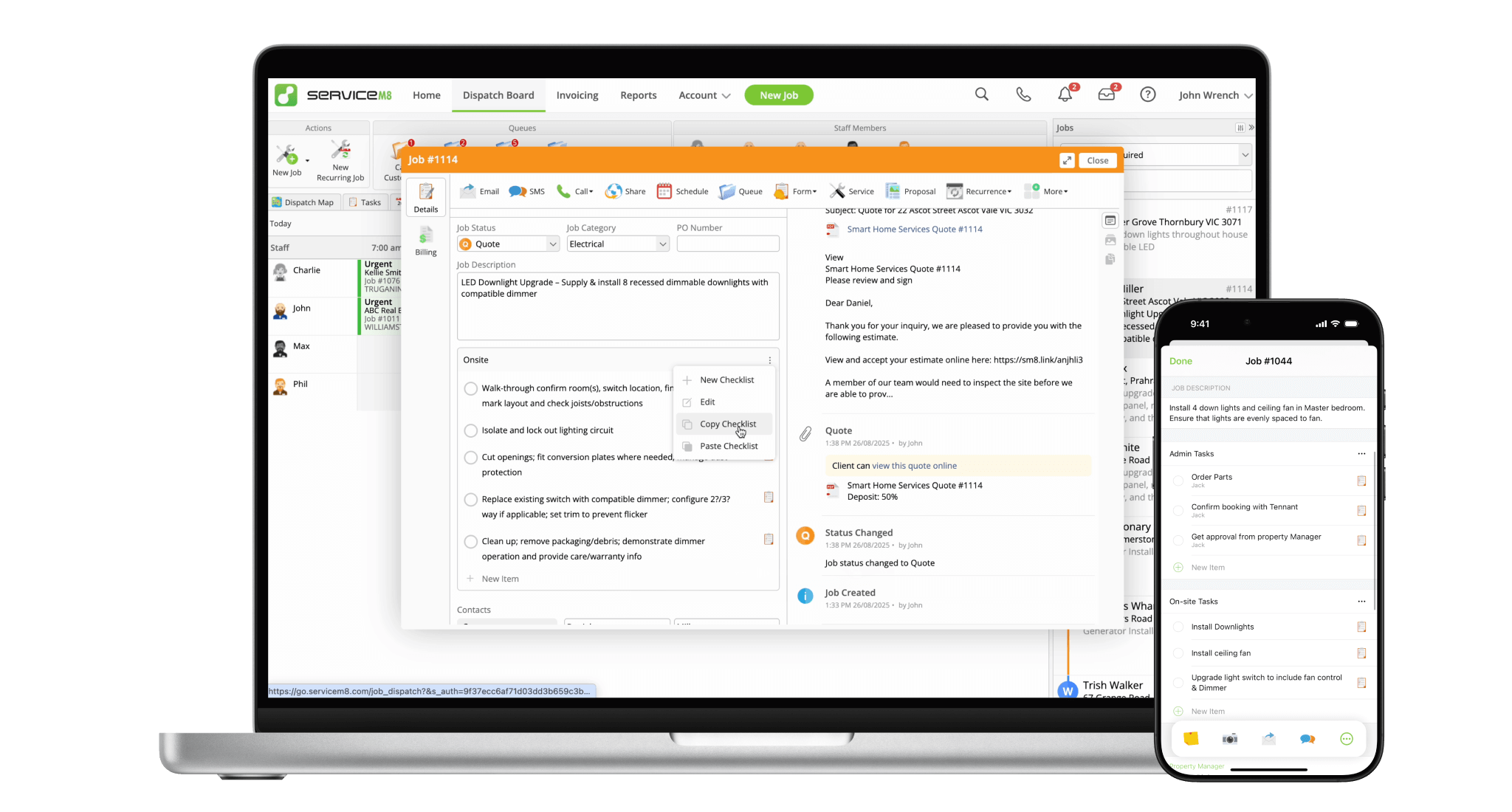
Simply hover & click next to a task to assign it, or set a reminder. Edit the same way!
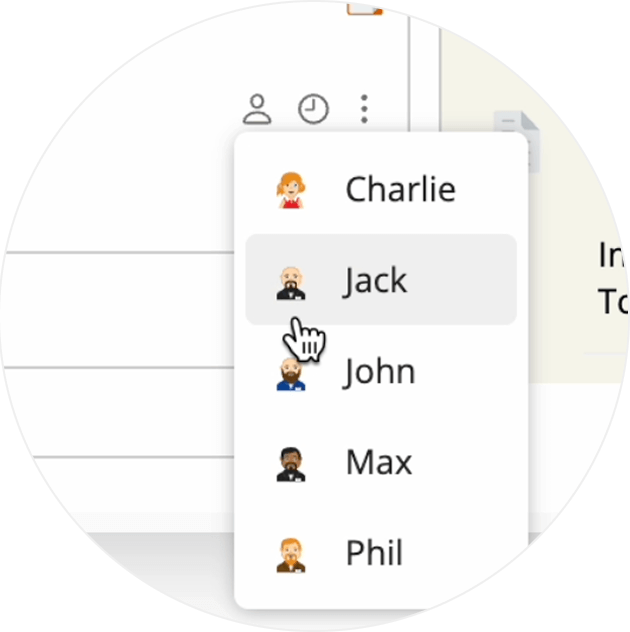
Quickly choose from popular reminder times, and set one with a single click.
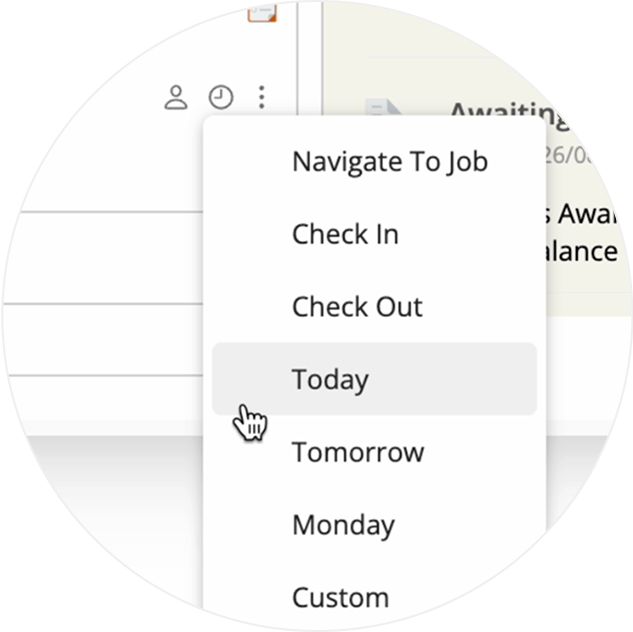
See assigned tasks in the Diary, just like the original job card.
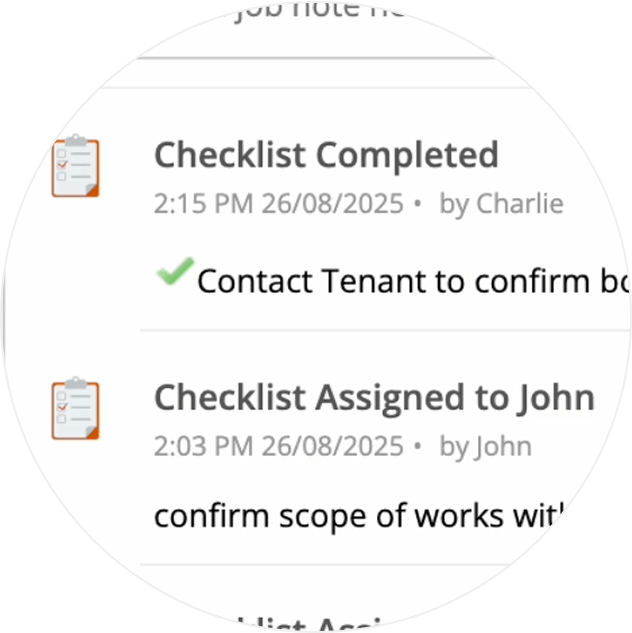
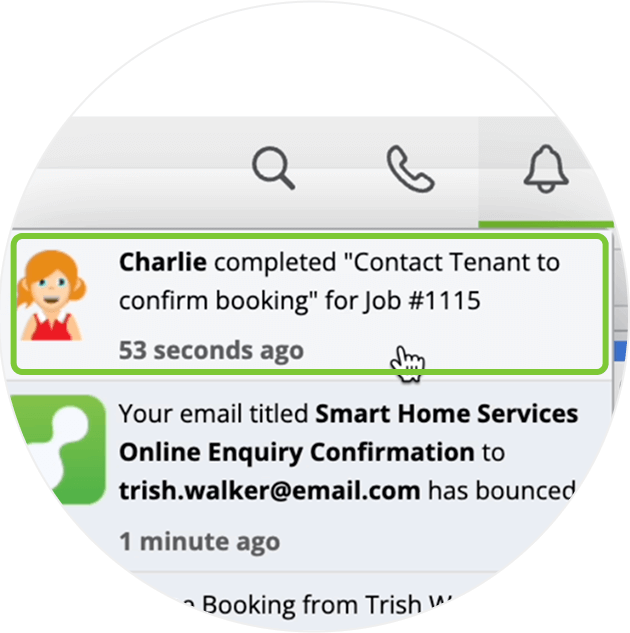
Get notified when a task you assigned to someone has been completed — just like it was before!
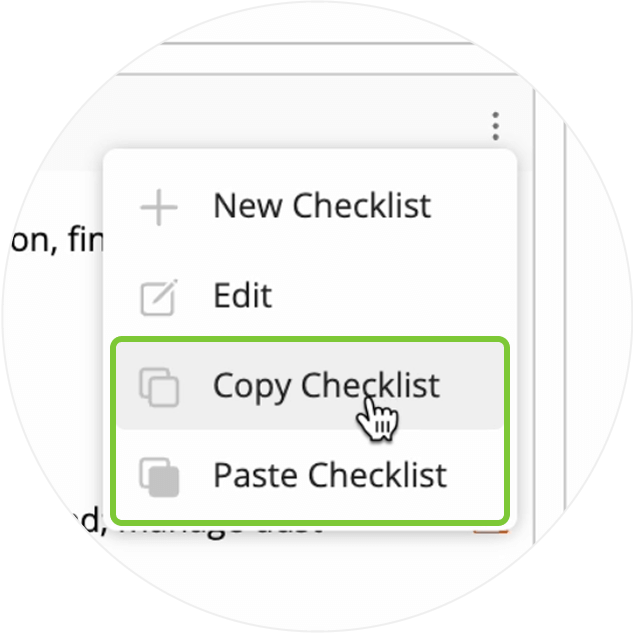
Easily copy a checklist from one job to another. You can also copy a checklist from a document, or paste one to your Invoice Description.
Improvements to the visibility of assigned and unassigned tasks, based on your Security Role.

• How to create and use Checklists
• Desktop: To activate ServiceM8 14 features & improvements in the Online Dashboard, go to Account > Settings to find the ServiceM8 Launch 2025 notice, and click 'Activate'.
• iOS & Android: The ServiceM8 14 iOS & Android apps are now available in the App Store & Google Play.


