
Travel time can have a real impact on your day-to-day productivity. But it's time-consuming to figure out an efficient route for every staff member, every day. With a single click, the new Auto Routing add-on can optimise a staff member's schedule for the day, saving time and fuel.
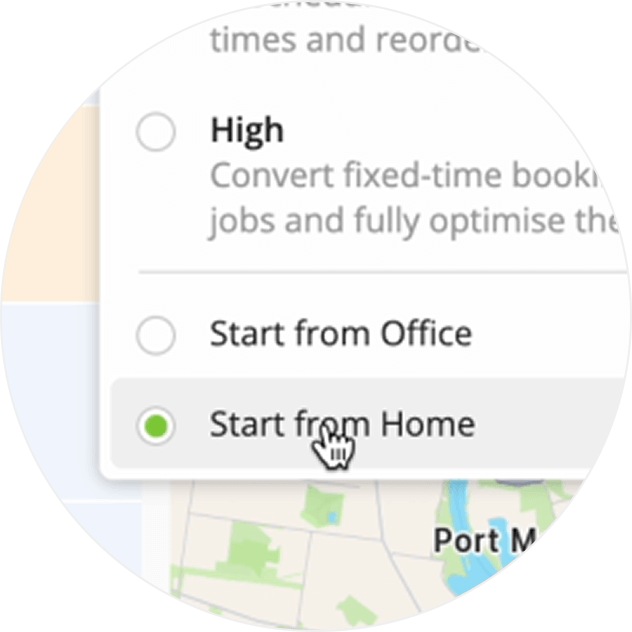
Optimise routes to start from your home, or the office.
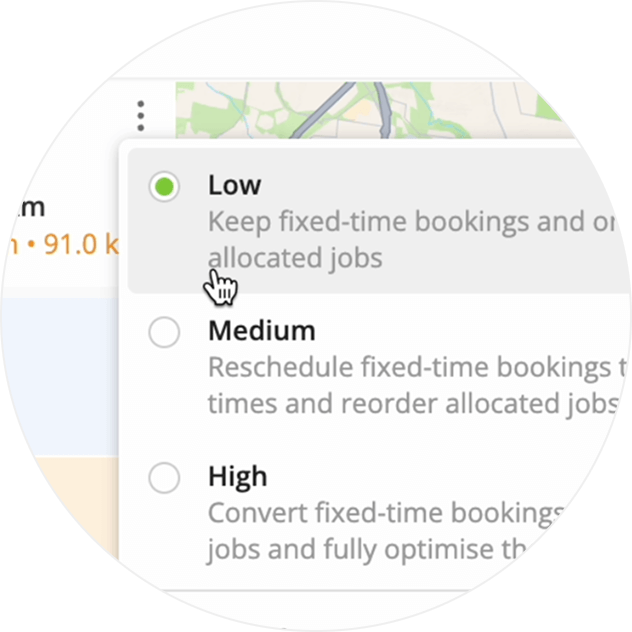
Control how much flexibility ServiceM8 has to optimise a schedule, such as whether it can move fixed-time bookings.
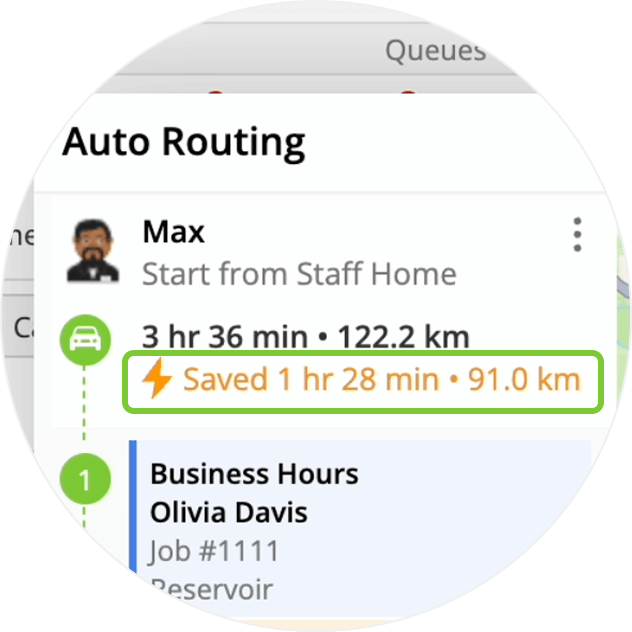
See how much time and distance savings each optimised route offers.
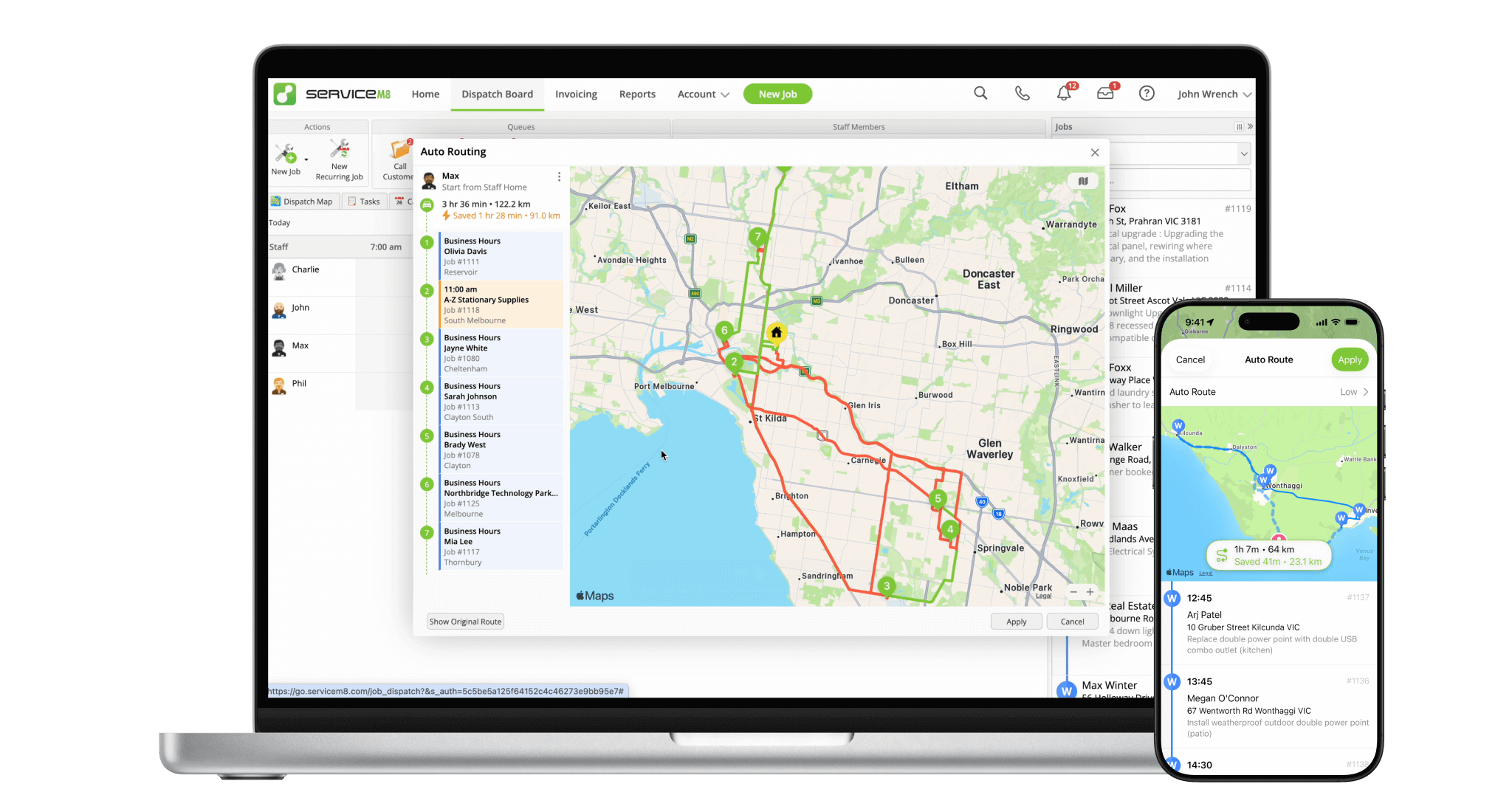
Easily visualise your routes and options to help your decision-making.
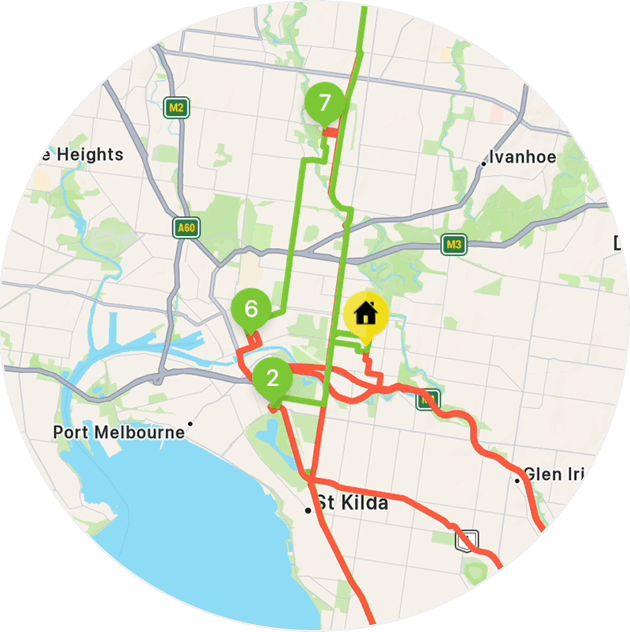
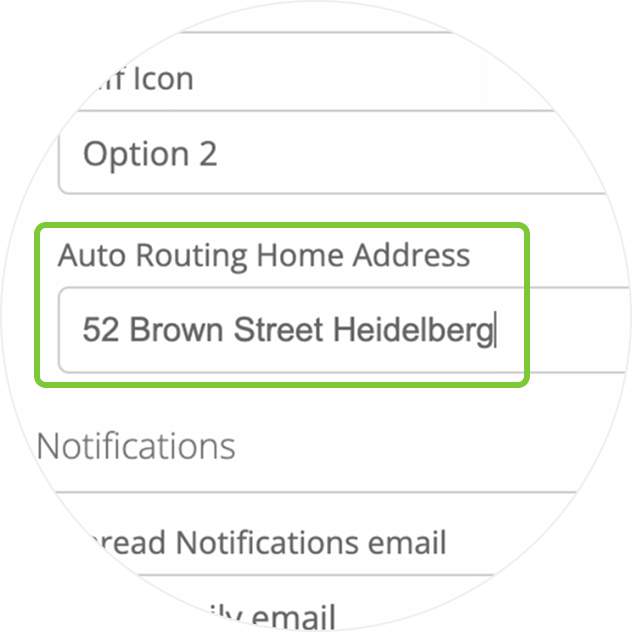
A new ability to set an Auto Routing Home Address per staff member, so they can head straight to their first job for the day.
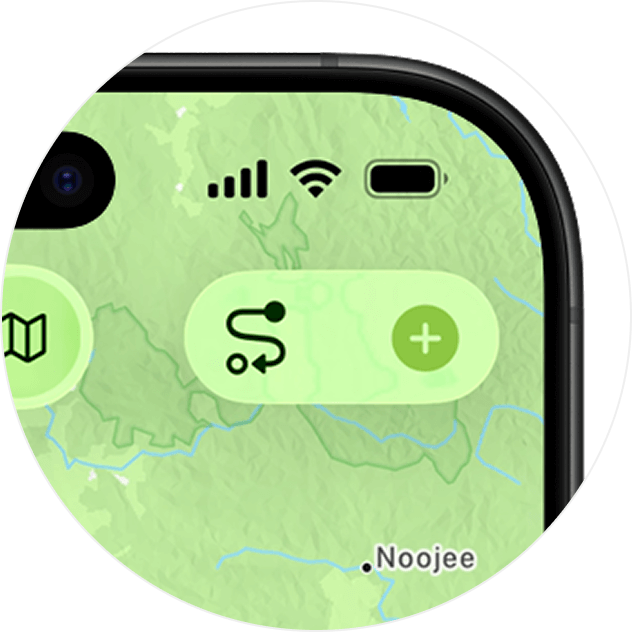
Simply filter the jobs view to Today, switch to Map, then tap Auto Routing for instant schedule optimisation. Available in the iOS app.
Auto Routing won't include Completed & Unsuccessful jobs, so you can optimise your remaining jobs halfway through the day.
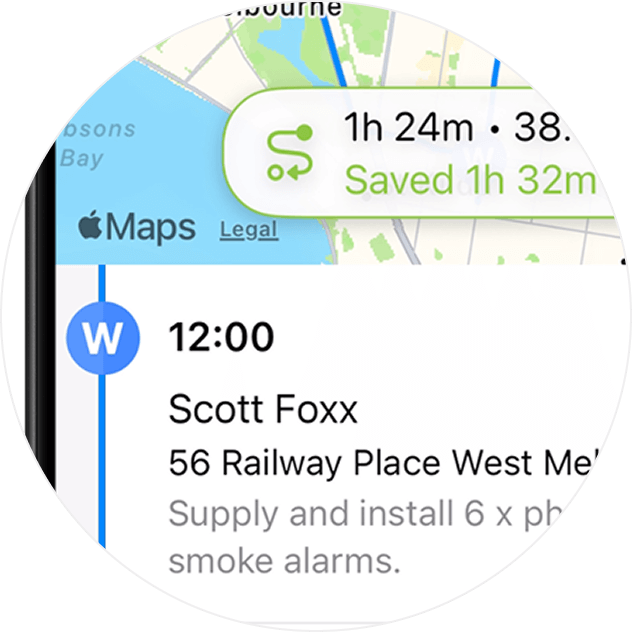
In the iOS app, routes are optimised based on your current location.
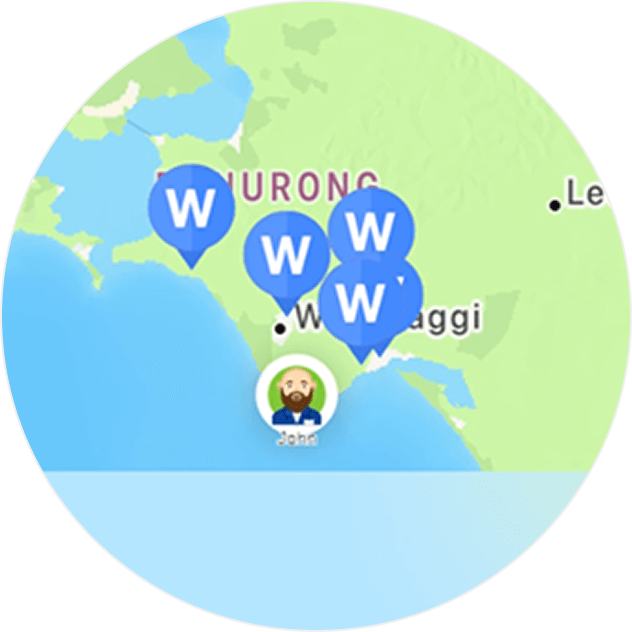
Switch between your original route, and the suggested route, to compare and decide.
• How to use Auto Routing to optimise daily schedules
• Desktop: To activate ServiceM8 14 features & improvements in the Online Dashboard, go to Account > Settings to find the ServiceM8 Launch 2025 notice, and click 'Activate'.
• iOS & Android: The ServiceM8 14 iOS & Android apps are now available in the App Store & Google Play.


