
If your schedule isn't a true reflection of your team's availability, it limits your ability to automate with features like Smart Booking Suggestions and Self-Serve Online Booking. Now, it's easier than ever to add and edit Staff Leave, directly in the Dispatch Board.
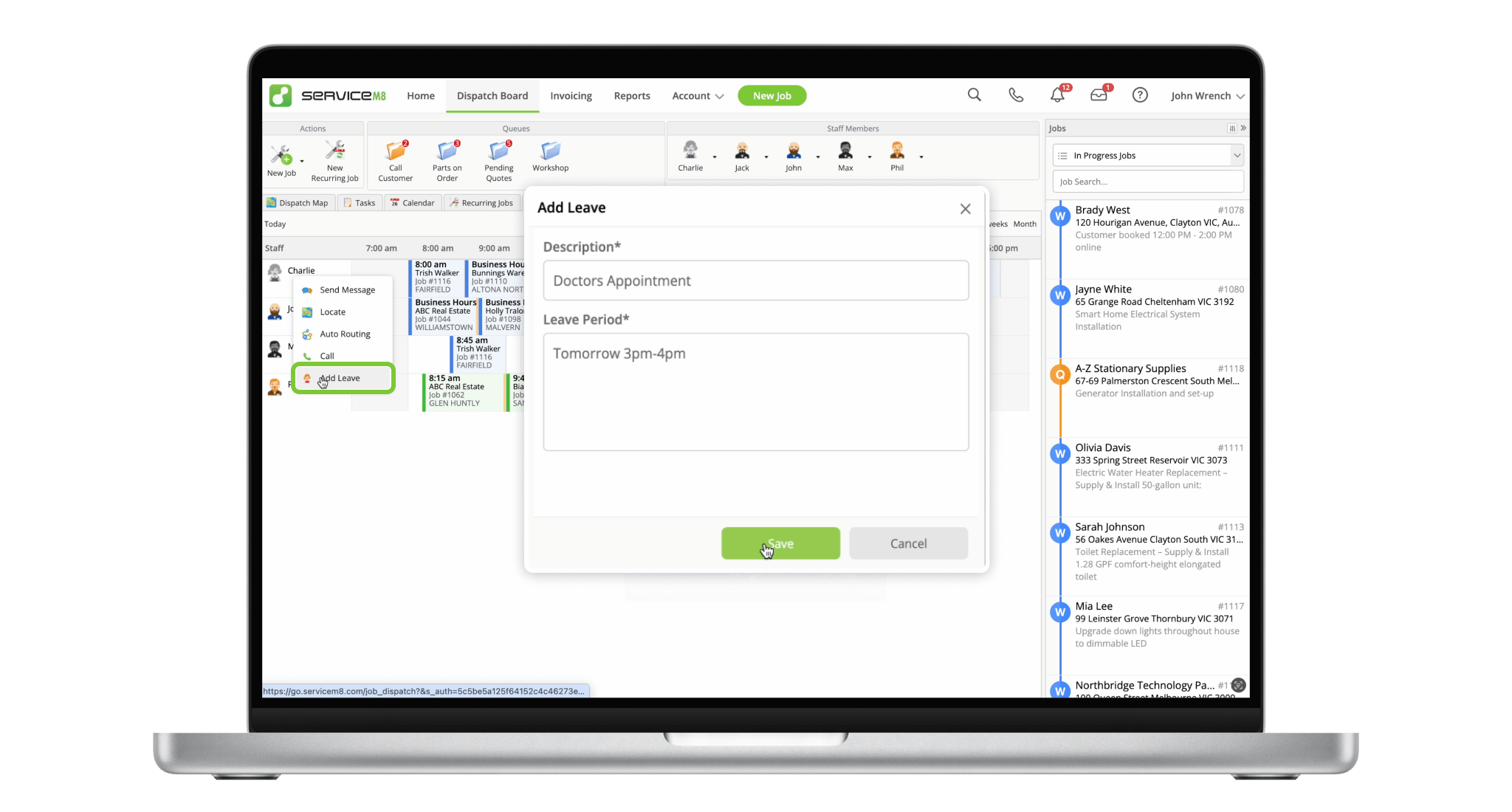
Simply type in plain text when the staff member will be on leave.
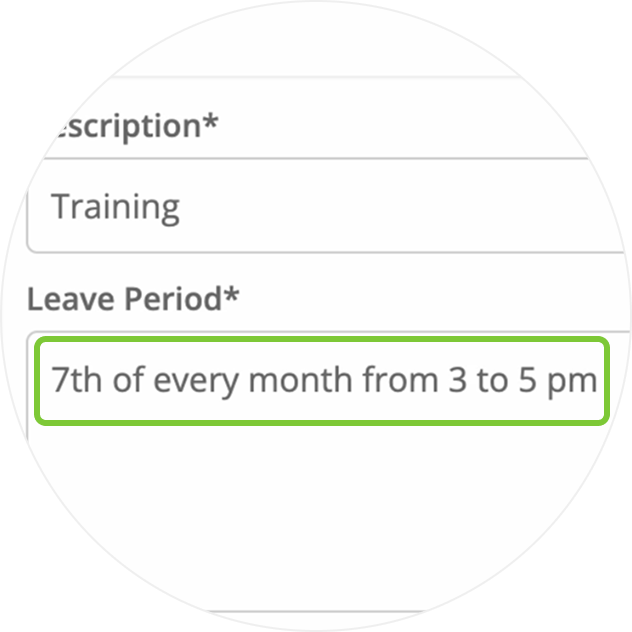
Block out an entire day, or just an hour or two.
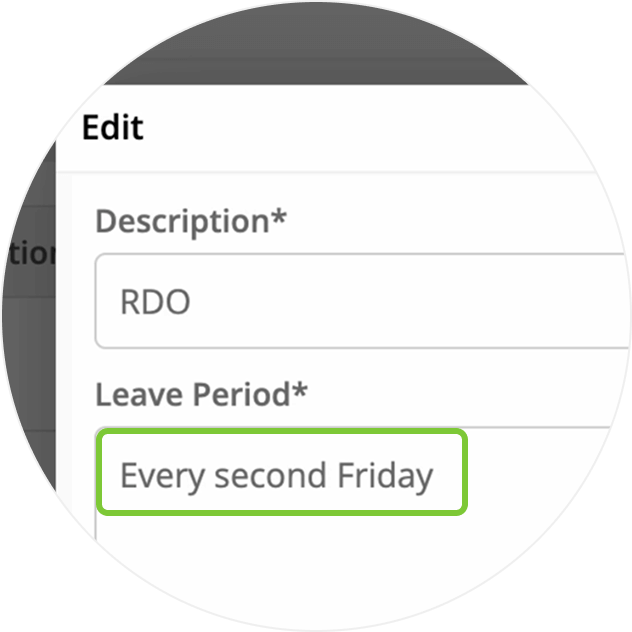
Mark one-off absences with ease.
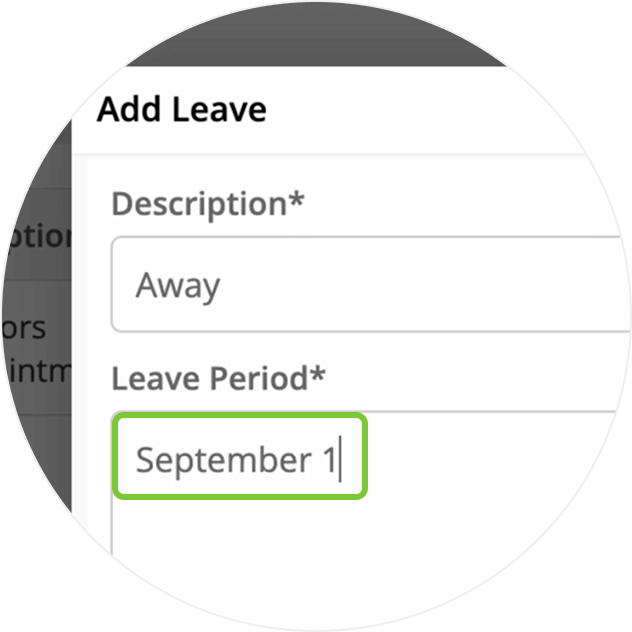
Handle longer breaks — just provide the dates.
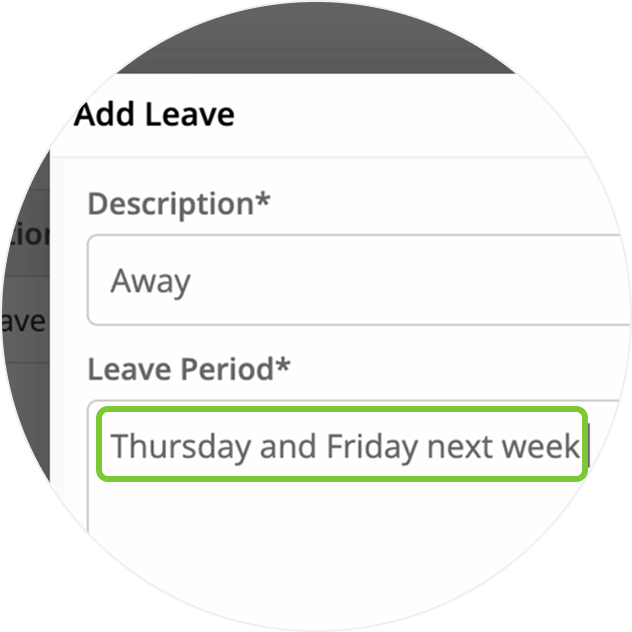
Set ongoing unavailability patterns, such as for part-time staff.
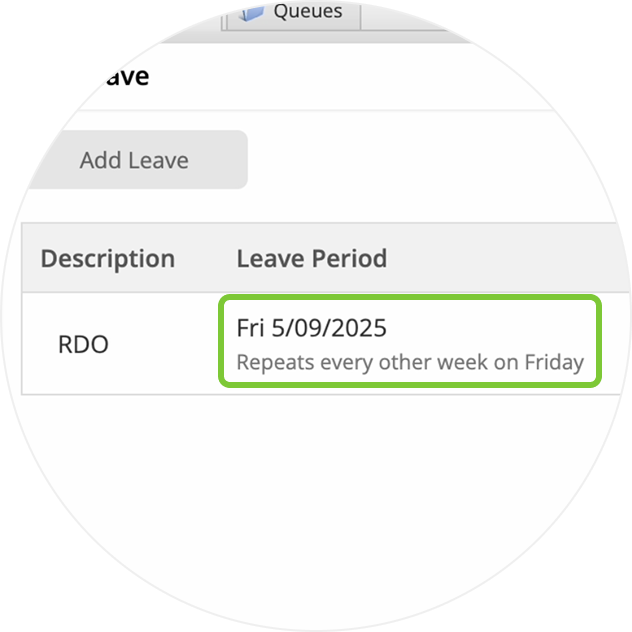
Update leave as easily as you entered it.

• Desktop: To activate ServiceM8 14 features & improvements in the Online Dashboard, go to Account > Settings to find the ServiceM8 Launch 2025 notice, and click 'Activate'.
• iOS & Android: The ServiceM8 14 iOS & Android apps are now available in the App Store & Google Play.


