
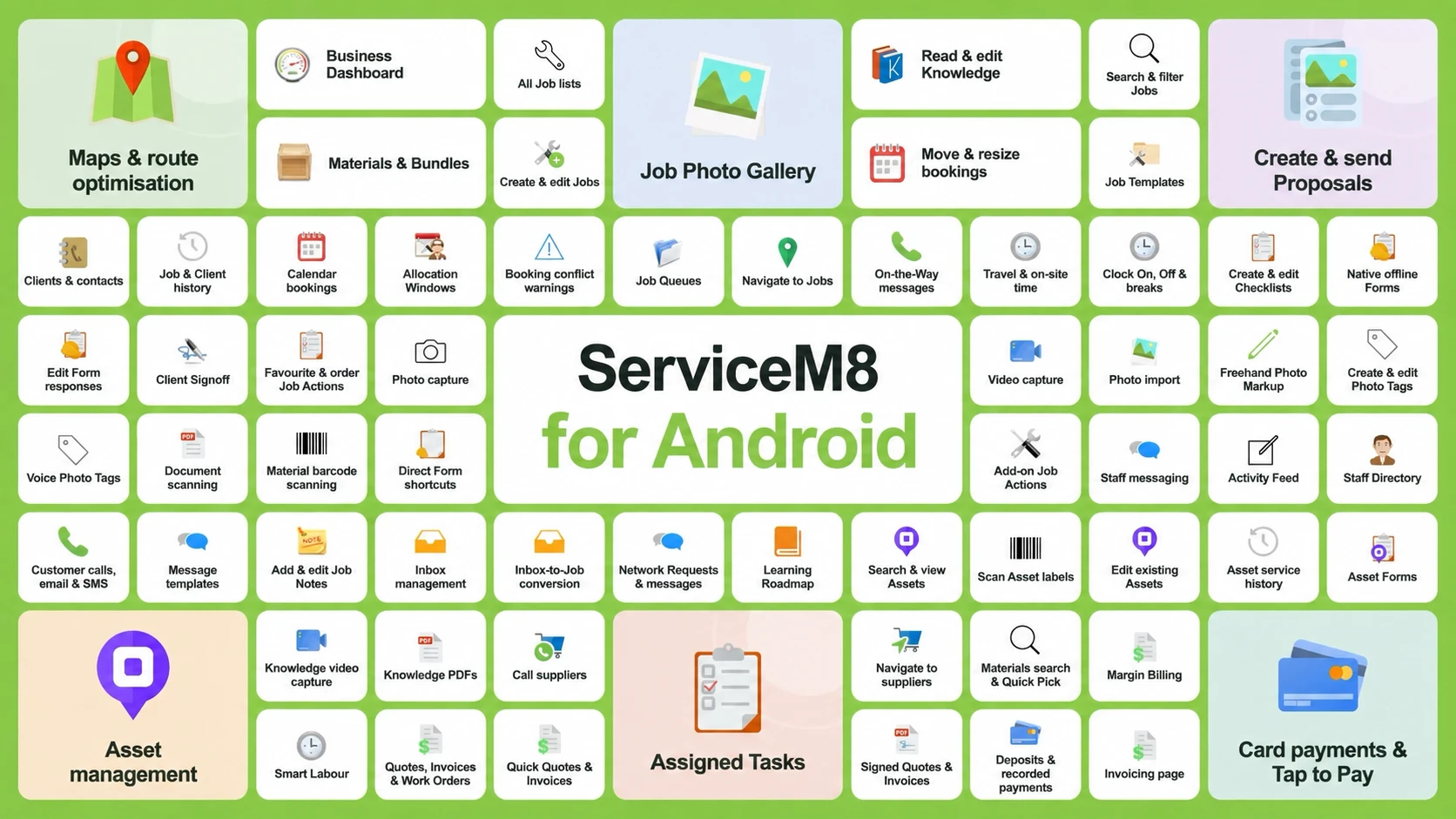
Meet the all-new, full-featured ServiceM8 app for Android. This is a major expansion across job management, photos, Forms, payments and more, alongside new experiences including Office Agent, Staff Chat and the new Schedule.
Get Office Agent's help while you work, and review prepared actions on Android.

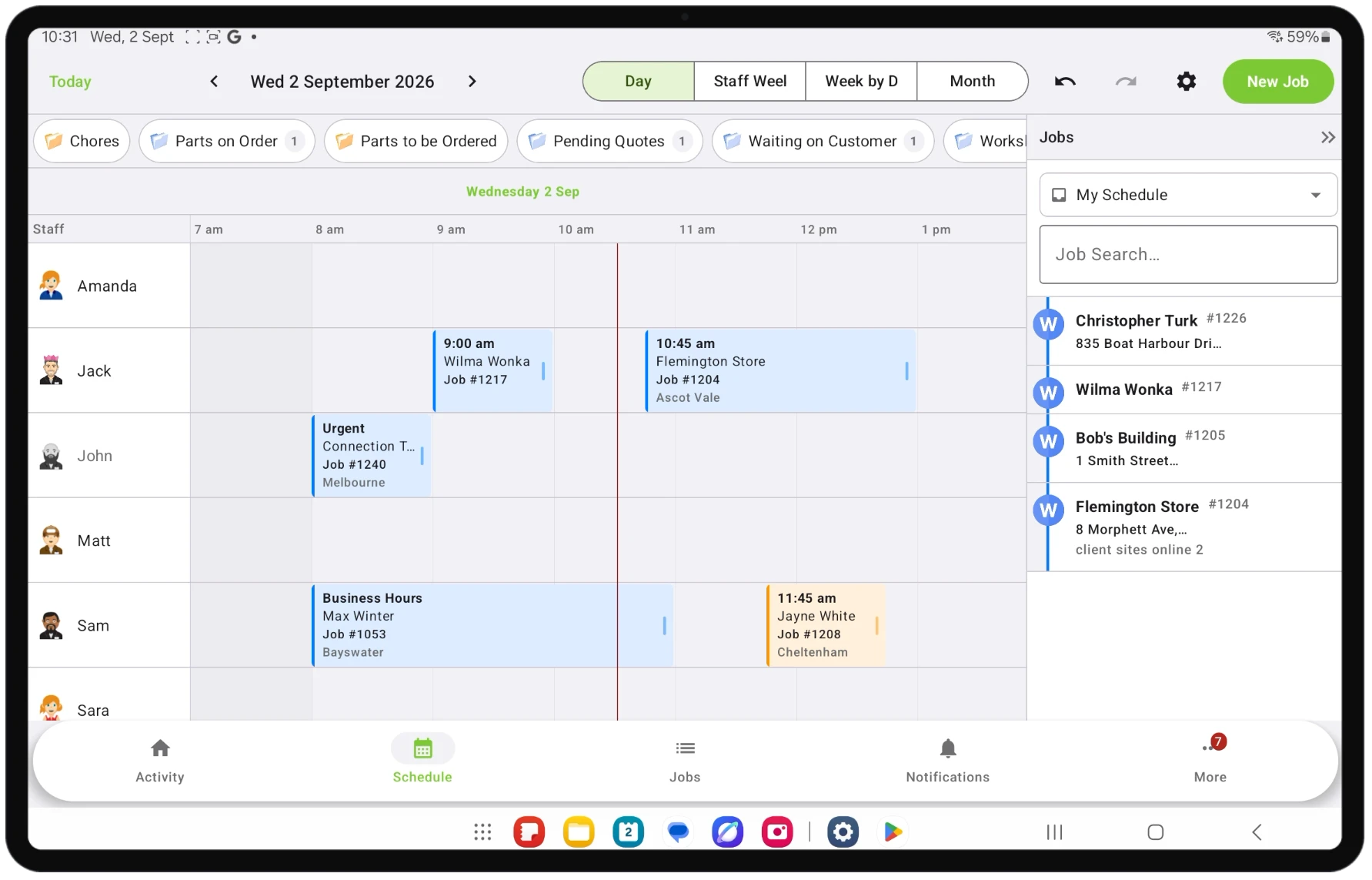
See your team's bookings together in the new Android schedule.
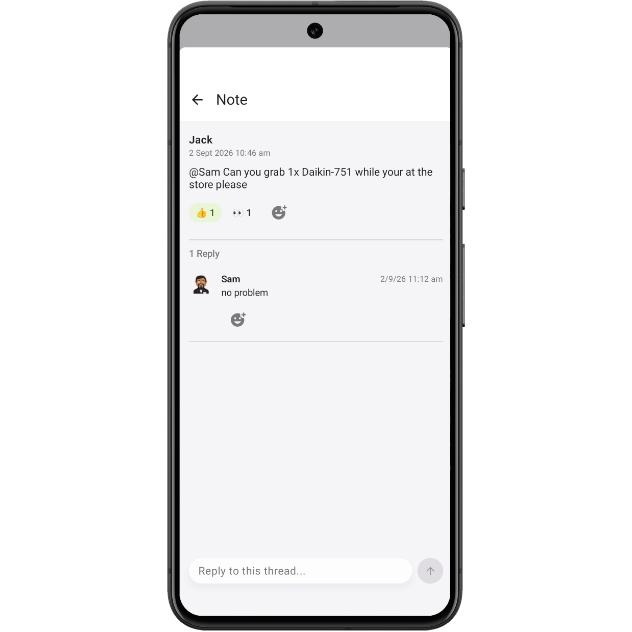
Keep job conversations together with diary threads and reactions.
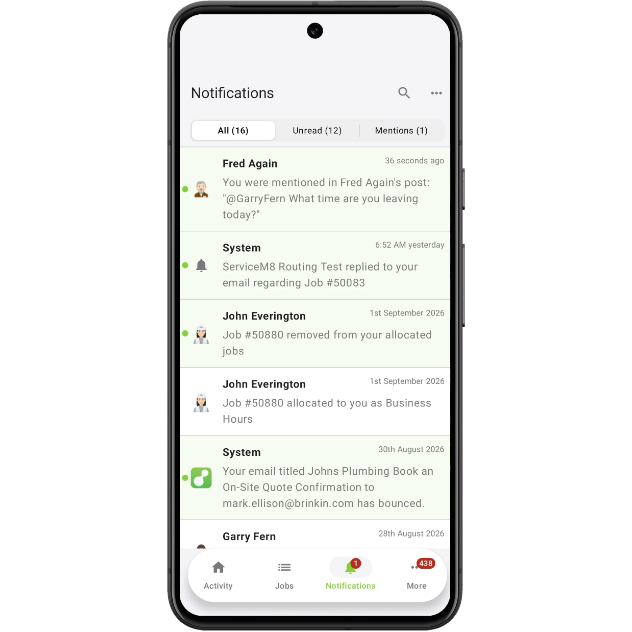
Stay on top of updates with the new notifications experience.
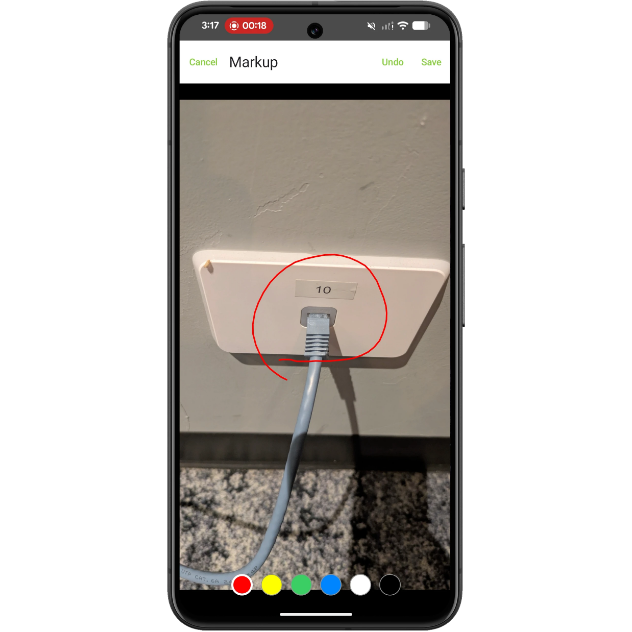
Mark up job photos to make the important details clear.
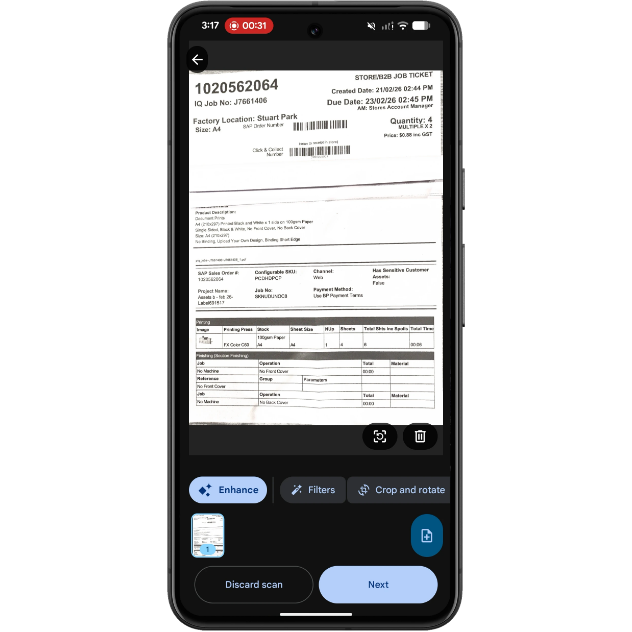
Scan documents directly from your Android device.
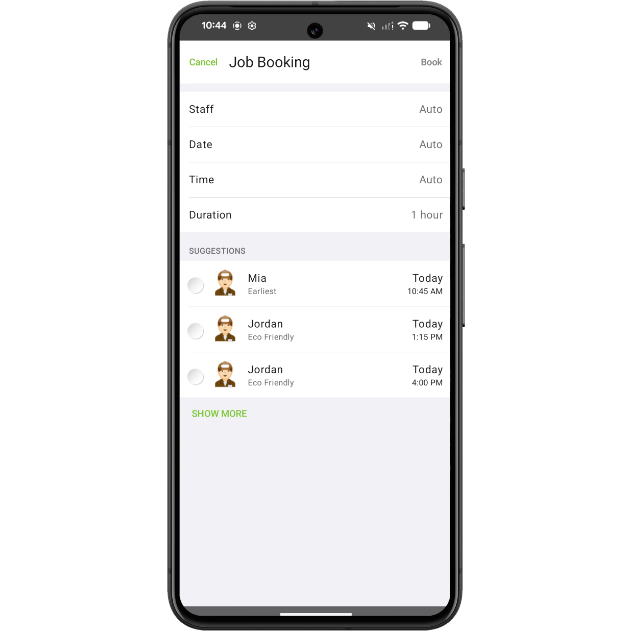
Choose staff and booking times from your Android device.
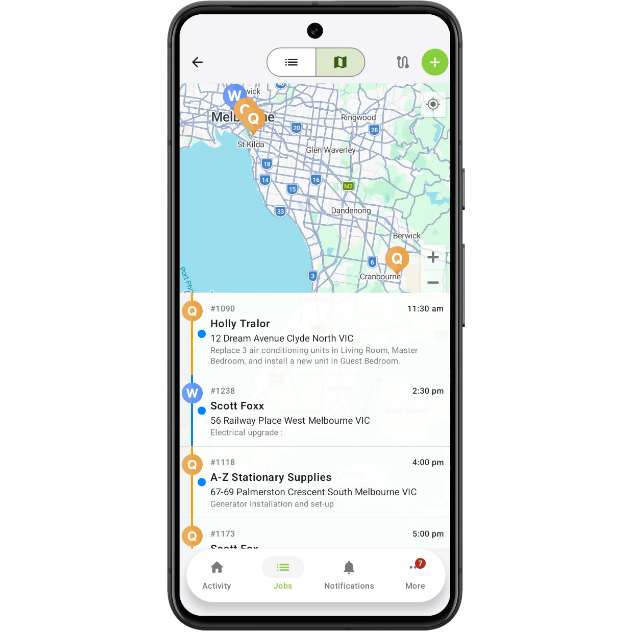
Plan the order of your visits with route optimisation.
Create and send Proposals on Android.
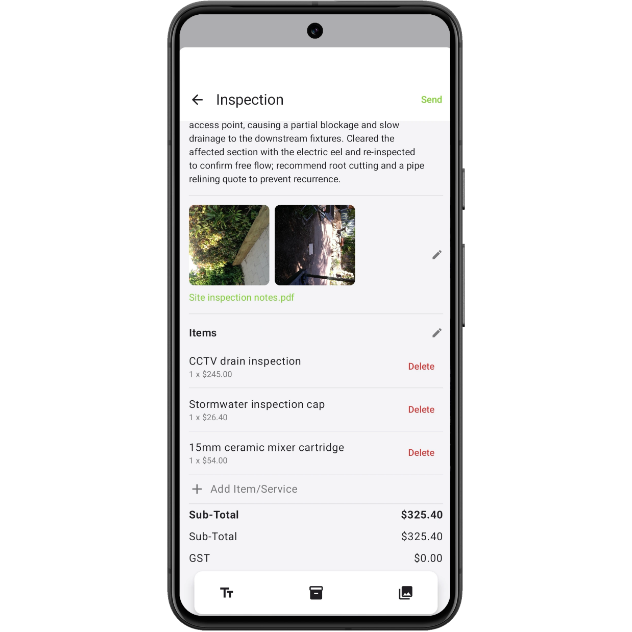
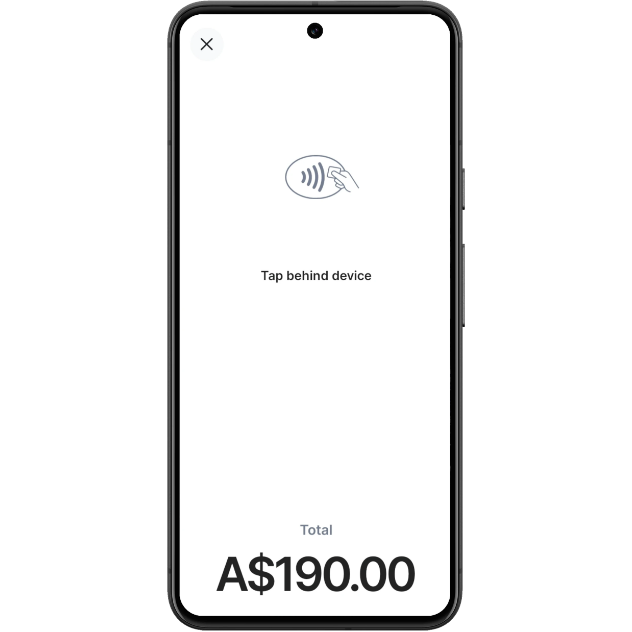
Accept contactless payments with Tap to Pay.
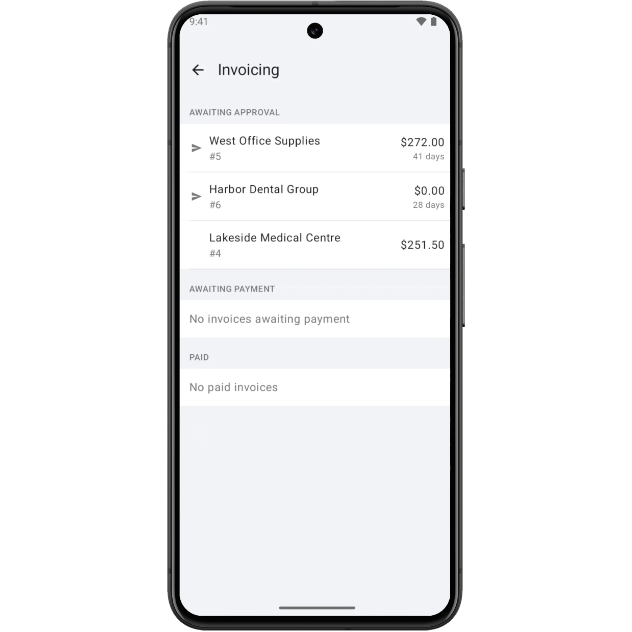
Manage invoicing from your Android device.
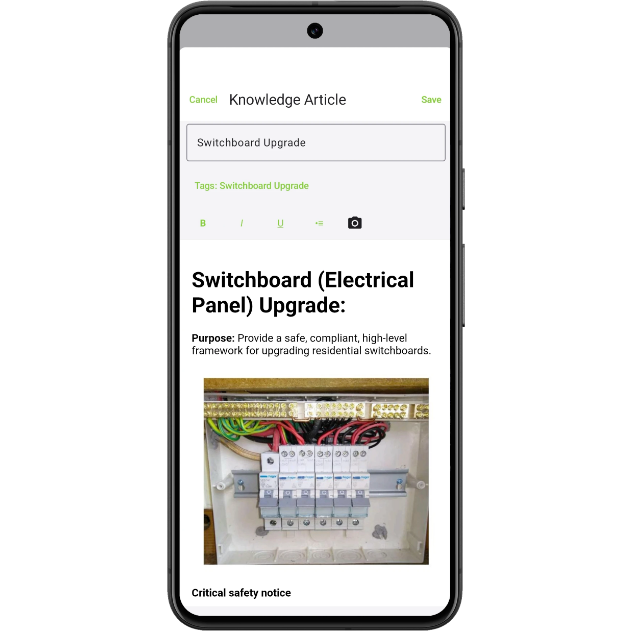
Access business Knowledge on Android.
• About the ServiceM8 Android app
• How to set up Tap to Pay on Android
• Desktop: To activate ServiceM8 15 features & improvements in the Online Dashboard, go to Account > Settings to find the ServiceM8 Launch 2026 notice, and click 'Activate'.
• iOS & Android: The ServiceM8 15 iOS & Android apps are now available in the App Store & Google Play.


