
Stay on top of the updates that need your attention. The new notifications experience gives you more space, filters for unread items and mentions, and a searchable history page Online.

Unread notifications stay highlighted after the bell count clears.
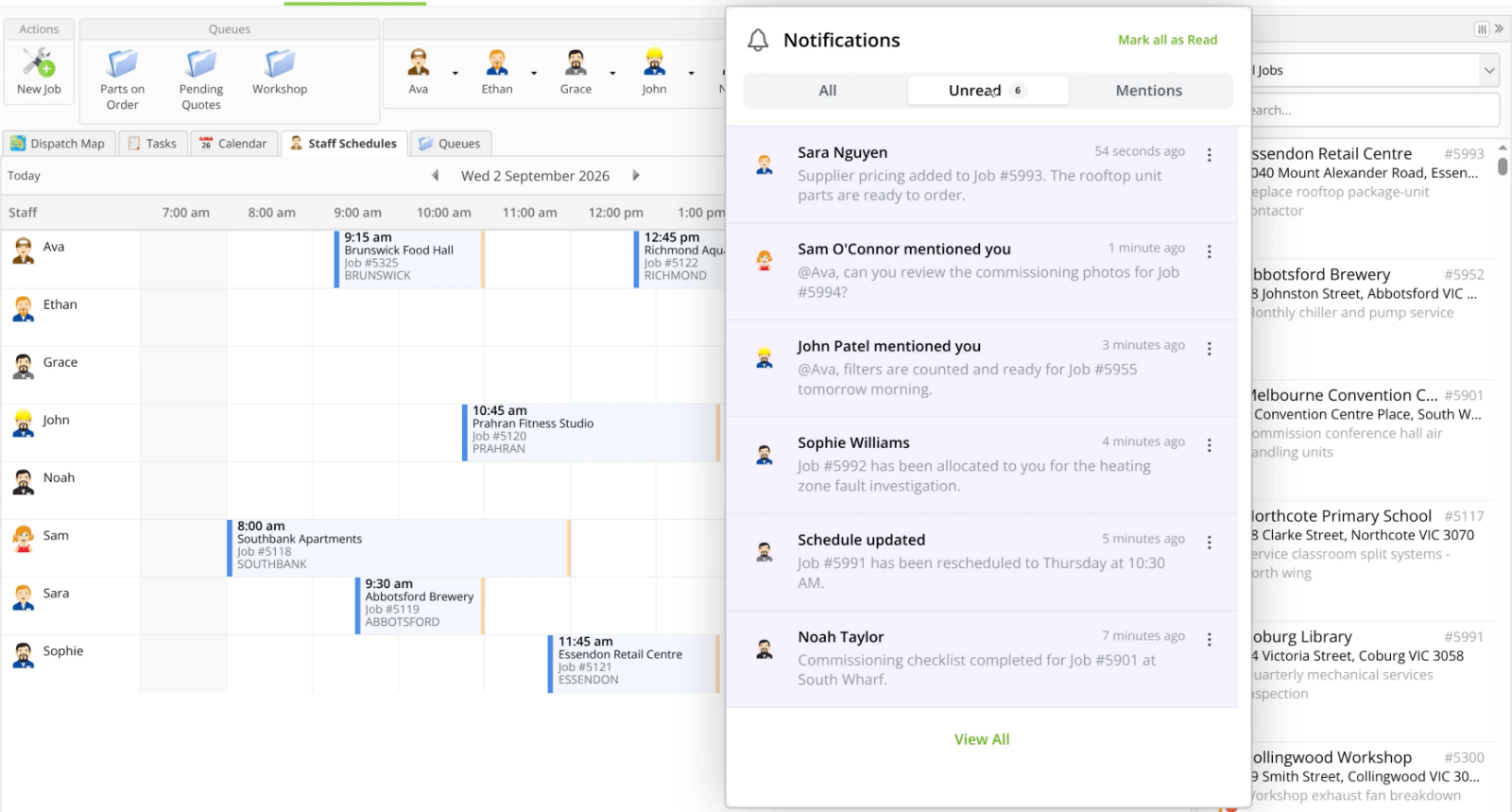
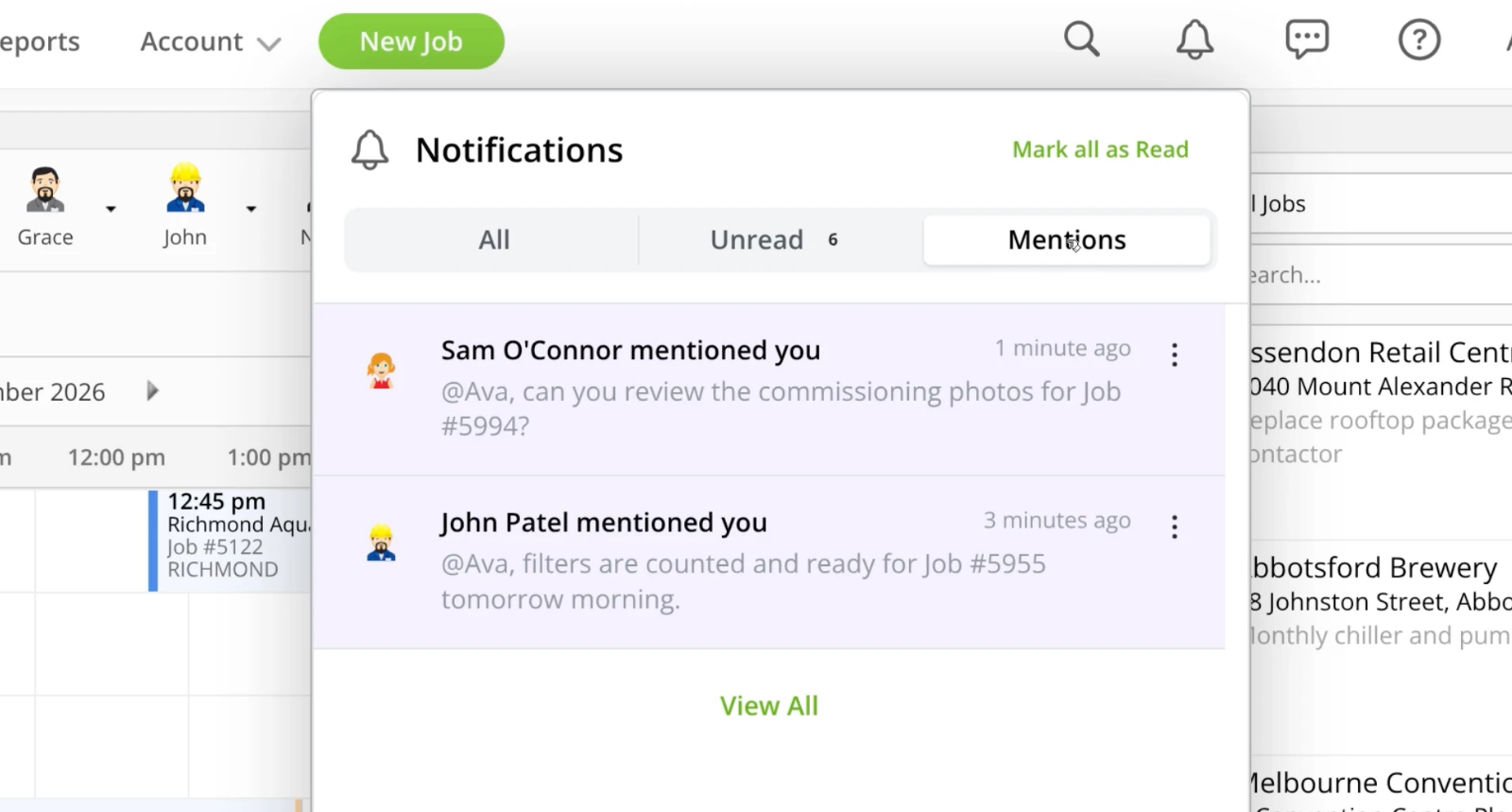
Filter your notifications to find unread items and mentions.
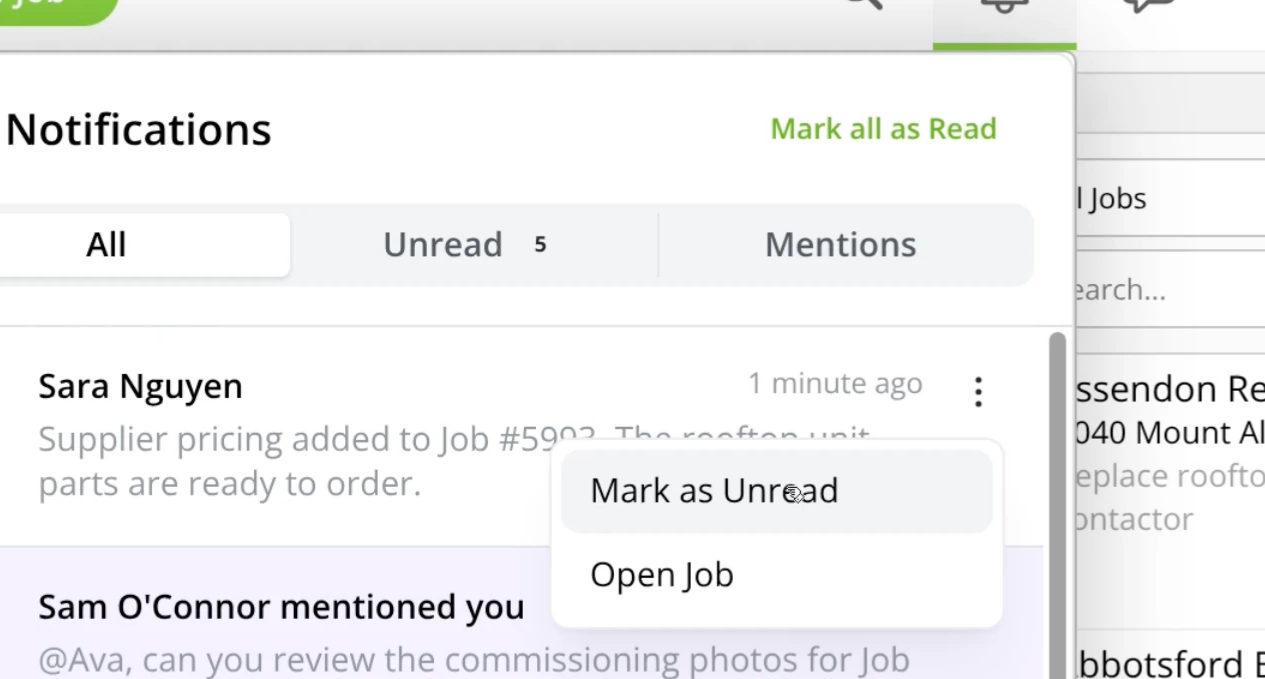
Mark an individual notification as read or unread. Opened notifications are marked as read automatically.
Clear unread notifications together with Mark All as Read.

Review updates in a dedicated Notifications page.
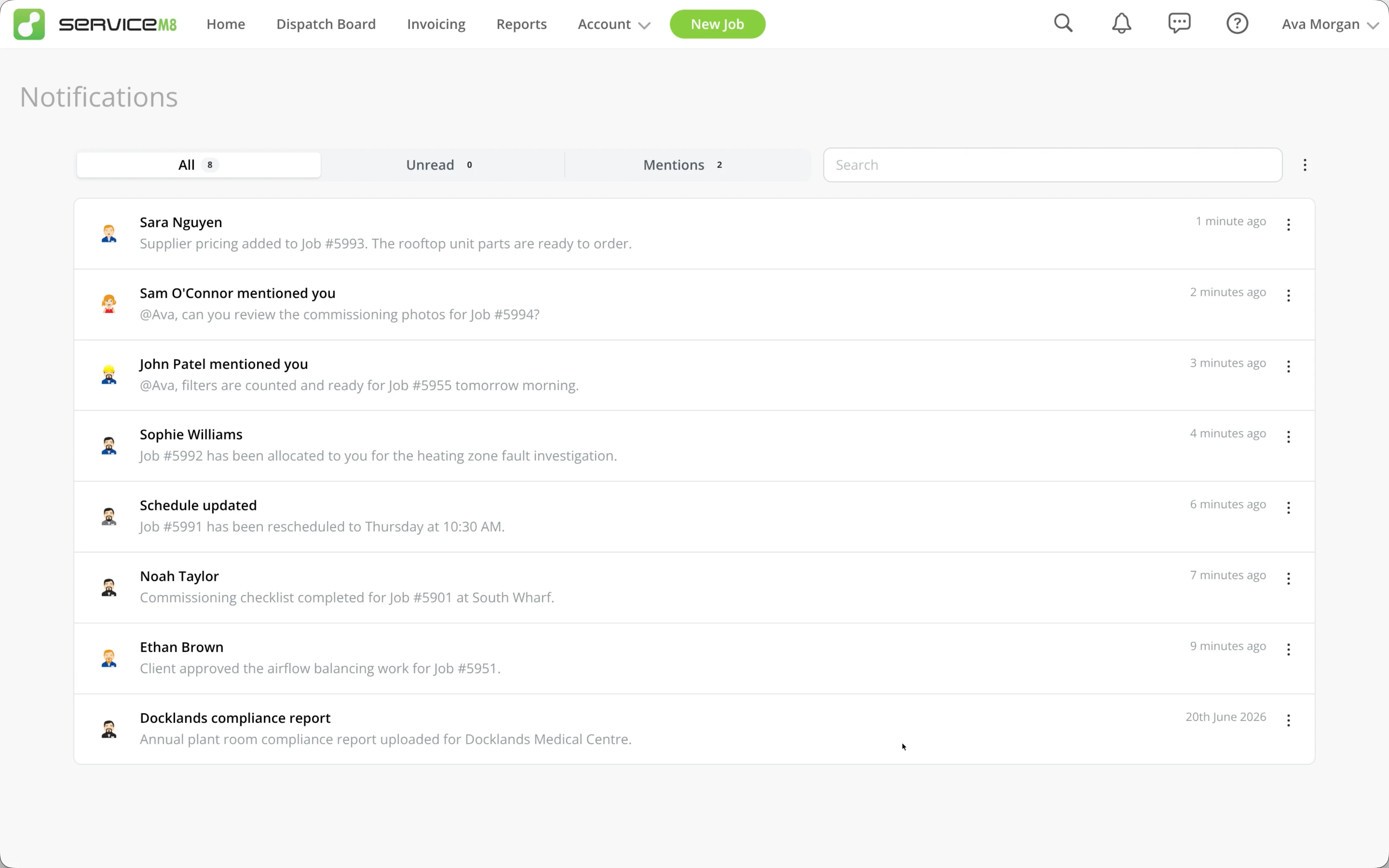
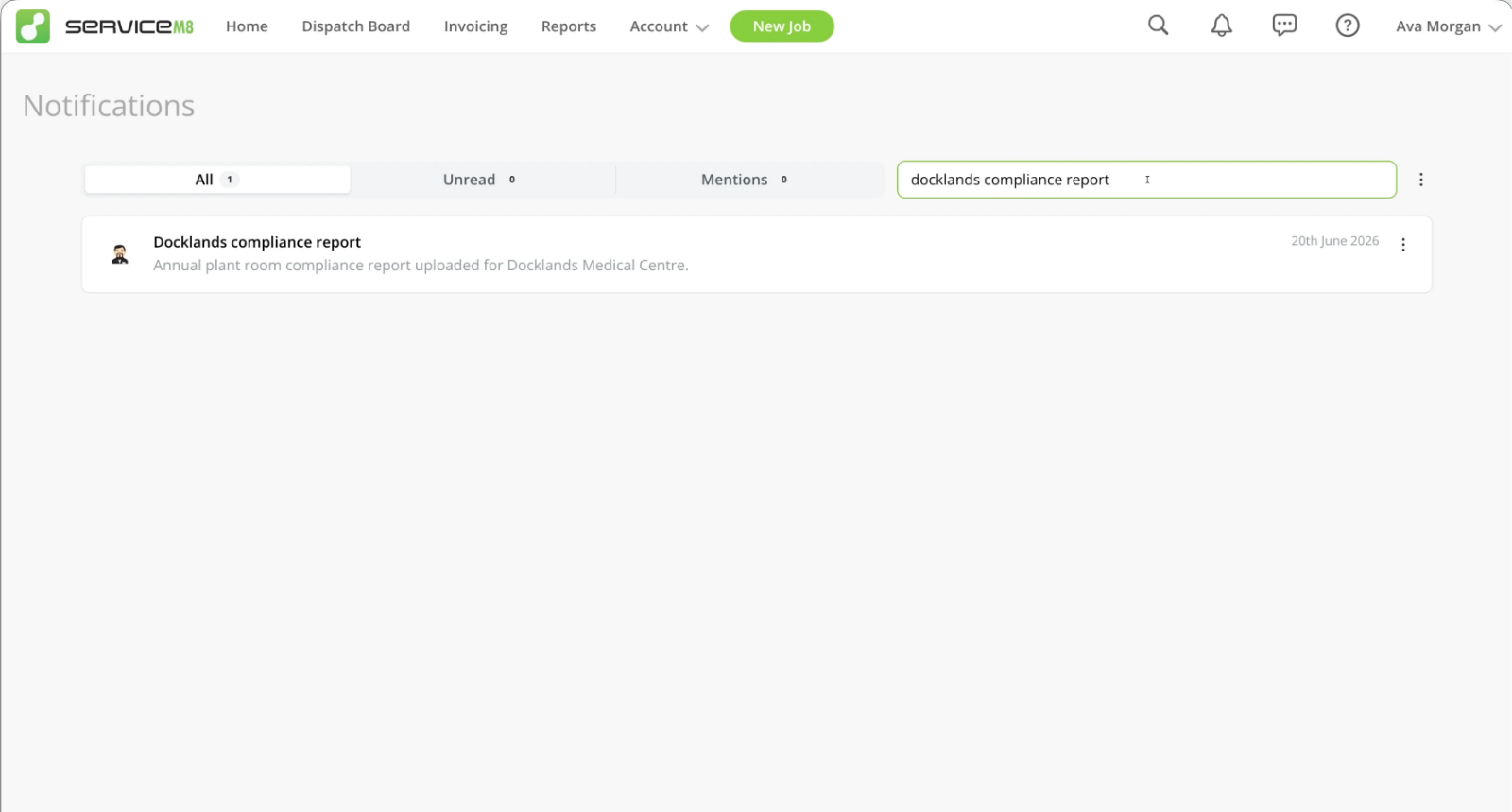
Search the Notifications page for a specific or older update.
• How to manage notifications in the Online Dashboard
• Desktop: To activate ServiceM8 15 features & improvements in the Online Dashboard, go to Account > Settings to find the ServiceM8 Launch 2026 notice, and click 'Activate'.
• iOS & Android: The ServiceM8 15 iOS & Android apps are now available in the App Store & Google Play.


