
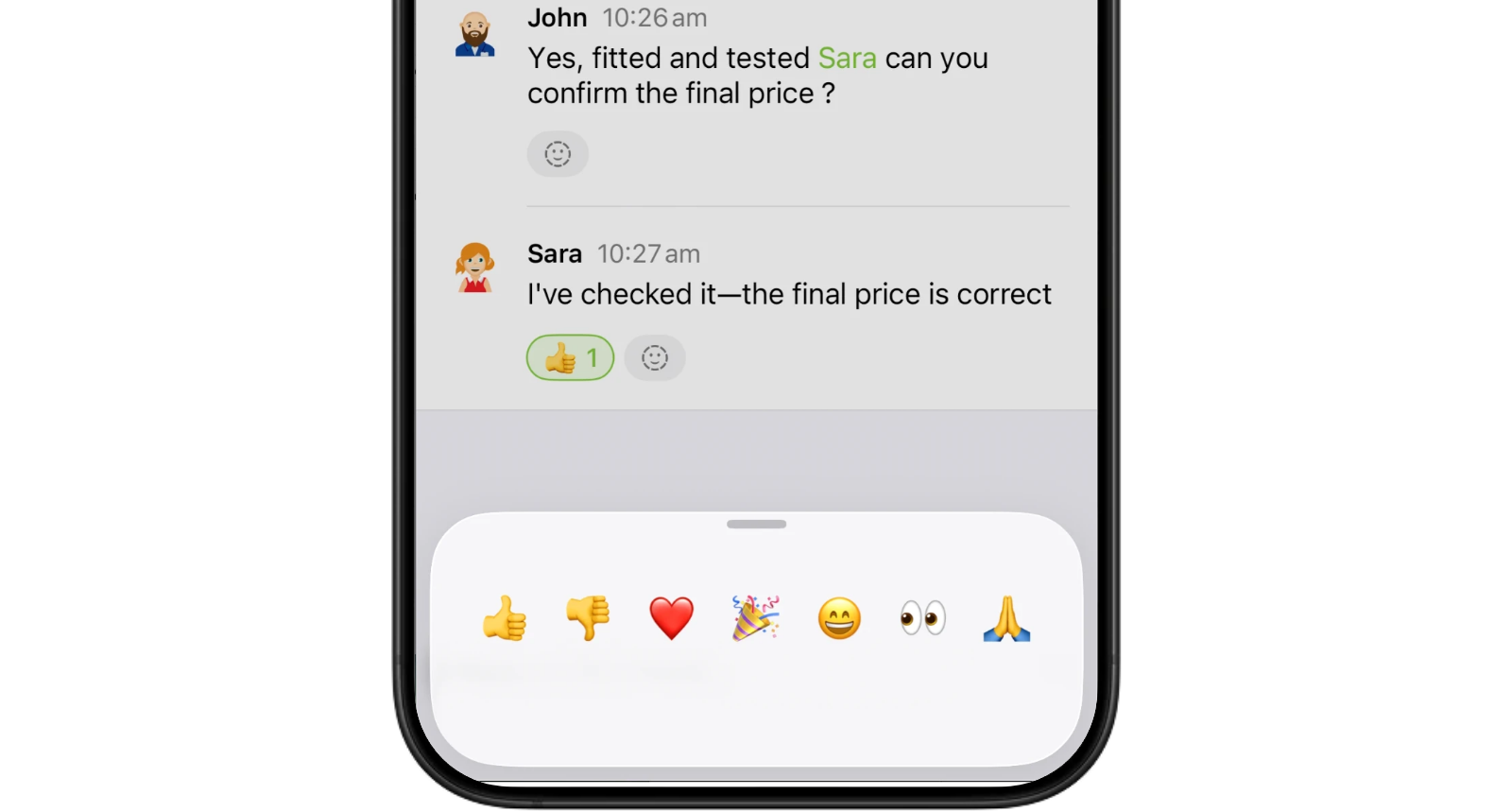
Keep job conversations together. Reply directly to a Job Diary note, mention a teammate, or add a quick emoji reaction, so updates stay connected to the work they're about.
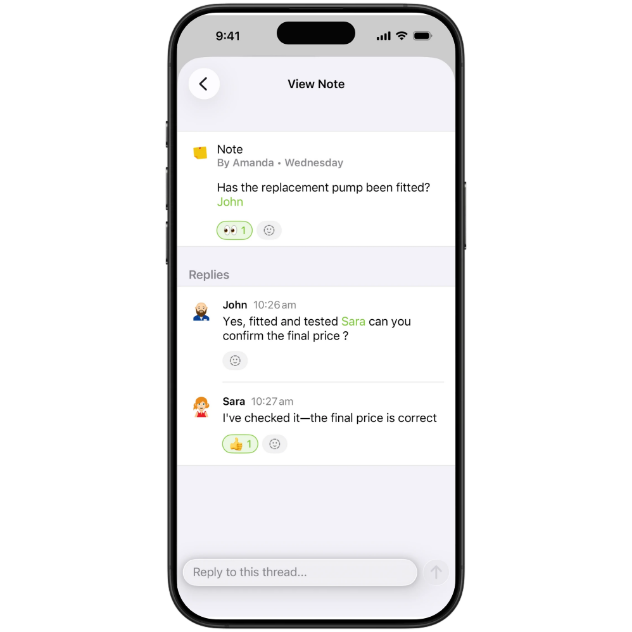
Reply directly to a Note so the conversation stays in context.
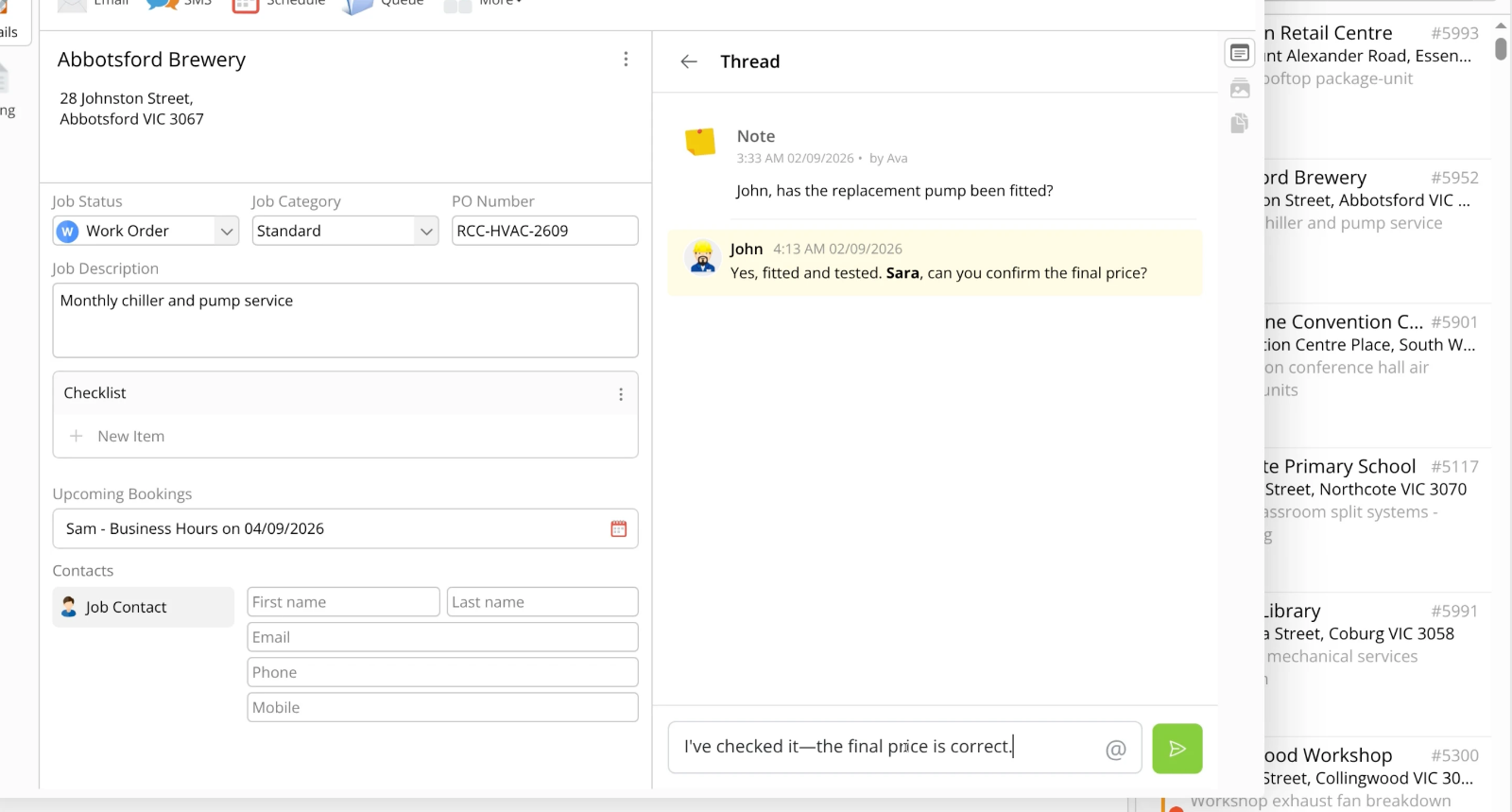
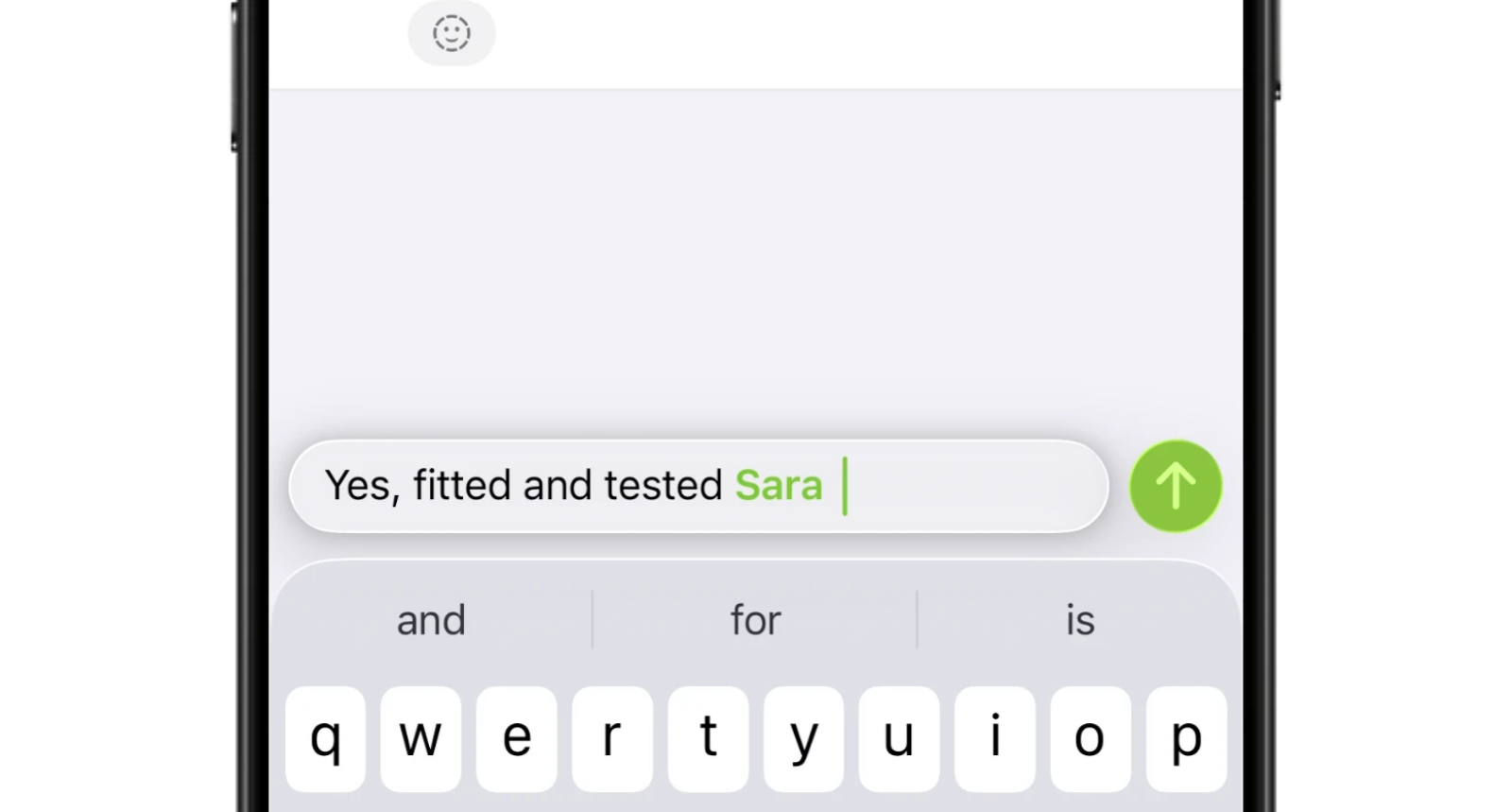
Mention a teammate in a reply to bring them into the conversation.
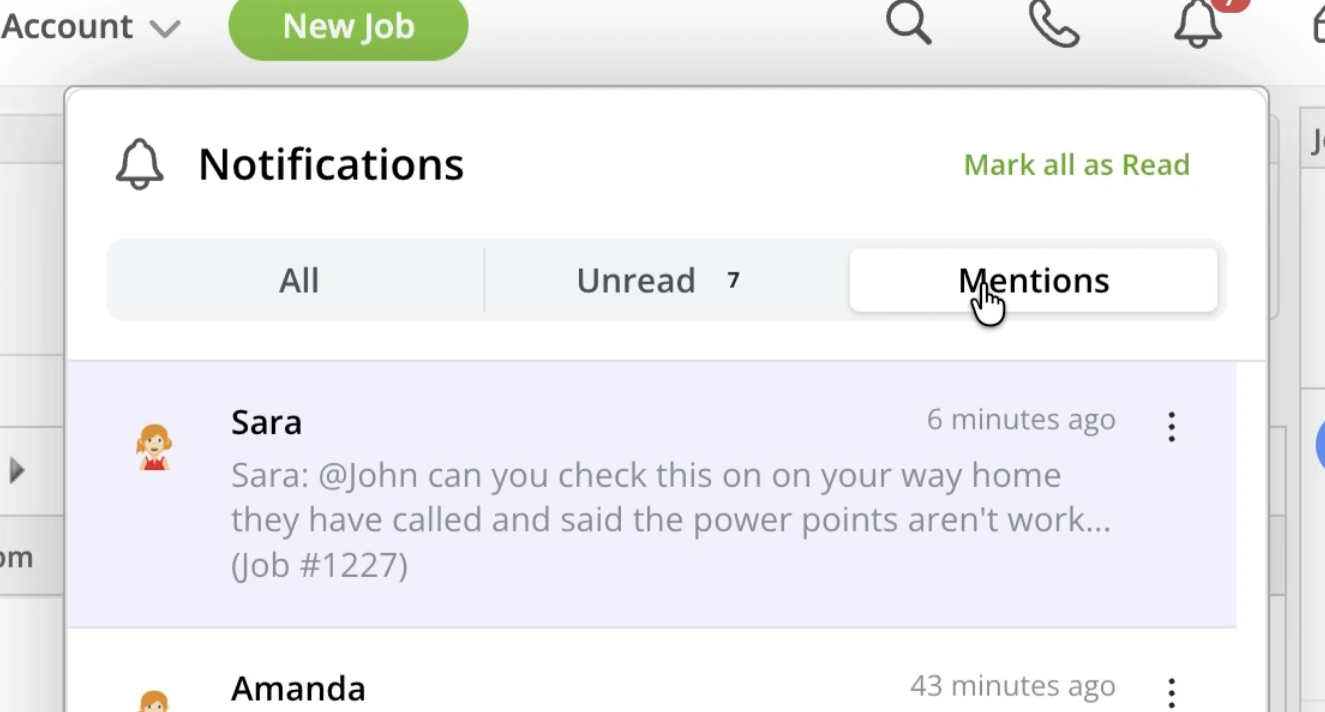
Get notified about replies and mentions, then open the related thread straight from the notification.
Use emojis to easily acknowledge or reply.
• How to reply and react to Job Diary notes
• Desktop: To activate ServiceM8 15 features & improvements in the Online Dashboard, go to Account > Settings to find the ServiceM8 Launch 2026 notice, and click 'Activate'.
• iOS & Android: The ServiceM8 15 iOS & Android apps are now available in the App Store & Google Play.


