
Find a time that works for your team and your client, in one clear booking window. The new booking window brings staff availability, existing bookings, travel time and client preferences together, with options for team bookings, multiple days and client booking links.
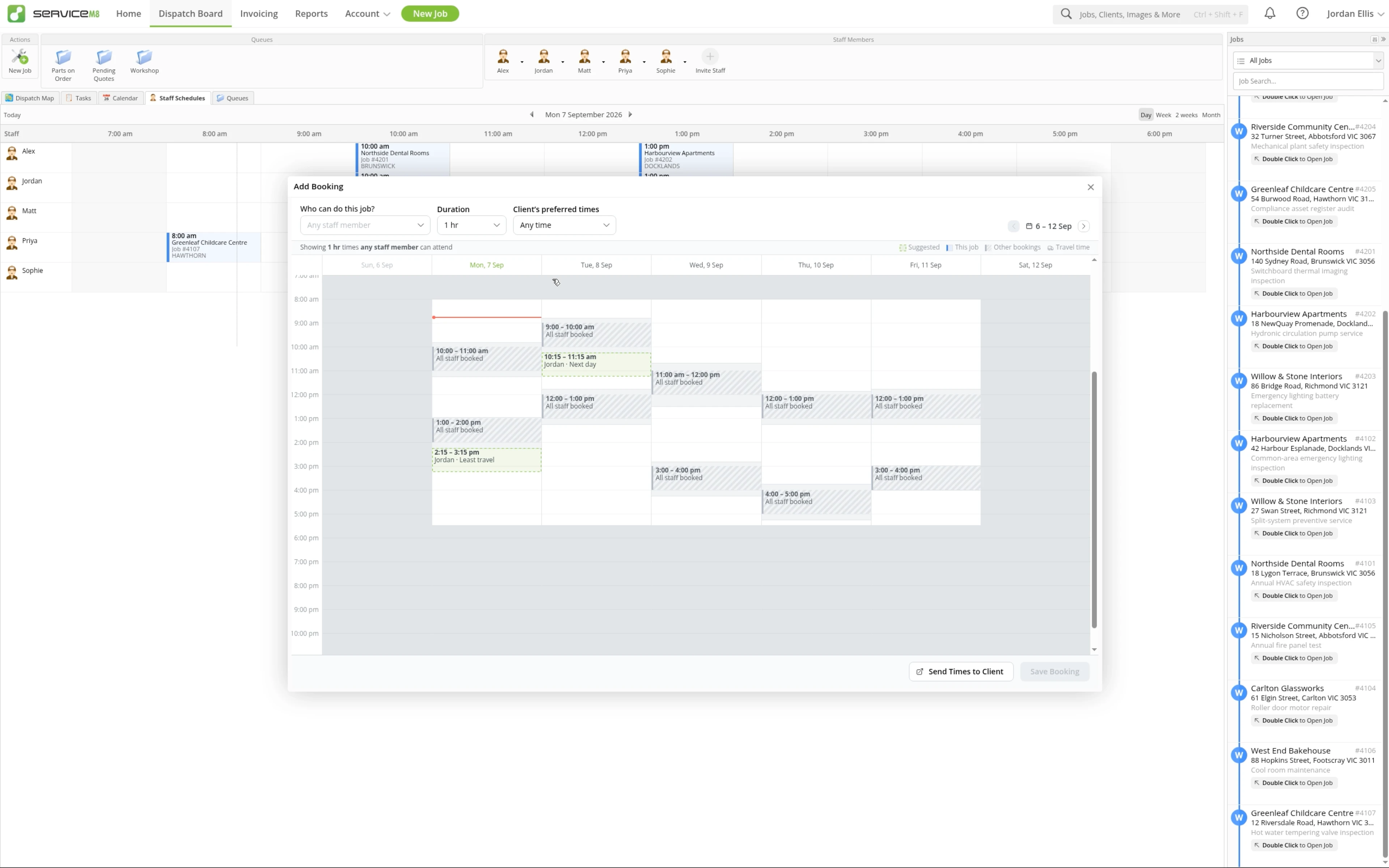
Compare available times, including options with less travel.
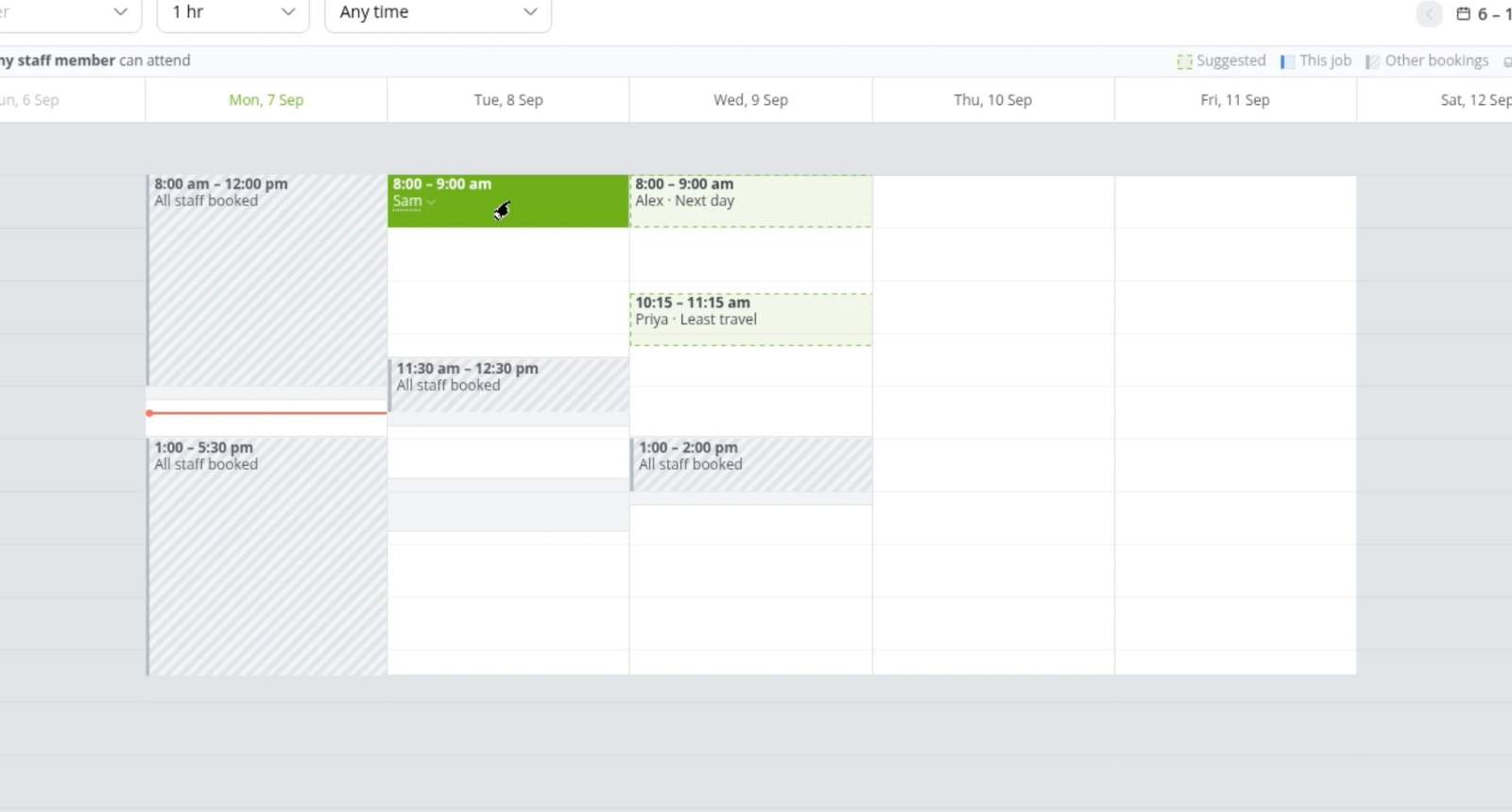
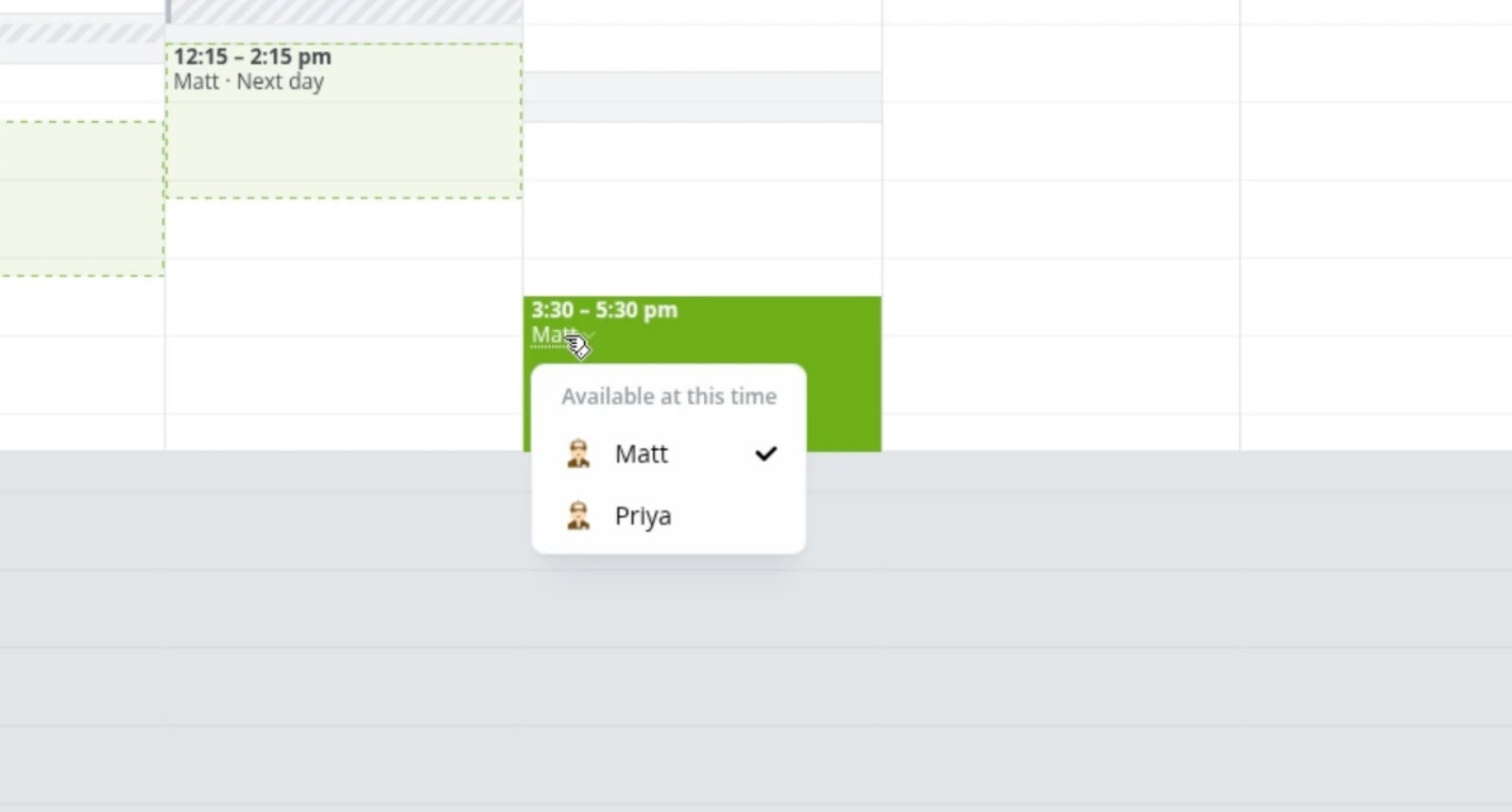
Choose from staff who are available at the selected time.
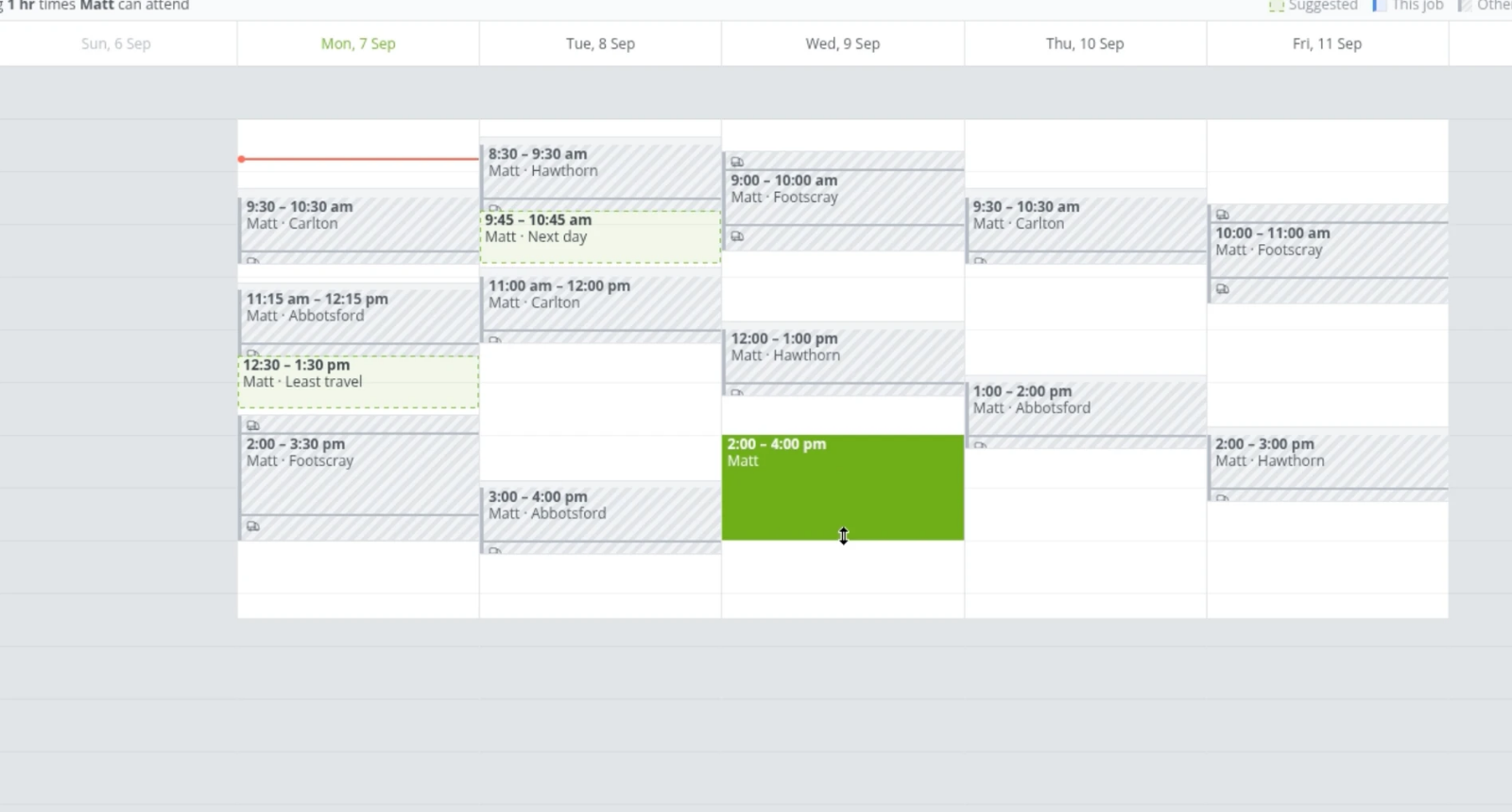
Move a booking or adjust its duration on the availability canvas.
See a warning when the selected booking time conflicts.

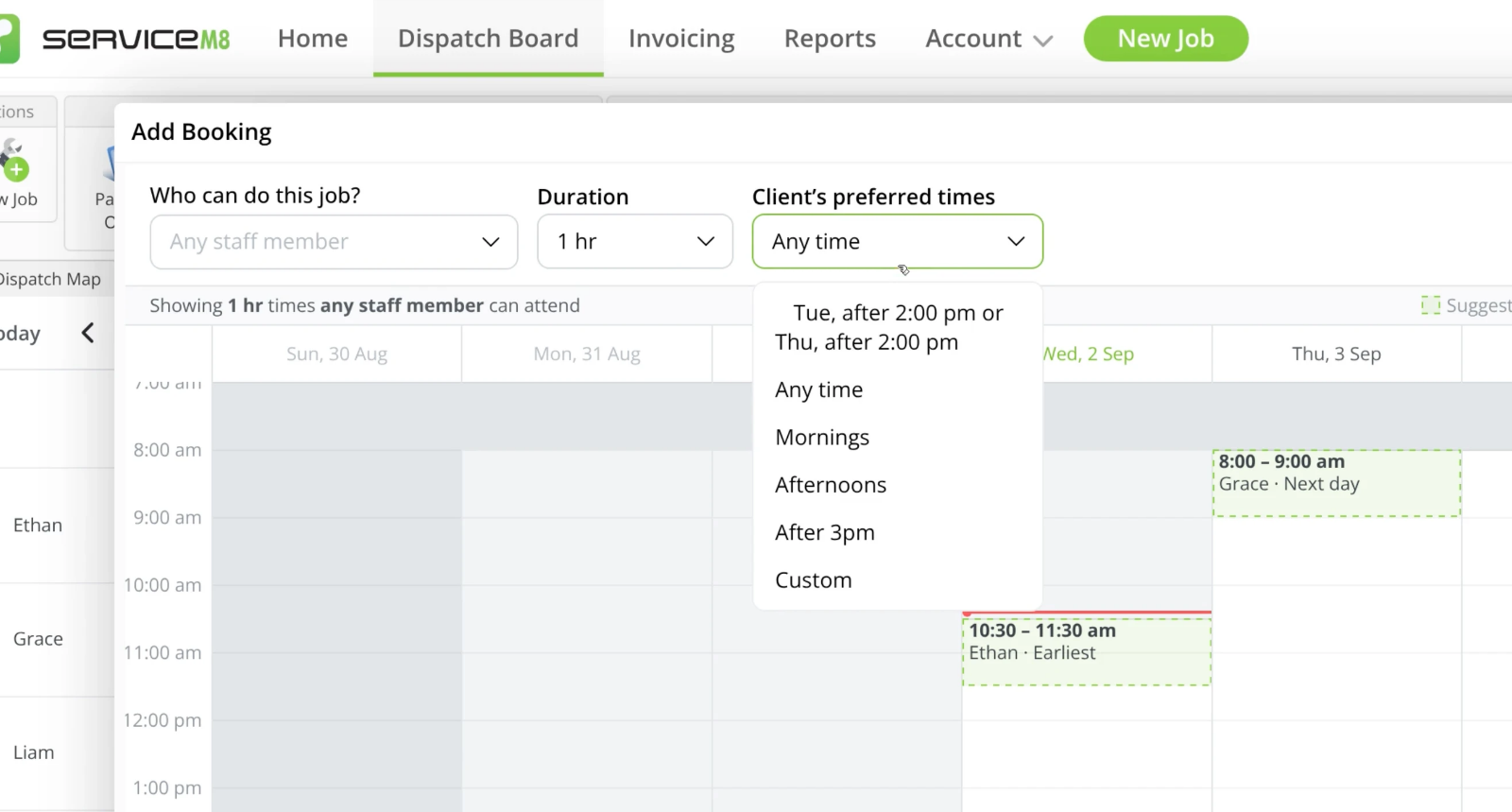
Narrow the suggested options to match the client's availability, using a preferred-time preset or availability recognised from Job Notes.
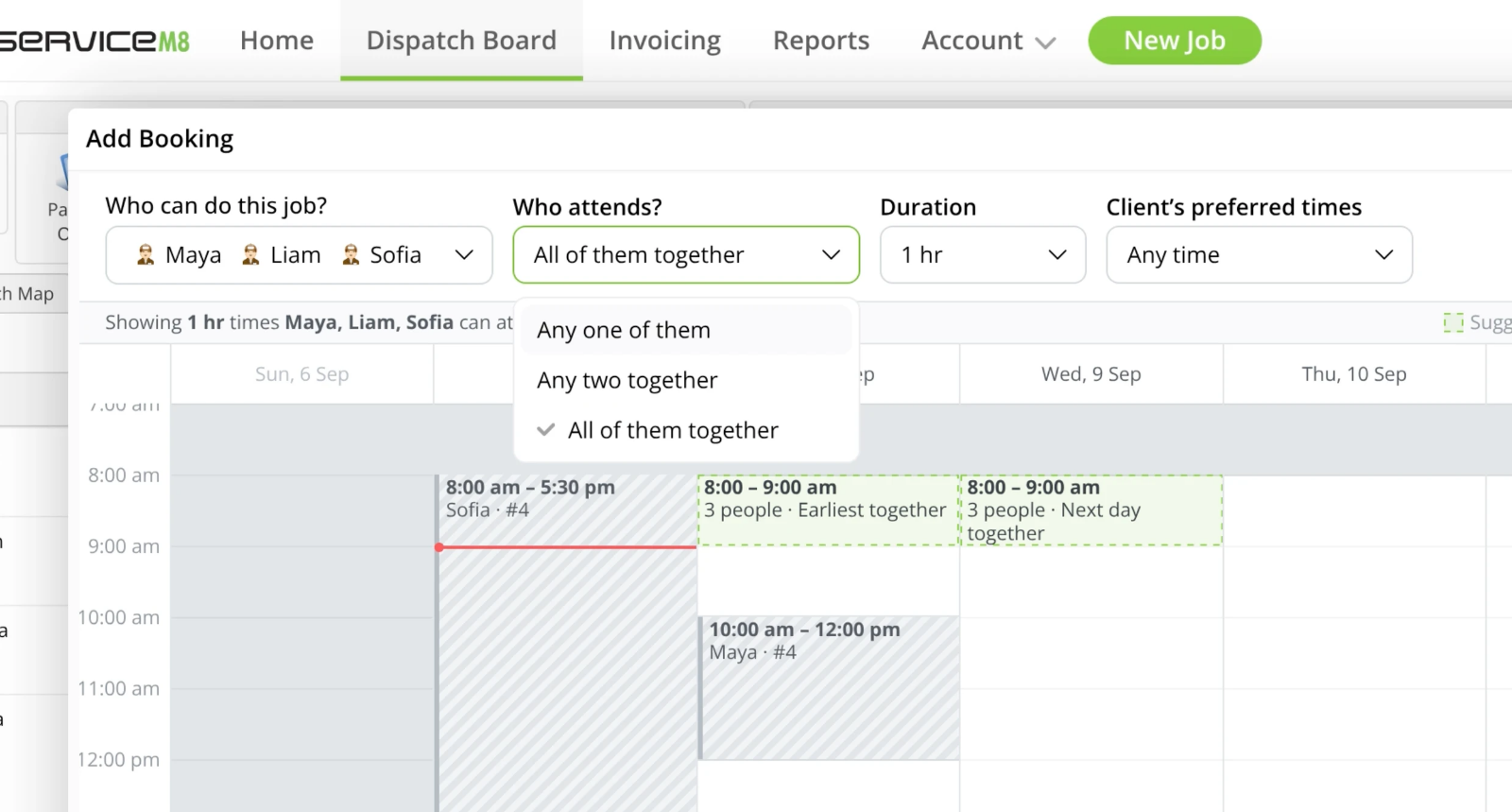
Look for a time that works for all, any or a chosen number of staff.
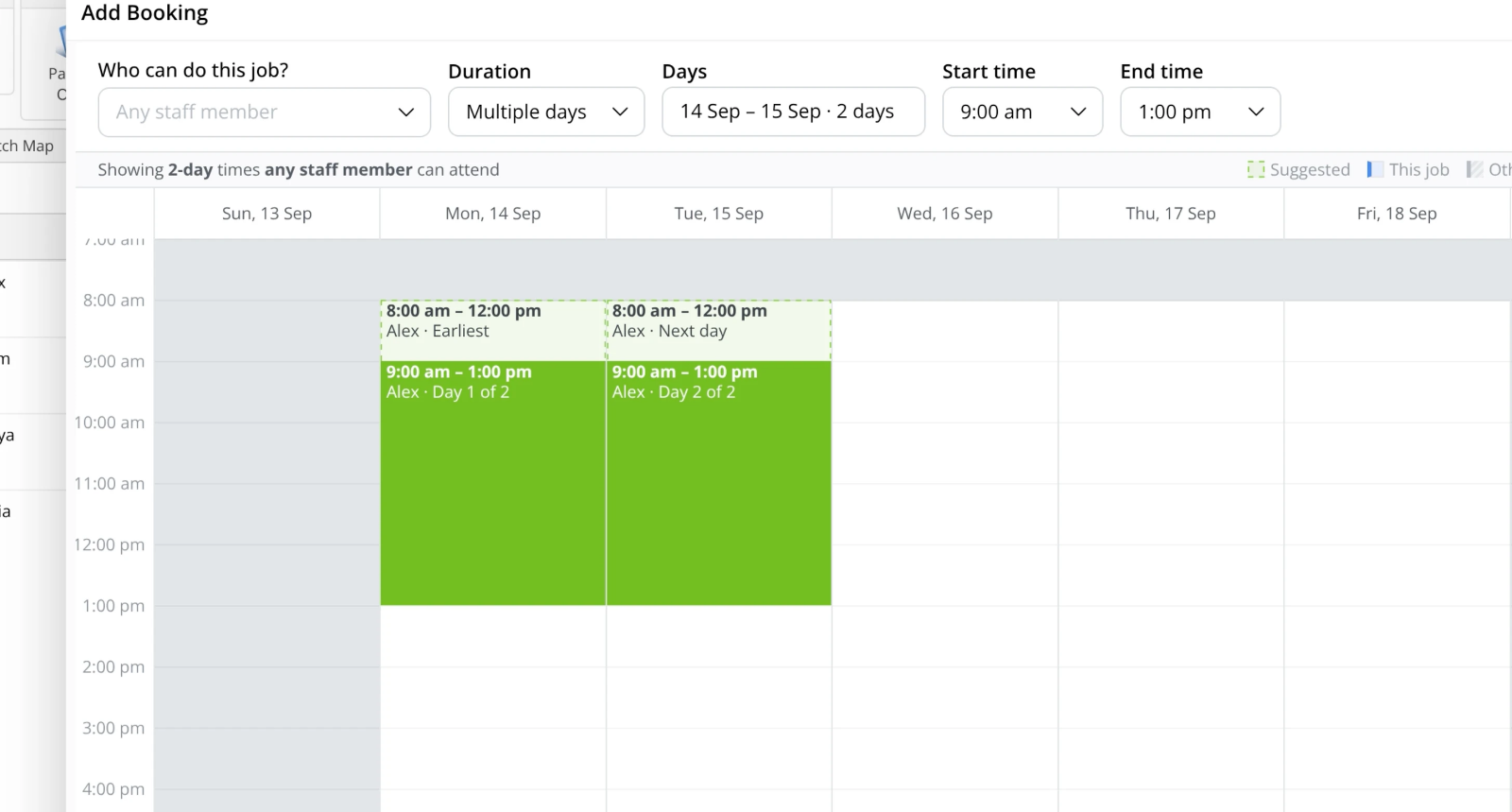
Book work across separate days when the job needs more than one visit.
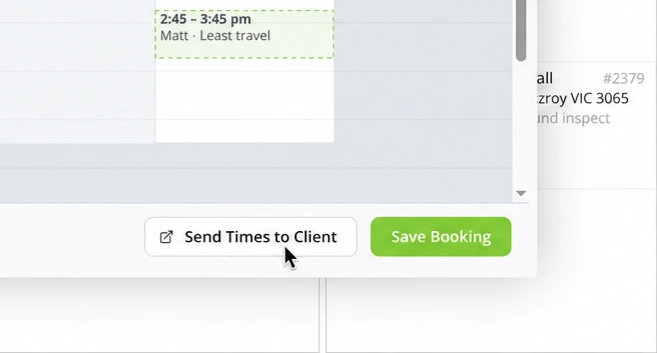
Send available times to the customer using a Booking Link, so they can pick the time that suits them.
• How to schedule a job from the Job card in the Online Dashboard
• Desktop: To activate ServiceM8 15 features & improvements in the Online Dashboard, go to Account > Settings to find the ServiceM8 Launch 2026 notice, and click 'Activate'.
• iOS & Android: The ServiceM8 15 iOS & Android apps are now available in the App Store & Google Play.


