
Knowing where staff are and what they're doing is vital, but hard to track. ServiceM8 14 gives you more real-time visibility than ever — see where staff are, where they've been, and how their day is progressing.
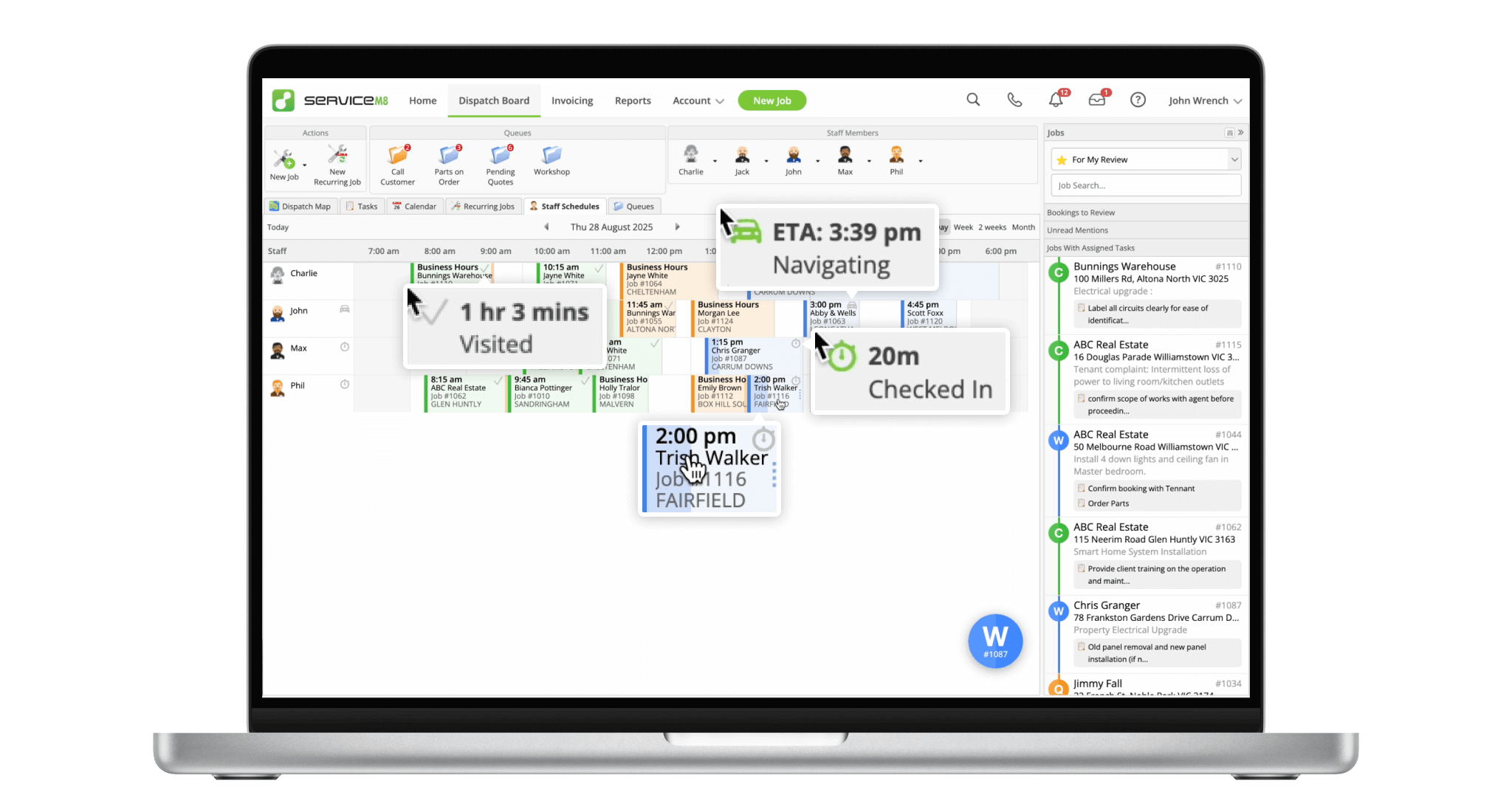
See at a glance if the staff member is navigating to a scheduled job, and hover to see their ETA.
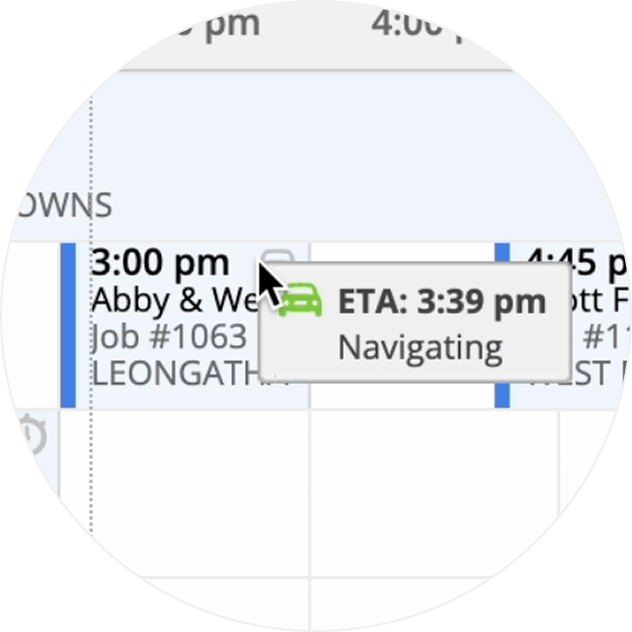
See at a glance if the staff member is Checked In, and hover to see their recorded time.
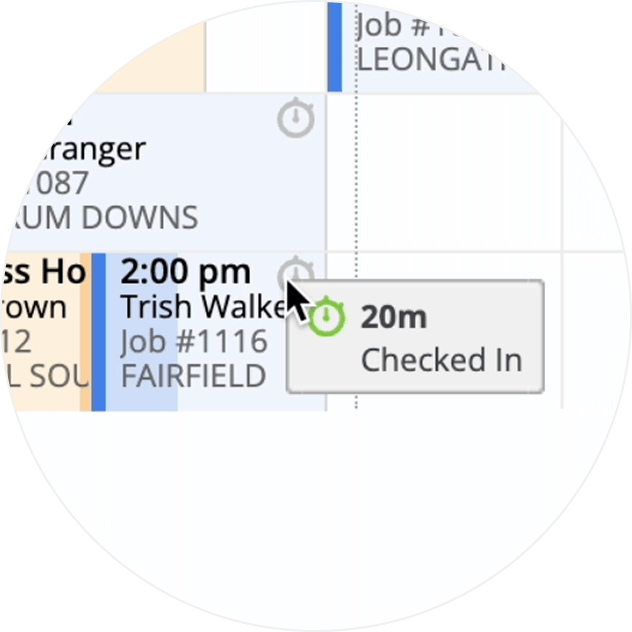
Gauge a staff member's status and progress as the job fills and their Check In time increases.
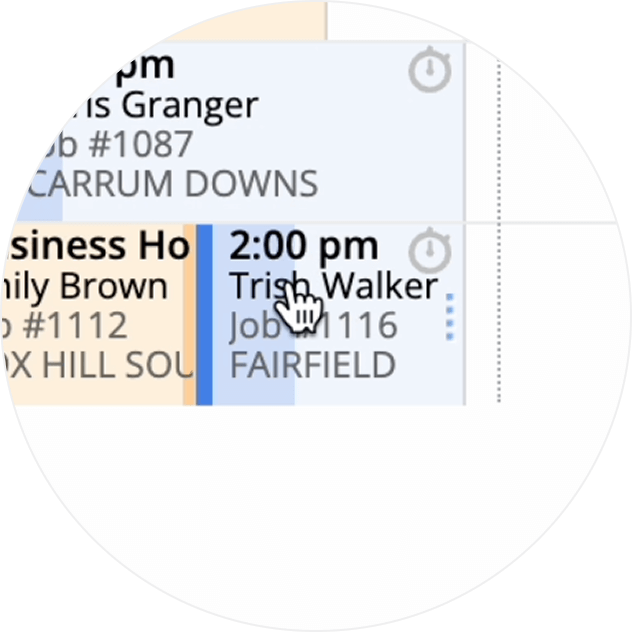
Instantly see which jobs the staff member has checked in to (and which ones they haven't), to identify earlier jobs that may need attention.
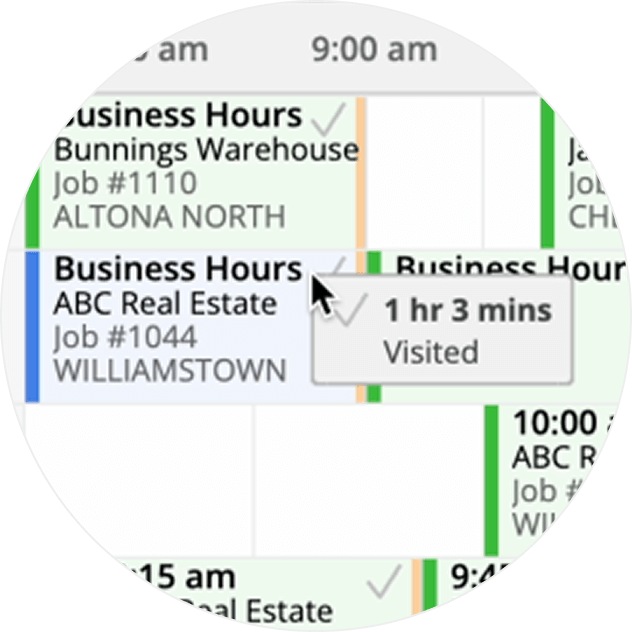
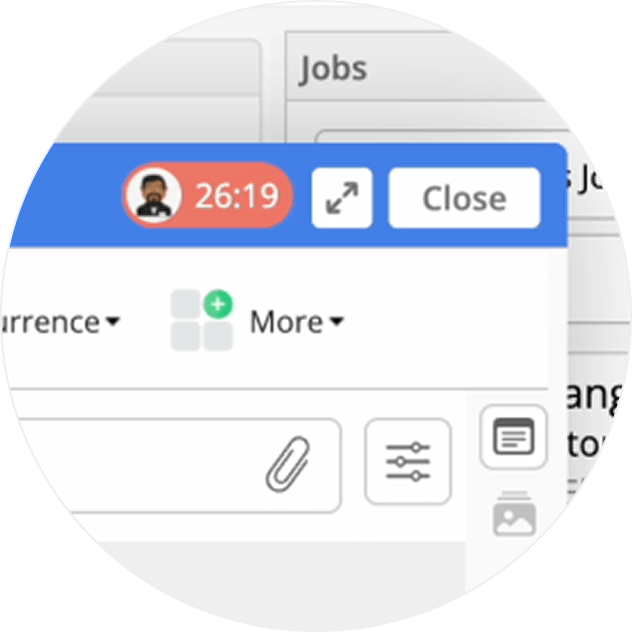
See when other team members have the job card open, to prevent duplication or clashes, and work better as a team.
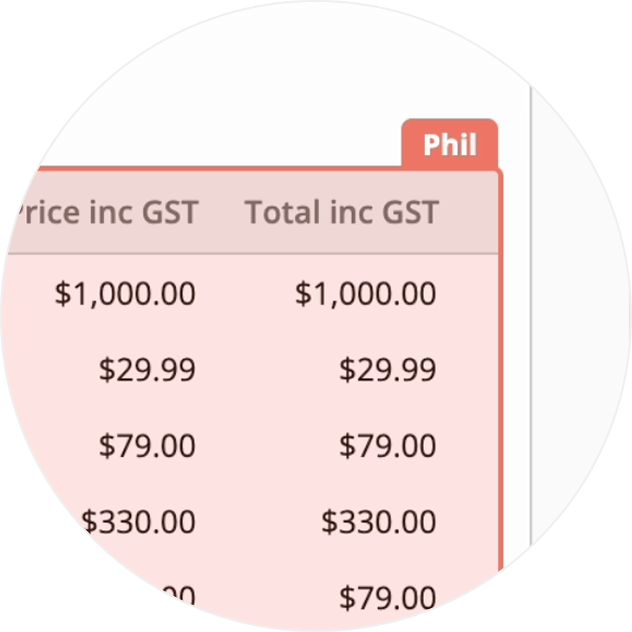
See which team members are currently Checked In to the job, and their recorded time.
• Desktop: To activate ServiceM8 14 features & improvements in the Online Dashboard, go to Account > Settings to find the ServiceM8 Launch 2025 notice, and click 'Activate'.
• iOS & Android: The ServiceM8 14 iOS & Android apps are now available in the App Store & Google Play.


